
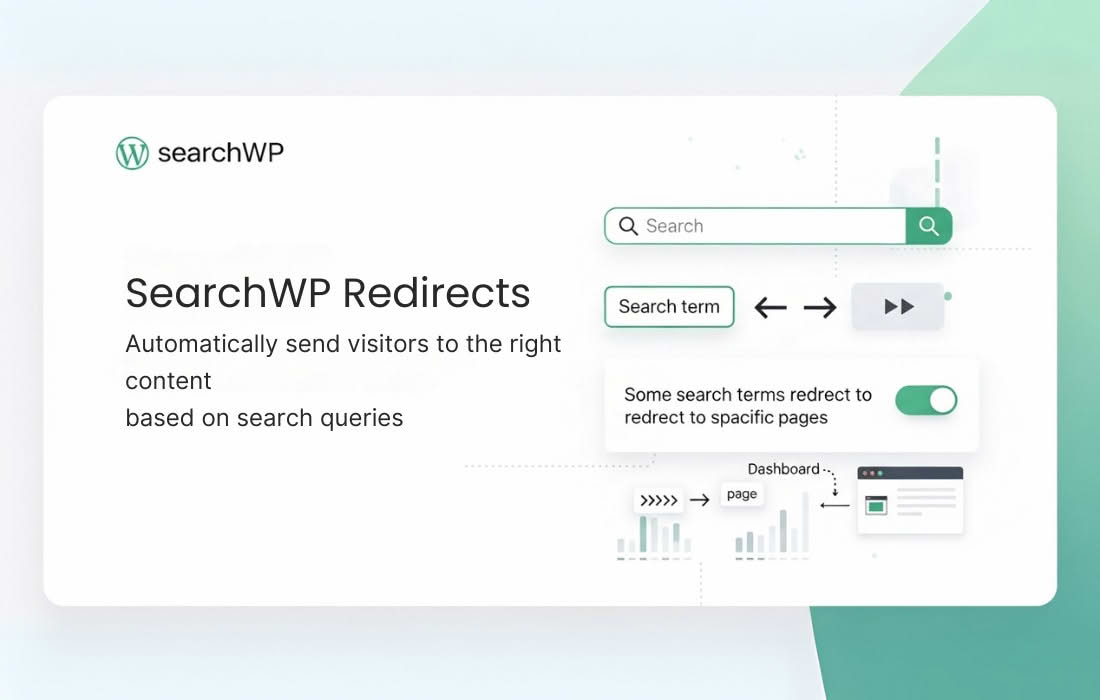
SearchWP Redirects is an essential utility for WordPress site owners and administrators who want to take full control over their site’s search experience. By allowing you to map specific search queries to custom destination URLs, this plugin ensures that your visitors always land exactly where you want them to, turning generic search results into powerful conversion opportunities. Whether you are guiding users to a high-converting landing page, a specific product category, or a crucial piece of documentation, SearchWP Redirects eliminates the frustration of “no results found” pages and improves the overall usability of your website.
Key Features
- Custom Search Query Mapping: Easily define specific search terms or phrases and assign them to any URL on your site, ensuring users find exactly what they are looking for.
- Improved User Experience: Reduce bounce rates by bypassing standard search result pages and sending users directly to the most relevant content.
- Conversion Optimization: Direct traffic from commercial search queries (like “best running shoes”) straight to your top-performing product pages or sales funnels.
- Seamless Integration: Designed to work harmoniously with the SearchWP ecosystem, ensuring that your custom redirects function reliably alongside your advanced search configurations.
- Easy Management: An intuitive interface allows you to add, edit, and remove redirects as your site’s content and user search habits evolve over time.
- Performance Focused: Built with efficiency in mind, the plugin handles redirects quickly without adding unnecessary bloat to your site’s search functionality.
Use Cases / Who It’s For
SearchWP Redirects is built for anyone who wants to curate the search journey on their WordPress site. It is particularly valuable for e-commerce store owners who want to ensure that when a customer searches for a brand or a specific product line, they are taken directly to the relevant collection page rather than a cluttered list of individual items.
Content publishers and bloggers also benefit significantly. If you have a popular topic that you cover extensively, you can redirect search queries for that topic to a curated “Start Here” page or a comprehensive pillar post, helping new readers find your best work immediately. Furthermore, it is an excellent tool for site administrators managing large documentation sites or knowledge bases, where specific search terms are known to correspond to specific manuals or support articles, allowing you to reduce support tickets by surfacing the right documentation instantly.
Setup / How It Works
- Install and Activate: Once the plugin is installed on your WordPress site, navigate to the SearchWP settings area.
- Define Your Redirects: Access the Redirects management screen, where you can enter the search query you want to target.
- Set the Destination: Input the URL where you want the user to be sent when they perform that specific search.
- Save and Test: Save your settings and perform a test search on your website to verify that the redirect functions as expected.
Similar Plugins
While SearchWP Redirects is optimized for the SearchWP ecosystem, other solutions exist in the WordPress ecosystem for managing site redirects, such as Redirection or various SEO-focused plugins that include redirect management functionality. However, these general-purpose tools often lack the specific focus on search query interception that SearchWP Redirects provides, making this plugin a specialized choice for those already leveraging the power of SearchWP.