
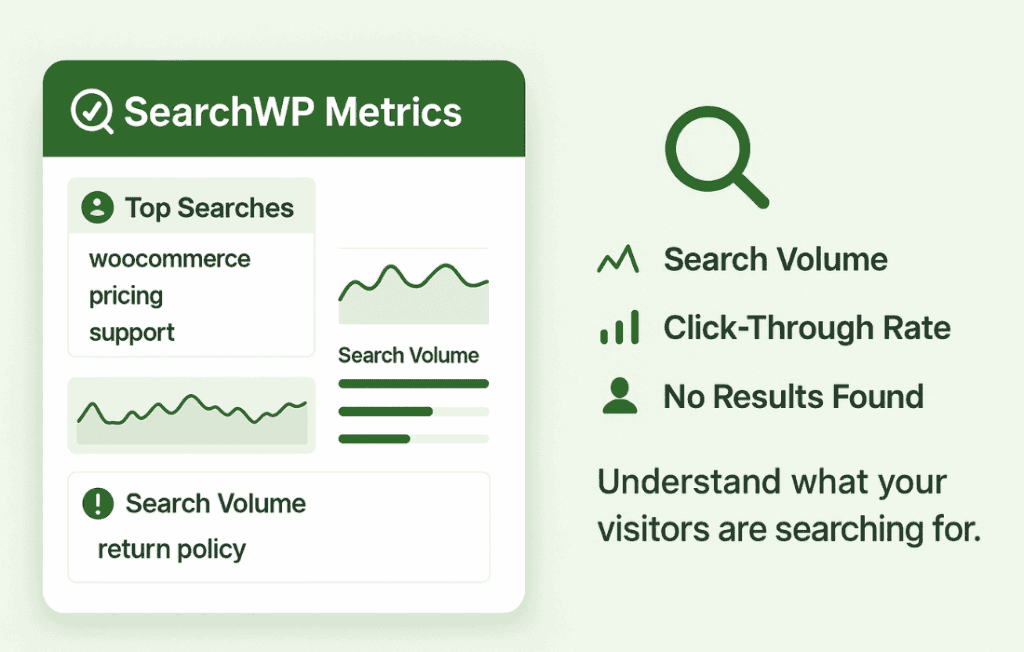
Unlock the hidden insights within your website’s search bar with SearchWP Metrics. If you are running an online store or a content-heavy website, your internal search engine is the most valuable tool you have for understanding exactly what your visitors want. This plugin bridges the gap between raw search queries and actionable data, allowing you to see what your users are looking for, where they are failing to find results, and how you can optimize your content to increase conversions and improve user satisfaction.
Key Features
- Comprehensive Search Tracking: Automatically capture every search query entered into your WordPress search bar, providing a clear window into the intent of your visitors.
- Zero-Result Reporting: Identify the exact terms that lead to “no results found.” This allows you to create missing content, add synonyms, or stock products that your users are actively seeking.
- Search Volume Trends: Monitor how search behavior changes over time, helping you identify seasonal trends, rising interests, or the impact of your marketing campaigns on site engagement.
- User Intent Analysis: Gain a deeper understanding of the language your customers use, enabling you to refine your keyword strategy and improve the relevance of your search results.
- Seamless Integration: Designed to work perfectly alongside the SearchWP plugin, ensuring that your data collection is accurate, lightweight, and does not negatively impact your site’s performance.
- Clean Dashboard Reporting: View your search metrics directly within your WordPress dashboard, eliminating the need to navigate complex third-party analytics platforms to understand your internal search performance.
Use Cases / Who It’s For
SearchWP Metrics is an essential tool for any WordPress site owner who prioritizes user experience and data-driven decision-making. If you run an e-commerce store, this plugin is vital for identifying product gaps. When customers search for items you do not carry, they leave your site—SearchWP Metrics highlights these missed opportunities so you can adjust your inventory to meet demand.
For bloggers and content creators, the plugin acts as a direct feedback loop from your audience. It reveals the topics your readers are desperate to learn about, helping you plan your editorial calendar with confidence. Instead of guessing what your audience wants, you can produce content that you know will be found and read.
Marketing professionals and SEO specialists also benefit from this tool. By analyzing internal search data, you can uncover high-intent keywords that you may have overlooked in your external SEO strategy. This data can be used to optimize landing pages, improve navigation, and create better internal linking structures that guide users to the content they are already looking for.
Setup / How It Works
- Installation: Install and activate the plugin on your WordPress site.
- Automatic Configuration: Once activated, the plugin begins tracking search queries immediately without requiring complex technical configuration.
- Data Collection: As visitors interact with your search bar, the plugin logs the search terms, the number of results returned, and the frequency of those searches.
- Reviewing Insights: Navigate to the dedicated metrics area within your WordPress dashboard to view reports, identify top search terms, and pinpoint those problematic “zero-result” queries.
- Optimization: Use the data to create new pages, update product descriptions, or configure search synonyms to ensure that your visitors find exactly what they need in the future.
Similar Plugins
While various general analytics tools exist, such as Google Analytics, they often require complex event tracking setup to capture internal search data effectively. Other specialized internal search analytics solutions include plugins like Relevanssi (which offers some logging capabilities) or dedicated search-as-a-service platforms like Algolia, which provide their own proprietary analytics dashboards. SearchWP Metrics stands out by offering a dedicated, native WordPress experience specifically optimized for users of the SearchWP ecosystem.