
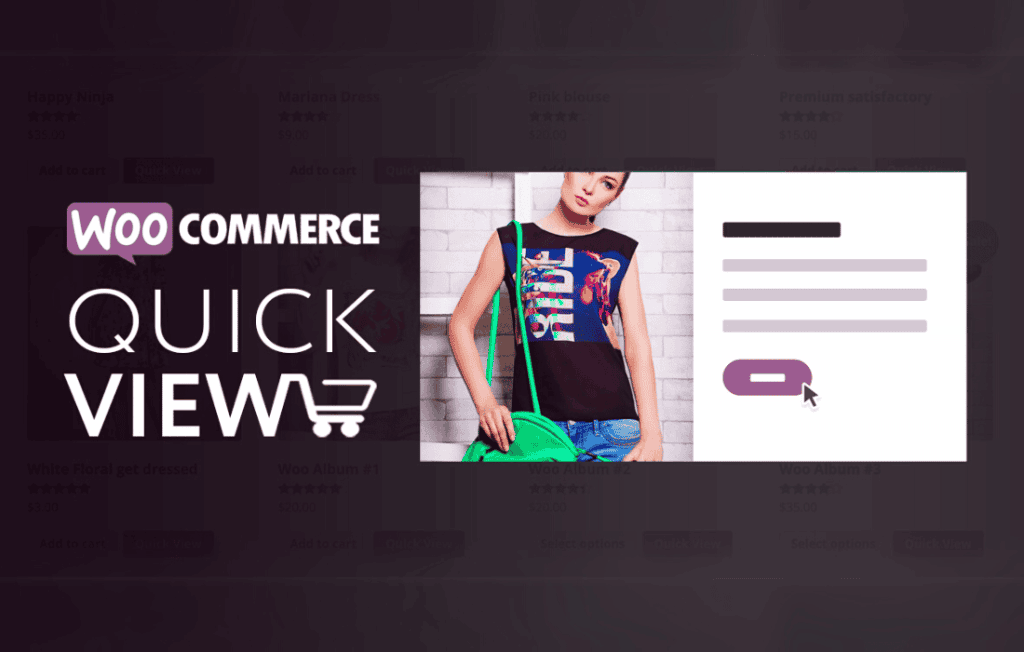
Enhance your customer shopping experience and significantly reduce friction in your conversion funnel with XT WooCommerce Quick View Pro. This plugin allows your visitors to preview product details, view images, and add items to their cart without ever leaving the current page. By eliminating the need for constant page reloads, you keep shoppers engaged, reduce bounce rates, and create a seamless, modern browsing experience that feels native to your store.
Key Features
- Instant Product Previews: Display a clean, focused modal window containing product information, including titles, prices, descriptions, and gallery images, triggered by a simple click.
- AJAX-Powered Add to Cart: Enable customers to add products to their cart directly from the quick view window, keeping them on the catalog page so they can continue shopping immediately.
- Fully Customizable Modal: Tailor the look and feel of the quick view window to match your brand identity, ensuring a consistent design experience across your entire site.
- Mobile-Responsive Design: Ensure your store looks professional and functions perfectly on all devices, providing a touch-friendly experience for mobile and tablet users.
- Flexible Trigger Options: Choose how your customers access the quick view, whether through a dedicated button on product thumbnails or integrated into your existing product loop.
- Seamless Integration: Designed to work harmoniously with standard WooCommerce themes and layouts, minimizing compatibility issues and setup time.
- Image Gallery Support: Allow users to cycle through product image galleries within the modal, providing a comprehensive view of the product from every angle without navigating away.
Use Cases and Who It’s For
XT WooCommerce Quick View Pro is an essential tool for any online retailer looking to optimize their conversion rates. If you operate a high-volume store with extensive product listings, this plugin is particularly beneficial. It helps shoppers quickly compare items and make decisions faster, which is vital for stores with a large catalog where navigating back and forth between product pages can become tedious.
This plugin is perfectly suited for fashion retailers, home decor shops, and electronics stores where visual details and quick comparisons are key to the buying journey. By streamlining the path from discovery to the cart, store owners can provide a premium, app-like experience that encourages impulse buys and improves overall customer satisfaction. Whether you are a small boutique or a growing enterprise, providing a faster, more efficient way to browse your inventory is a proven strategy to increase average order value.
Setup and How It Works
Getting started with XT WooCommerce Quick View Pro is designed to be straightforward, allowing you to enhance your store in minutes:
- Installation: Upload and activate the plugin through your WordPress dashboard just like any other standard plugin.
- Configuration: Navigate to the plugin settings page within your WooCommerce dashboard to customize the modal appearance and select your preferred button placement.
- Activation: Once configured, the quick view functionality is automatically applied to your product loops and catalog pages.
- Testing: Visit your shop page to ensure the quick view trigger is appearing correctly and that the modal displays your product data accurately.
Similar Plugins
If you are exploring the ecosystem of WooCommerce quick view solutions, other notable options include YITH WooCommerce Quick View, WooCommerce Quick View by Iconic, and Premmerce Quick View. While these plugins share the core goal of improving product discovery, XT WooCommerce Quick View Pro focuses on a lightweight, performance-oriented approach to ensure your store remains fast while providing these essential user interface enhancements.