
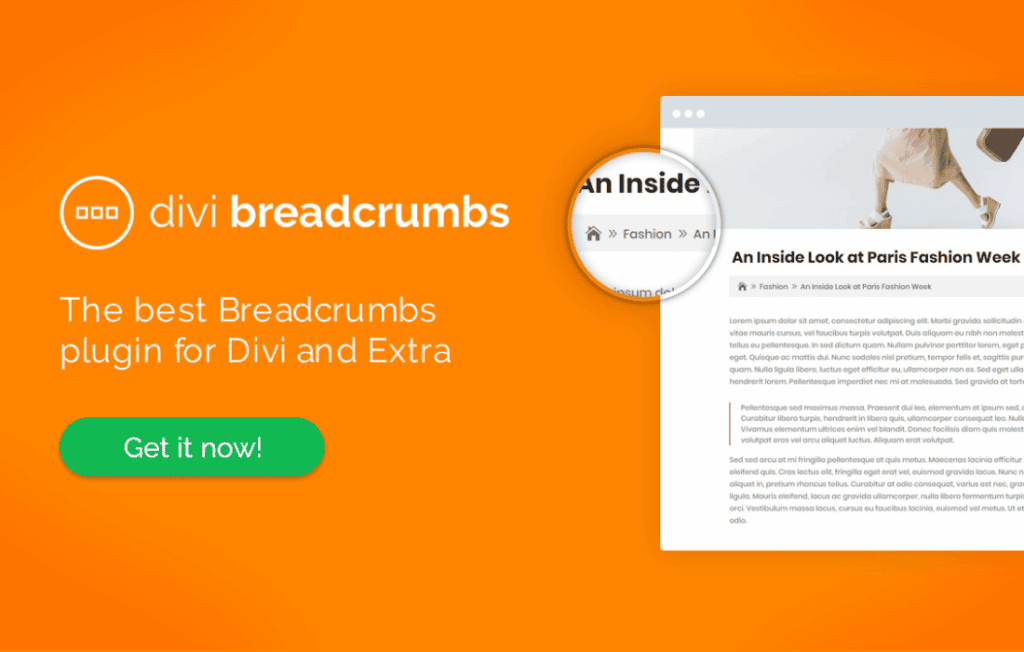
Enhance your website’s navigation and boost your SEO performance with Divi Breadcrumbs, the essential tool designed specifically for the Divi ecosystem. Breadcrumbs act as a vital signpost for your visitors, helping them understand their current location within your site’s hierarchy while providing a clear path back to home or parent categories. By integrating this plugin, you provide a better user experience that keeps visitors engaged longer, while simultaneously helping search engines better understand and index your site structure.
Key Features
- Seamless Divi Integration: Designed specifically for the Divi Builder, allowing you to insert breadcrumbs anywhere on your pages, posts, or custom post types using a dedicated module.
- Full Styling Control: Customize the appearance of your breadcrumbs directly within the Divi interface. Adjust fonts, colors, spacing, and separator styles to match your brand identity perfectly without needing custom CSS.
- SEO-Friendly Schema Markup: Automatically implements structured data (JSON-LD) to help search engines like Google display your site hierarchy in search results, potentially increasing your click-through rates.
- Dynamic Path Generation: Automatically detects the hierarchical structure of your content, including categories, tags, and parent pages, ensuring accurate navigation paths regardless of your site’s complexity.
- Customizable Separators: Choose from a variety of built-in separators or upload your own custom icons to create a unique look that fits your design aesthetic.
- Responsive Design: Fully optimized for mobile devices, ensuring your breadcrumbs look great and remain functional on tablets and smartphones.
- Home Link Customization: Easily rename the “Home” link or replace it with an icon to better suit your site’s language or design preferences.
Use Cases / Who It’s For
Divi Breadcrumbs is an indispensable tool for anyone managing a content-heavy website built with Divi. If you run a large blog, a complex e-commerce store, or a multifaceted business site, your users often need help navigating deep hierarchies. By implementing breadcrumbs, you reduce bounce rates because users who get “lost” in deep content can easily navigate back to broader categories rather than simply hitting the back button.
For SEO professionals and site owners focused on organic growth, this plugin is a game-changer. Search engines prioritize websites that are easy to crawl and have a clear structure. By providing explicit navigational paths, you help search engine bots map your site more effectively, which can lead to better indexing and the appearance of breadcrumb trails directly in your search engine result snippets.
Setup / How It Works
Getting started with Divi Breadcrumbs is designed to be intuitive for any Divi user. You can have your navigation paths live in minutes by following these simple steps:
- Installation: Install and activate the plugin through your WordPress dashboard as you would with any standard plugin.
- Module Access: Once activated, open the Divi Builder on any page or template where you want to display breadcrumbs.
- Insert Module: Search for the new “Divi Breadcrumbs” module within the module library and add it to your desired row or section.
- Configuration: Use the module’s settings panel to define your separators, adjust the styling, and toggle specific display options, such as showing or hiding the current page title.
- Save and Publish: Save your changes to see the breadcrumbs live on your site, automatically reflecting your site’s structure.
Similar Plugins
While there are other solutions available for WordPress breadcrumbs, most are generic and lack the deep integration required for a smooth Divi workflow. Popular alternatives include Yoast SEO and Rank Math, both of which offer built-in breadcrumb functionality. However, these plugins often require you to add PHP code snippets to your theme files or use shortcodes, which can be cumbersome for users who prefer the visual, drag-and-drop experience of the Divi Builder. Divi Breadcrumbs is distinct because it offers a native, module-based approach that keeps your design process entirely within the Divi ecosystem.