
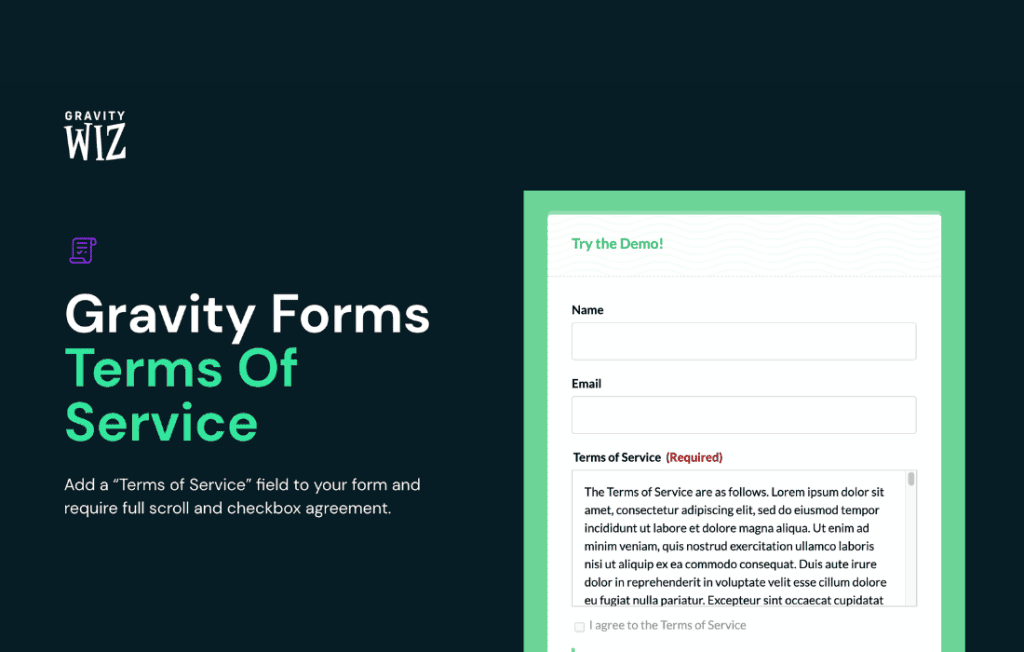
Ensure your website remains compliant and your users remain informed with the Gravity Perks Terms of Service plugin. Designed specifically for Gravity Forms users, this perk allows you to seamlessly integrate mandatory terms and conditions agreements directly into your forms. Whether you need to capture consent for marketing communications, site usage policies, or legal disclaimers, this solution ensures that your users acknowledge your rules before they can submit their information, protecting both your business and your peace of mind.
Key Features
- Seamless Integration: Effortlessly add a Terms of Service field to any Gravity Form, ensuring it feels like a native part of your existing workflow.
- Flexible Display Options: Choose how your terms are presented, whether through a simple checkbox, a modal window, or an inline text area, providing a clean user experience.
- Mandatory Consent: Enforce compliance by making the agreement field required, preventing form submission until the user has explicitly accepted your terms.
- Customizable Content: Easily input your legal text, link to external policy pages, or use HTML to format your terms exactly as needed for your specific legal requirements.
- Mobile-Responsive Design: Ensure that your terms and conditions are easily readable and interactive on all devices, from desktop computers to smartphones.
- Audit-Ready Tracking: Maintain a record of user consent, which is essential for demonstrating compliance with various data protection regulations.
Use Cases / Who It’s For
Gravity Perks Terms of Service is an essential tool for any WordPress site owner who collects user data or facilitates transactions through Gravity Forms. It is particularly valuable for e-commerce store owners who need to ensure customers agree to return policies or shipping terms during checkout. It is also a vital component for membership sites, online course platforms, and newsletter subscription forms where obtaining explicit consent is a legal or operational necessity.
If you are a web developer or agency managing sites for clients, this plugin provides a standardized, professional way to handle legal agreements across multiple projects. It helps you mitigate liability by ensuring that users cannot bypass your site’s ground rules, effectively bridging the gap between user input and legal protection.
Setup / How It Works
- Install and Activate: Ensure you have Gravity Forms installed and active on your site, then install the Gravity Perks plugin manager and activate the Terms of Service perk.
- Add the Field: Open your desired form in the Gravity Forms editor. Locate the Terms of Service field within the standard fields list and add it to your form.
- Configure Settings: Click on the field to open its settings. Here, you can define the label, input your terms of service text, and choose whether to display the text directly in the form or via a link to a separate page.
- Set Validation: Mark the field as required to ensure that the form cannot be submitted unless the user checks the box or performs the required action.
- Save and Test: Save your form and perform a test submission on your front end to ensure the agreement process functions exactly as you intended.
Similar Plugins
While various plugins exist for Gravity Forms that handle simple checkbox validation, Gravity Perks Terms of Service is specifically engineered to integrate deeply with the Gravity Perks ecosystem. Other general-purpose legal compliance plugins or “checkbox for Gravity Forms” plugins may offer basic functionality, but they often lack the specialized UI controls, consistent updates, and dedicated support provided by the Gravity Perks suite.