
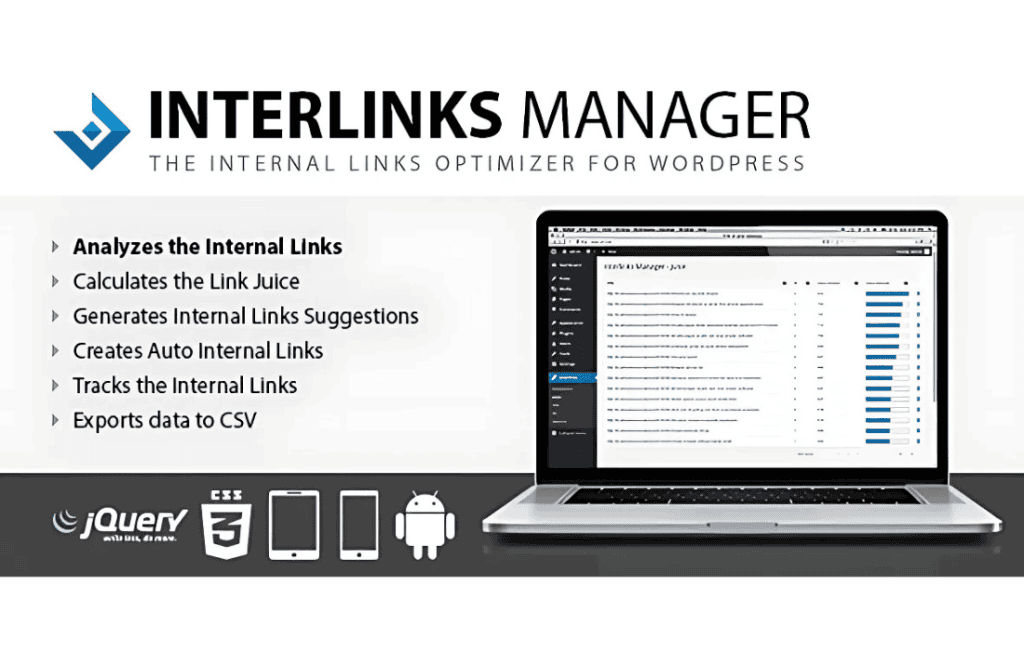
Interlinks Manager is a powerful WordPress plugin designed to streamline your internal linking strategy, helping you boost SEO rankings and improve user engagement without the manual headache. By automating the process of finding and creating relevant links between your posts and pages, this tool ensures that your website architecture remains optimized, your link juice flows effectively, and your visitors stay on your site longer by discovering related content effortlessly.
Key Features
- Automatic Link Suggestions: The plugin analyzes your content and suggests relevant internal links based on your keywords, saving you hours of manual research.
- Internal Link Optimization: Identify pages that need more internal links to improve their search engine visibility and ensure your most important content gets the attention it deserves.
- Detailed Analytics: Track the performance of your internal links with comprehensive data, including the number of links, click-through rates, and link distribution across your site.
- Customizable Link Rules: Define specific rules for how links are created, including keyword matching, post type exclusions, and link density settings to maintain a natural reading experience.
- Broken Link Detection: Keep your site healthy by automatically identifying and managing broken internal links, preventing negative impacts on your SEO and user experience.
- SEO-Friendly Link Attributes: Easily manage link attributes such as target=”_blank” or rel=”nofollow” directly from the plugin dashboard to maintain full control over your site’s link equity.
- Bulk Link Management: Efficiently manage existing links across your entire site, allowing you to update or remove links in bulk to keep your content strategy agile.
Use Cases / Who It’s For
Interlinks Manager is an essential tool for anyone serious about growing their website’s organic traffic. If you are a content marketer, you know that internal linking is a cornerstone of SEO, but manually managing hundreds of links is unsustainable. This plugin is perfect for bloggers who want to increase page views by leading readers to older, relevant content, as well as for niche site owners looking to maximize the authority of their pillar pages.
For e-commerce store owners, Interlinks Manager helps guide customers from blog posts to relevant product pages, effectively shortening the path to purchase. It is also an invaluable asset for SEO agencies managing multiple client sites, providing the data and automation needed to execute complex internal linking strategies at scale without sacrificing quality or accuracy.
Setup / How It Works
- Install and Activate: Upload the plugin to your WordPress dashboard and activate it to begin the initial site scan.
- Configure Keywords: Define the keywords or phrases you want to target for internal linking. The plugin uses these to identify opportunities within your existing content.
- Review Suggestions: Navigate to the plugin dashboard to view the automated link suggestions. You can approve, edit, or reject these links with a single click.
- Apply Links: Once approved, the plugin automatically inserts the links into your content, instantly updating your site’s internal structure.
- Monitor Performance: Regularly check the analytics dashboard to see which links are driving traffic and adjust your strategy based on real-world data.
Similar Plugins
If you are exploring your options for internal linking, other notable plugins in this space include Link Whisper and Rank Math SEO (which includes internal linking suggestions in its premium versions). While these tools share the goal of improving site structure, Interlinks Manager is distinguished by its specific focus on granular link management and detailed performance reporting.