
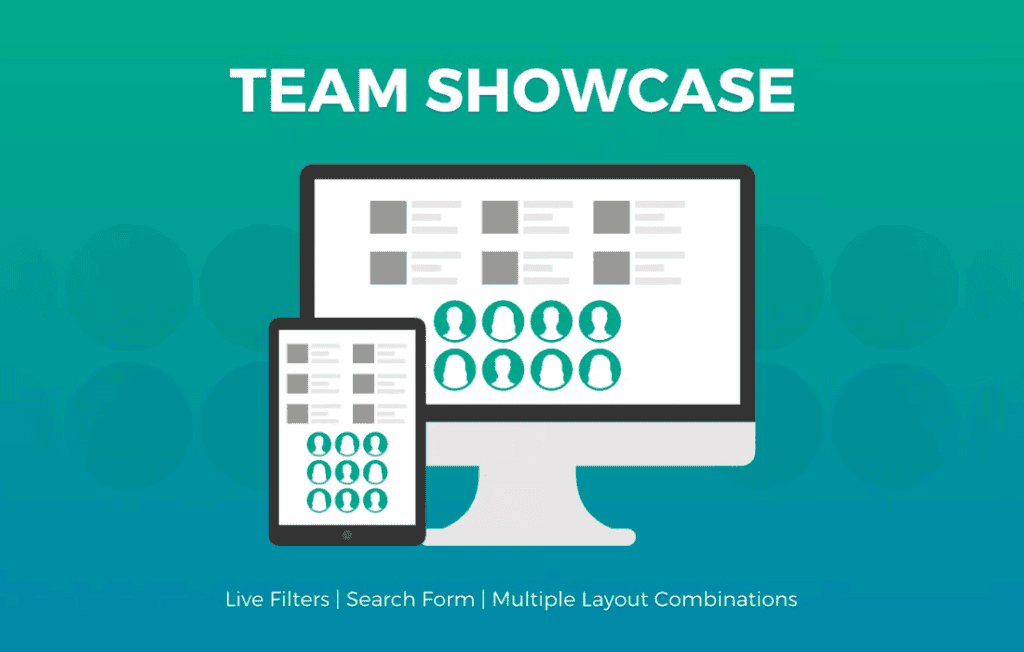
Building trust with your audience starts with showing the human side of your business. The Team Showcase plugin provides an elegant, professional, and highly customizable way to display your team members, staff, or contributors directly on your WordPress site. Whether you are a small agency, a growing startup, or a non-profit organization, this plugin helps you humanize your brand, improve credibility, and foster deeper connections with your visitors by highlighting the talented individuals behind your success.
Key Features
- Multiple Layout Styles: Choose from a variety of pre-designed layouts, including grids, lists, carousels, and sliders, ensuring your team page looks perfect on any screen size.
- Customizable Member Profiles: Easily add names, job titles, professional biographies, and social media links for every team member to create comprehensive profiles.
- Advanced Filtering and Sorting: Organize large teams by department, role, or custom categories, allowing visitors to find the right person quickly and easily.
- Social Media Integration: Add clickable icons for LinkedIn, Twitter, Instagram, and more, making it simple for potential clients or partners to connect with your team members directly.
- Fully Responsive Design: Your team showcase will automatically adapt to mobile devices, tablets, and desktops, maintaining a polished look regardless of how your users access your site.
- Developer-Friendly Customization: Easily override default styles or add custom CSS to match your brand’s unique typography, colors, and design language.
- Shortcode Support: Effortlessly embed your team showcase into any page, post, or widget area using simple, intuitive shortcodes.
Use Cases / Who It’s For
Team Showcase is designed for anyone who needs to present a professional face to the world. It is the ideal solution for digital agencies that want to highlight their creative talent to prospective clients. For corporate websites, it provides a structured way to display leadership teams and department heads, fostering transparency and corporate governance. Non-profit organizations and educational institutions use the plugin to feature staff, board members, or researchers, helping to build community and trust with donors and stakeholders.
If your business relies on building personal relationships—such as real estate firms, law practices, or consultancy groups—showing the faces of your team is a proven way to increase conversion rates. By providing a clear, accessible directory of your staff, you remove the anonymity of the internet and replace it with a welcoming, human-centric experience.
Setup / How It Works
- Install and Activate: Upload the plugin zip file via your WordPress dashboard, activate it, and you will see a new “Team” menu item appear in your sidebar.
- Add Team Members: Navigate to the Team section to create new entries. You can upload headshots, enter professional details, and assign categories to each member.
- Configure Your Layout: Use the plugin settings to select your preferred display style, such as a grid or a carousel, and customize elements like image shapes, color schemes, and hover effects.
- Publish Your Showcase: Copy the generated shortcode and paste it into any page or post. Once published, your team members will be displayed beautifully, automatically inheriting the styles you configured.
Similar Plugins
If you are exploring your options, other popular solutions in the WordPress ecosystem include WP Team, Team Members by WP Darko, and the Team Builder plugin. Each of these offers varying levels of design flexibility, layout options, and integration features, allowing you to choose the tool that best aligns with your specific site architecture and design requirements.