
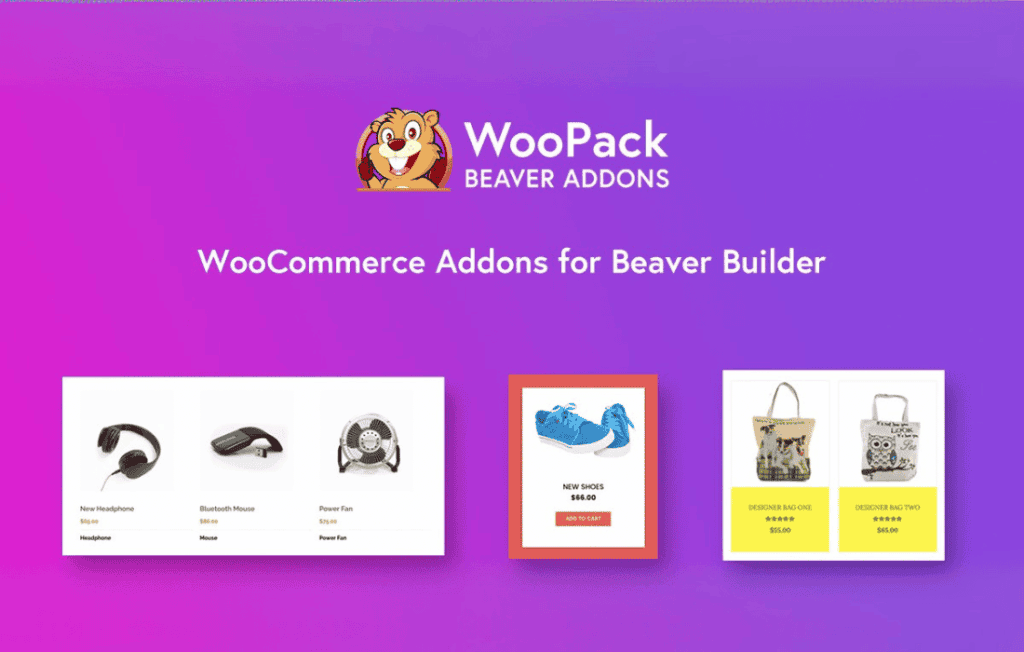
WooPack for Beaver Builder is the ultimate toolkit designed to bridge the gap between the powerful Beaver Builder page builder and the robust WooCommerce e-commerce platform. If you are a store owner, designer, or developer looking to create high-converting, custom-designed online shops without touching a single line of code, this plugin is your essential companion. It empowers you to break free from the constraints of standard WooCommerce templates, allowing you to craft unique product pages, checkout experiences, and cart layouts that perfectly match your brand identity.
Key Features
- Custom WooCommerce Modules: Access a suite of dedicated modules—including Product Grid, Product Carousel, Add to Cart, Product Slider, and more—that integrate seamlessly into the Beaver Builder interface.
- Advanced Product Styling: Take full control over how your products look. Customize typography, colors, button styles, and layouts for individual products or entire product archives with ease.
- Dynamic Checkout Customization: Go beyond the default checkout page. Use WooPack to design a modern, streamlined checkout experience that reduces friction and helps improve your conversion rates.
- Cart and Mini-Cart Enhancements: Create beautiful, intuitive cart layouts and mini-cart flyouts that provide a better user experience for your customers as they shop.
- Performance Optimized: Built with clean code to ensure that your store remains fast and responsive, providing a smooth shopping experience for your customers regardless of their device.
- Seamless Integration: Designed specifically for Beaver Builder, ensuring that all modules work natively within the builder, providing a consistent and intuitive editing experience.
Use Cases and Who It’s For
WooPack for Beaver Builder is built for anyone who demands complete design freedom over their WooCommerce store. It is the perfect solution for freelance web designers and agencies who need to deliver bespoke, professional-grade e-commerce websites for clients quickly and efficiently. By eliminating the need for custom coding or complex template overrides, designers can focus on aesthetics and user experience.
For store owners, WooPack provides the ability to make meaningful updates to the store’s layout without needing to hire a developer. Whether you are launching a new product line, running a seasonal sale, or simply wanting to refresh your storefront to better reflect your brand, WooPack gives you the tools to make those changes instantly. It is ideal for boutique shops, digital product sellers, and any business that wants their online store to stand out from the competition.
Setup and How It Works
- Installation: Install and activate the WooPack for Beaver Builder plugin on your WordPress site alongside the core Beaver Builder plugin and WooCommerce.
- Accessing Modules: Open any page or template using the Beaver Builder editor. You will see a new set of WooPack-specific modules available in the module panel.
- Drag and Drop: Simply drag your chosen WooPack module onto your page canvas, just as you would with any standard Beaver Builder module.
- Customize: Use the intuitive settings panel within each module to adjust the design, layout, and content settings to match your specific requirements.
- Publish: Once you are satisfied with your custom design, publish your page to see your beautiful, high-converting WooCommerce elements live on your site.
Similar Plugins
While WooPack for Beaver Builder is a specialized solution, other tools exist within the WordPress ecosystem that offer similar functionality for Beaver Builder users, such as PowerPack for Beaver Builder and Ultimate Addons for Beaver Builder. These alternative plugins also provide a collection of modules designed to extend the capabilities of the Beaver Builder editor, though their specific WooCommerce feature sets, design options, and module selections may differ from those found in WooPack.