
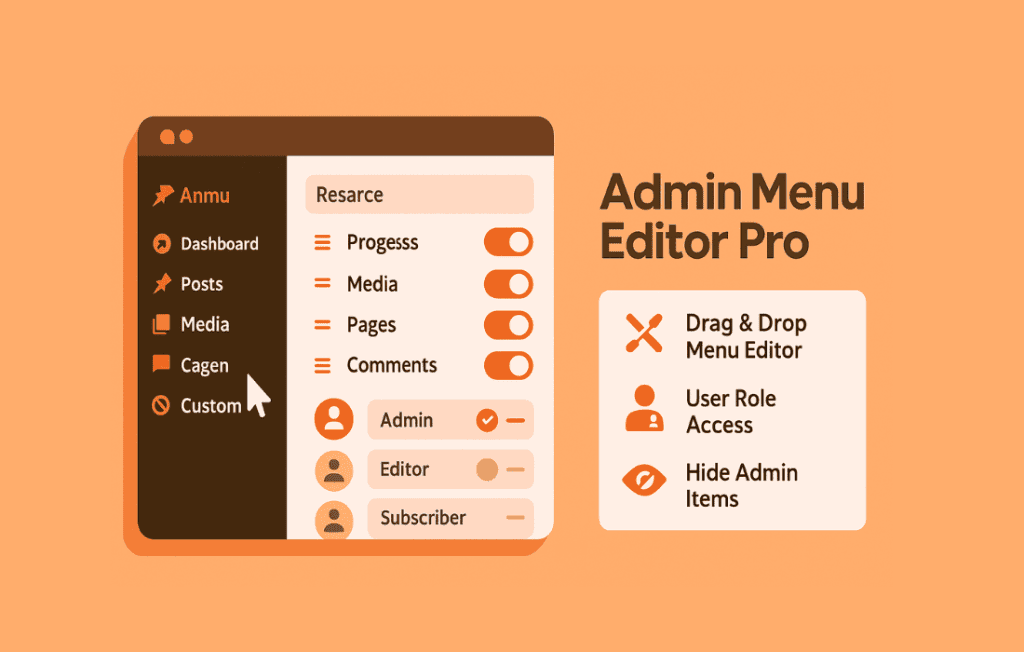
Admin Menu Editor Pro is the essential tool for WordPress administrators, developers, and site owners who need complete control over their dashboard experience. By allowing you to reorganize, rename, hide, or completely restructure the WordPress admin menu, this plugin transforms a cluttered, confusing backend into a streamlined, efficient workspace tailored specifically to your project’s needs.
Key Features
- Customizable Menu Structure: Easily drag and drop menu items to reorder them, create custom menu groups, or move items into different sub-menus to create a logical flow that matches your workflow.
- Granular Role-Based Permissions: Control exactly who sees what. You can hide specific menu items or entire pages based on user roles, ensuring that editors, authors, or clients only see the tools they actually need, reducing distractions and preventing accidental changes.
- Custom Menu Items: Add your own external links, custom dashboard pages, or separators to the admin menu. This is perfect for linking to documentation, support portals, or frequently used third-party tools directly from the WordPress sidebar.
- Rename and Rebrand: Modify the titles, icons, and CSS classes of any menu item. You can even rename default WordPress menu items to better suit your site’s terminology or to provide a more professional, white-labeled experience for your clients.
- Dashboard Widget Management: Beyond the sidebar, take control of the dashboard home screen. Hide unnecessary widgets, reorder them, or create custom dashboard widgets to display important information or quick-access links for your team.
- Import and Export Settings: Save time when managing multiple sites by exporting your customized menu configuration and importing it into other installations, ensuring a consistent administrative experience across your entire network.
- Multisite Support: Seamlessly manage menus across a WordPress Multisite network, allowing for global configurations or site-specific adjustments as needed.
Use Cases and Who It’s For
Admin Menu Editor Pro is designed for anyone who finds the default WordPress dashboard overwhelming or inefficient. For web agencies and freelancers, it is an indispensable tool for client handovers. By stripping away complex settings that your clients don’t need, you prevent them from accidentally breaking site configurations and provide a cleaner, more intuitive interface that builds trust and professionalism.
For site administrators and content managers, the plugin helps eliminate “menu bloat.” If your site uses many plugins, the admin sidebar can quickly become cluttered with dozens of items. With this plugin, you can hide the tools you rarely use and bring the ones you use daily to the top, significantly speeding up your daily content management tasks.
It is also a powerful solution for enterprise or membership sites where different user roles require highly specific access. By restricting the menu to only show relevant tools, you enhance security through simplicity and improve the overall user experience for your team members.
Setup and How It Works
Getting started with Admin Menu Editor Pro is straightforward and requires no coding knowledge. Once installed and activated, you gain access to a dedicated settings page that provides a visual representation of your current admin menu.
- Access the Editor: Navigate to the plugin settings page in your dashboard to view the drag-and-drop menu interface.
- Modify Items: Simply drag items to reorder them, or click on an item to open its settings where you can change its label, icon, or URL.
- Set Permissions: Use the role-based checkboxes to define which user roles have access to each specific menu item.
- Manage Widgets: Switch to the dashboard widget tab to toggle the visibility of various widgets on your main dashboard screen.
- Save and Preview: Once you are satisfied with your changes, save your settings. The admin menu will update immediately for all users based on the rules you have defined.
Similar Plugins
While the WordPress ecosystem offers various solutions for menu management, Admin Menu Editor Pro is widely recognized for its depth of control and stability. Other plugins in this space include Admin Menu Editor (the free version, which offers basic reordering functionality), User Role Editor (which focuses on capability management rather than menu structure), and various white-labeling plugins that include menu editing as part of a broader suite of branding tools.