
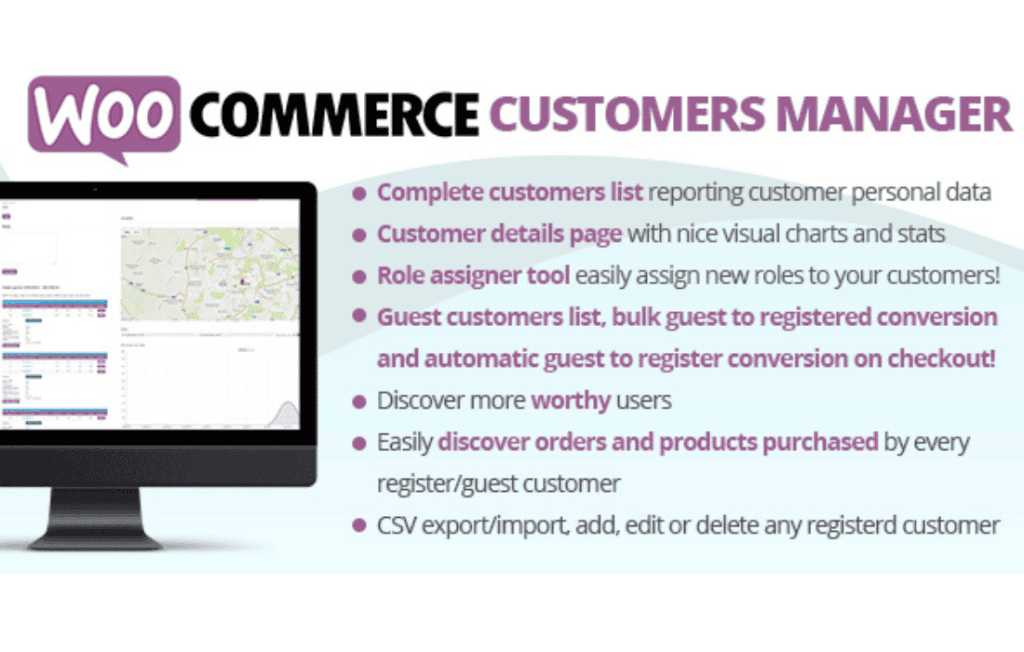
Managing your customer base effectively is the cornerstone of any successful e-commerce business. The WooCommerce Customers Manager plugin is designed to transform your standard, limited WordPress user list into a powerful, actionable customer database. By providing advanced filtering, bulk management, and detailed customer insights directly within your dashboard, this tool empowers store owners and marketing teams to nurture relationships, increase retention, and streamline administrative tasks without ever needing to export data to external spreadsheets.
Key Features
- Advanced Customer Filtering: Easily segment your customers based on specific criteria such as total spent, number of orders, location, or products purchased. This allows you to identify your VIP clients or target specific groups for marketing campaigns.
- Bulk Actions and Management: Save hours of manual work by performing bulk operations on customer accounts. Whether you need to update user roles, delete inactive accounts, or modify customer data in batches, the plugin handles it with ease.
- Customizable Customer Columns: Tailor your customer list view to show exactly the data that matters to you. Add or remove columns to display information like lifetime value, last order date, or billing details, giving you a clear snapshot of your business performance.
- Detailed Customer Profiles: Access a comprehensive view of each customer’s history. See their order history, total spend, and contact information in one centralized location, making it easier to provide personalized support.
- Export and Import Capabilities: Seamlessly move your customer data. Export your filtered lists to CSV for use in email marketing platforms or CRMs, or import data to keep your records synchronized across your business ecosystem.
- User Role Management: Efficiently manage user roles directly from the customer list, allowing you to upgrade loyal customers to wholesale roles or manage access permissions for your registered users quickly.
Use Cases and Who It’s For
This plugin is essential for any WooCommerce store owner who has outgrown the basic user management tools provided by WordPress. If you find yourself struggling to find specific customer segments or spending too much time manually editing individual user profiles, this tool is built for you.
Marketing managers will benefit significantly from the ability to generate highly specific customer lists, which can be exported and uploaded to email marketing services for targeted promotions. Store administrators will appreciate the streamlined interface that turns tedious, repetitive tasks into one-click operations. Additionally, customer support teams can use the detailed profiles to resolve inquiries faster by having immediate access to a user’s purchase history and account status.
Setup and How It Works
Getting started with WooCommerce Customers Manager is designed to be intuitive for any WordPress user:
- Installation: Simply upload the plugin files via your WordPress dashboard or FTP, and activate the plugin as you would with any standard WooCommerce extension.
- Configuration: Once activated, navigate to the plugin settings page to define your default view preferences and select which customer data points you want to prioritize in your list.
- Management: Visit the new Customers menu item in your dashboard. Here, you will see your enhanced customer list. Use the filter bar at the top to sort your users by purchase behavior or demographic data.
- Action: Select the customers you wish to modify using the checkboxes, choose your desired bulk action from the dropdown menu, and click apply to update your database instantly.
Similar Plugins
While WooCommerce Customers Manager provides a robust set of tools for list management and segmentation, store owners looking for alternative solutions may also consider plugins such as Users Insights, which offers deep behavioral analytics, or WooCommerce Customer History, which focuses specifically on tracking individual user journeys.