
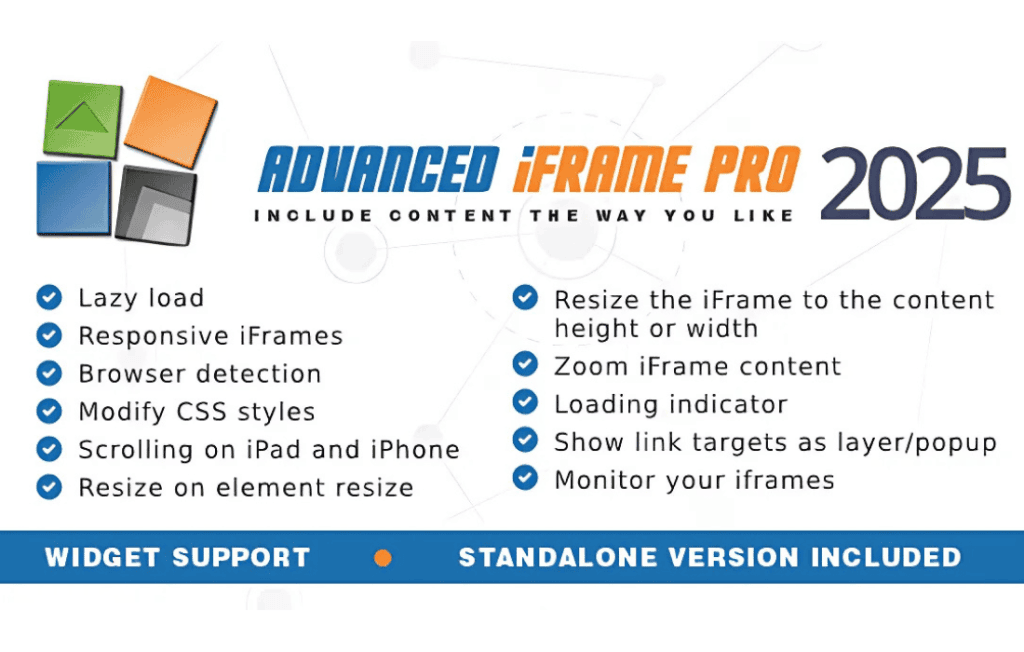
Advanced iFrame Pro is the ultimate solution for WordPress site owners who need to seamlessly integrate external content into their websites without compromising design, security, or user experience. Whether you need to display third-party applications, external documentation, or interactive tools, this plugin gives you complete control over how that content behaves, scales, and interacts with your site. It removes the limitations of standard HTML iframes, allowing you to create a cohesive browsing experience that keeps visitors engaged on your site while leveraging powerful external resources.
Key Features
- Automatic Height Adjustment: Say goodbye to ugly scrollbars. The plugin automatically detects the height of the external content and adjusts the iframe size dynamically, ensuring a perfect fit on any page.
- Responsive Design Capabilities: Ensure your embedded content looks great on mobile, tablet, and desktop devices. Advanced iFrame Pro includes settings to maintain aspect ratios and scale content appropriately for smaller screens.
- Advanced Security Controls: Protect your site and your users. The plugin offers granular control over iframe permissions, allowing you to whitelist specific domains and manage cross-origin resource sharing securely.
- Customizable Loading States: Improve perceived performance by adding custom loading spinners or messages while the external content fetches, keeping your visitors informed instead of staring at a blank space.
- Content Filtering and Manipulation: Use advanced options to hide specific elements within the embedded site, such as headers, footers, or sidebars, ensuring the embedded content matches your site’s aesthetic.
- Shortcode and Block Integration: Easily embed content anywhere on your site using intuitive shortcodes or dedicated blocks for the WordPress editor, making it accessible for both developers and content managers.
- Session and Cookie Handling: Manage how external sites interact with your users’ sessions, providing a smoother transition when moving between your primary site and the embedded application.
Use Cases / Who It’s For
Advanced iFrame Pro is designed for a wide range of web professionals, from business owners to developers. If you are a store owner using an external SaaS tool for booking, inventory management, or customer support, this plugin allows you to bring that interface directly into your site, reducing friction in the customer journey. Digital agencies use it to integrate client dashboards or external reporting tools into branded portals, maintaining a professional appearance throughout.
It is also an essential tool for content creators who need to display live data, interactive maps, or external documentation portals without forcing users to navigate away from the main website. By keeping users within your ecosystem, you improve your site’s engagement metrics and provide a more unified experience.
Setup / How It Works
- Installation: Install and activate the plugin through the standard WordPress plugin dashboard.
- Configuration: Navigate to the plugin settings page to define your global security policies, such as allowed domains and default iframe sizing behaviors.
- Embedding Content: Use the dedicated block in the WordPress editor or a simple shortcode to insert your iframe.
- Customization: Within the block or shortcode parameters, specify the source URL, desired height behavior, and any specific CSS selectors you wish to hide or modify within the source site.
- Testing: Preview your page to ensure the content renders correctly and that the automatic height adjustment is functioning as expected across different device sizes.
Similar Plugins
While there are several ways to embed content in WordPress, Advanced iFrame Pro stands out due to its specific focus on dynamic resizing and deep integration controls. Alternatives that offer basic embedding functionality include “iframe” (by WebAware) and “EmbedPress.” However, these alternatives often lack the granular control over element manipulation and the robust automatic height detection found in the Pro version, making Advanced iFrame Pro the preferred choice for complex or professional-grade integrations.