
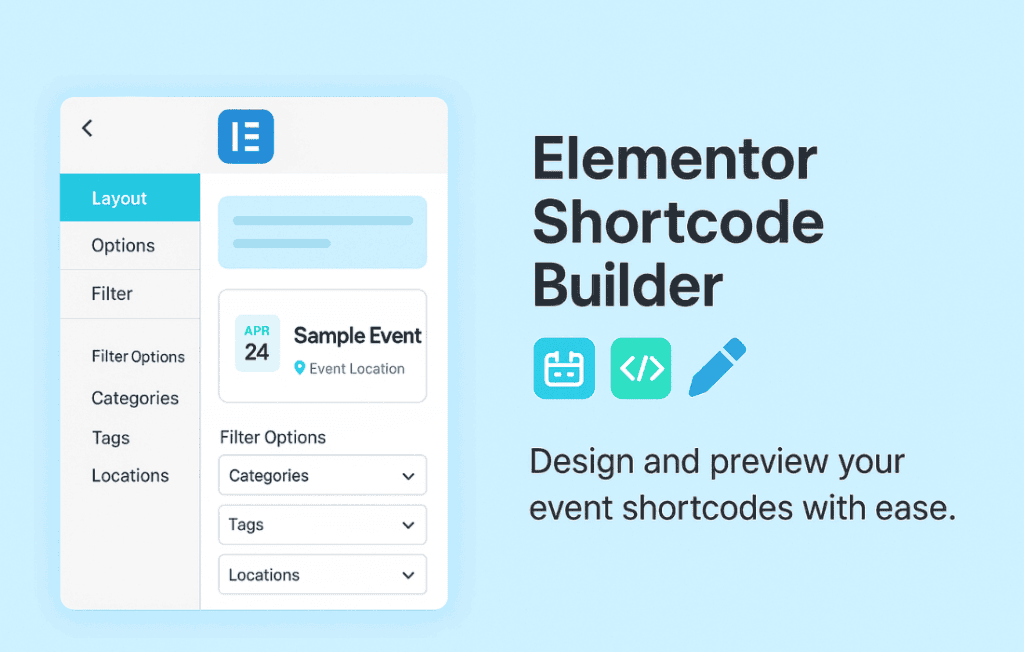
Unlock the full potential of your event management system by seamlessly integrating your Modern Events Calendar (MEC) data into the Elementor page builder. The Elementor Shortcode Builder for MEC is designed for website owners, developers, and designers who want to break free from rigid, pre-set event layouts. By bridging the gap between MEC’s powerful backend functionality and Elementor’s intuitive drag-and-drop interface, this plugin allows you to create highly customized, visually stunning event displays that perfectly match your brand identity without writing a single line of code.
Key Features
- Seamless Elementor Integration: Easily drag and drop custom event widgets directly into your Elementor editor, eliminating the need to manually copy and paste complex shortcodes.
- Customizable Event Loops: Take complete control over how your events are displayed. Filter by category, location, organizer, or specific date ranges to show exactly what your audience needs to see.
- Design Flexibility: Utilize Elementor’s native design controls to style your event listings. Adjust typography, colors, spacing, borders, and shadows to ensure your event pages look consistent with the rest of your website.
- Dynamic Content Support: Display event details such as featured images, dates, times, and venue information dynamically, ensuring that your event pages update automatically whenever you change information in the MEC backend.
- Responsive Design Controls: Ensure your event calendars and lists look perfect on every device. Use Elementor’s responsive settings to adjust layouts, font sizes, and visibility for desktop, tablet, and mobile users.
- No Coding Required: Build sophisticated, professional-grade event layouts through a user-friendly interface, making it accessible for both beginners and experienced developers.
Use Cases and Who It’s For
This plugin is an essential tool for anyone leveraging the Modern Events Calendar plugin who finds the default display options too restrictive. If you are a web designer building client sites, this plugin allows you to deliver bespoke event pages that adhere strictly to brand guidelines, saving you hours of custom CSS development time.
Event organizers and venue managers will find this tool invaluable for creating landing pages that convert. Whether you are building a homepage hero section featuring upcoming concerts, a dedicated page for workshop registrations, or a sidebar widget displaying daily events, this plugin provides the layout freedom to showcase your events in the most engaging way possible. It is perfect for community portals, educational institutions, entertainment venues, and corporate websites that need to keep their audience informed about scheduled activities.
Setup and How It Works
Getting started with the Elementor Shortcode Builder for MEC is designed to be a straightforward process that integrates directly into your existing workflow:
- Installation: Install and activate the plugin alongside both the Modern Events Calendar and Elementor plugins on your WordPress site.
- Access Widgets: Open any page or post using the Elementor editor. You will find new event-specific widgets added to your Elementor panel.
- Drag and Drop: Drag the desired MEC widget onto your page canvas.
- Configure Settings: Use the widget settings panel to select your desired event parameters, such as category filters or the number of events to display.
- Style and Publish: Navigate to the Style tab within the Elementor widget to customize the appearance. Once satisfied, save or publish your page to see your custom event display live.
Similar Plugins
While the Elementor Shortcode Builder for MEC is specifically optimized for the Modern Events Calendar, users looking for broader event integration solutions might also explore:
- Essential Addons for Elementor: Often includes various content elements that can be used to display posts or custom post types, though they may lack the specific MEC-native functionality.
- JetEngine: A powerful tool for creating custom post types and dynamic listings, which can be used to build custom event loops if you are comfortable with more advanced configuration.
- The Events Calendar Elementor Addons: A similar category of plugins designed specifically for users of The Events Calendar (a different event management system) to achieve similar styling freedom within Elementor.