
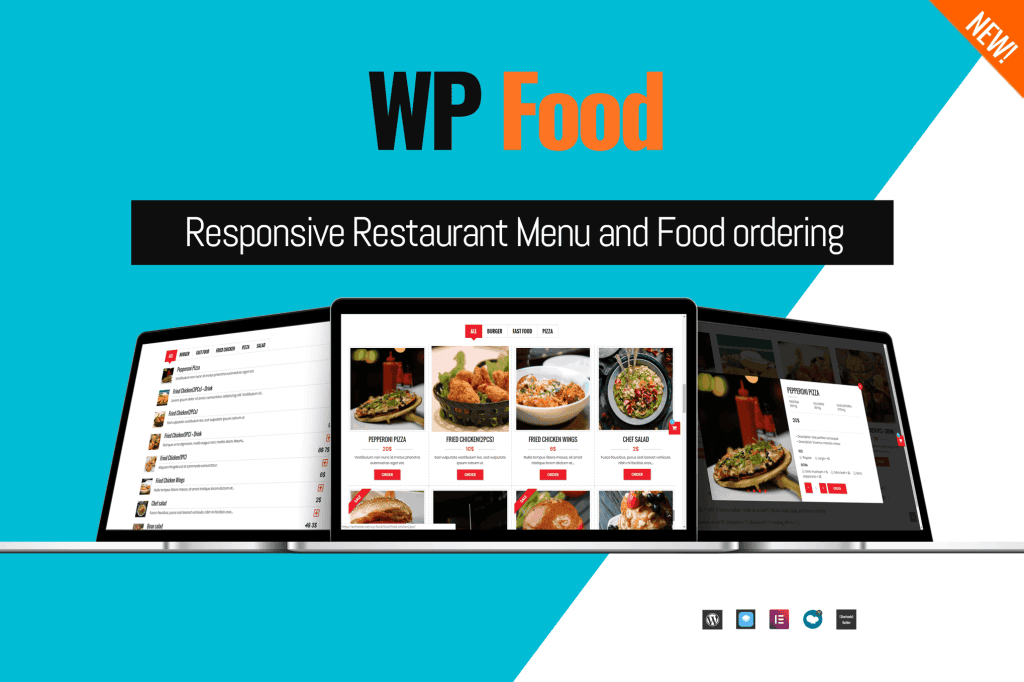
WP Food РRestaurant Menu and Food Ordering is a comprehensive solution designed to help restaurant owners, café managers, and food service businesses create a professional online presence. This plugin streamlines the entire process of showcasing your culinary offerings and managing customer orders directly through your WordPress website, providing a seamless, user-friendly experience that encourages repeat business.
Key Features
- Versatile Menu Displays: Choose from over ten food styles and multiple layout options, including grid, list, table, and carousel (slider) views, to perfectly match your restaurant’s branding.
- Flexible Customization: Easily tailor your menu with custom food descriptions, image galleries, and unlimited color and font choices to ensure your site looks exactly the way you want.
- Intuitive Order Management: Efficiently manage your menu categories and food items. Receive instant email notifications for new orders, which are also sent to the customer for confirmation.
- Responsive Design: Your menu and ordering system will look and function flawlessly on all devices, ensuring a great experience for customers ordering from mobile phones, tablets, or desktops.
- Advanced Functionality: Enhance the user experience with features like Ajax load more, pagination, popup food information, and reCAPTCHA support at checkout to prevent spam.
- Business-Ready Tools: Set food availability by location, define minimum order amounts, and manage your restaurant’s operating hours to keep your ordering process organized and efficient.
- Integration Support: The plugin is built for easy configuration and works well with popular page builders, allowing you to display your menu anywhere on your site using simple shortcodes.
Use Cases / Who It’s For
WP Food is ideal for any business in the food and beverage industry that wants to take control of its online ordering without relying solely on third-party delivery platforms. Whether you run a local café, a fine-dining restaurant, a fast-food outlet, or a catering service, this plugin provides the tools necessary to digitize your menu. It is perfect for owners who want to offer their customers a direct, hassle-free way to browse dishes, place orders, and enjoy a professional digital dining experience.
Setup / How It Works
Getting started with WP Food is designed to be straightforward, requiring no coding knowledge to launch your online menu.
- Install and Activate: Upload the plugin files to your WordPress dashboard and activate the plugin.
- Configure Settings: Adjust the global settings to match your restaurant’s preferences, such as currency, layout styles, and color schemes.
- Build Your Menu: Create your food categories and add your menu items, including descriptions, prices, and high-quality images.
- Display Your Menu: Use the provided shortcodes or widget options to place your menu on any page or post on your website.
- Manage Orders: Once live, you can start receiving orders immediately, managing them through the intuitive admin interface.