
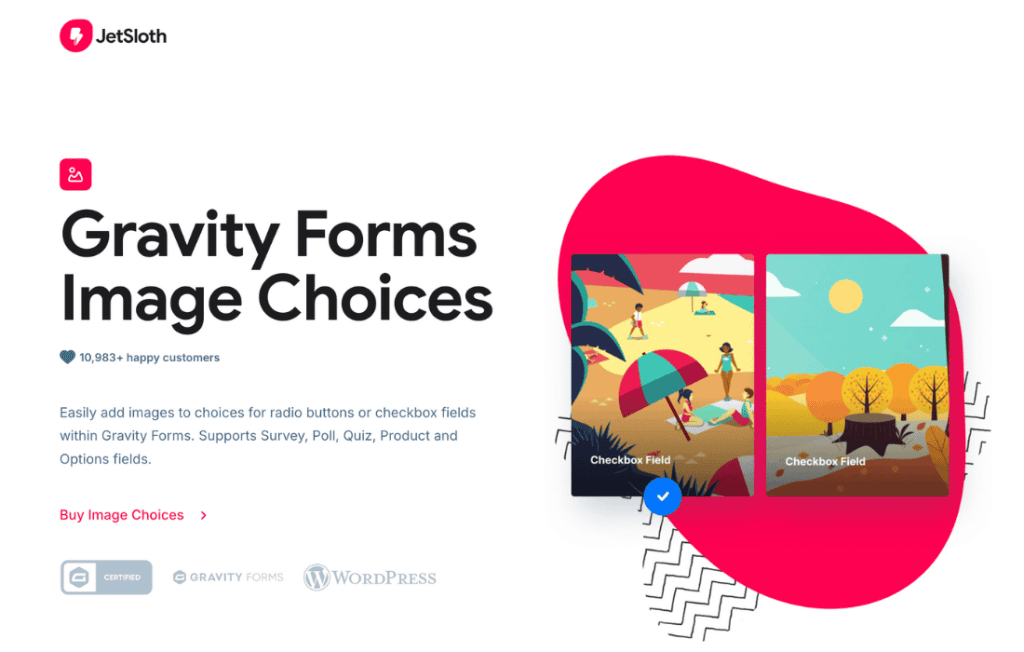
Gravity Forms Image Choices transforms standard, text-heavy forms into engaging, visual experiences that significantly improve user interaction and conversion rates. By replacing boring radio buttons and checkboxes with clickable images, this plugin allows your users to make selections in a way that feels intuitive and modern. Whether you are building a product configurator, a visual survey, or a user-friendly order form, this tool bridges the gap between functional data collection and high-end design.
Key Features
- Visual Selection Interface: Easily convert standard Gravity Forms Radio Button and Checkbox fields into interactive image-based choices.
- Seamless Integration: Works directly within the native Gravity Forms field editor, ensuring a familiar workflow for developers and site administrators.
- Flexible Display Options: Control how your images appear with settings for image sizing, layout alignment, and spacing to match your site’s aesthetic.
- Customizable Labels: Choose whether to display the image alone, the image with a text label, or a combination of both to ensure clarity for your users.
- Mobile-Responsive Design: Ensures that your visual choices look great and function perfectly on smartphones, tablets, and desktop computers.
- Support for Multiple Image Sources: Easily upload images directly to your WordPress Media Library or use external image URLs for your selection options.
- Accessibility Focused: Maintains proper form structure to ensure that your visual forms remain accessible to users relying on screen readers or keyboard navigation.
Use Cases / Who It’s For
Gravity Forms Image Choices is an essential tool for any business owner, designer, or developer looking to elevate their form-based user experience. It is particularly effective for e-commerce stores that need to display product variations, such as color swatches, material textures, or size options, in a way that helps customers visualize their purchase before adding it to the cart.
Beyond e-commerce, this plugin is perfect for agencies and marketers creating interactive quizzes, personality tests, or event registration forms. By replacing text lists with high-quality imagery, you reduce cognitive load and help users make decisions faster. It is ideal for anyone who wants to move away from standard, dry form layouts and create a brand experience that feels professional, polished, and highly interactive.
Setup / How It Works
Getting started with Gravity Forms Image Choices is designed to be straightforward, allowing you to enhance your forms in just a few minutes without needing to write custom code.
- Install and Activate: Install the plugin on your WordPress site as you would any standard plugin.
- Select Your Field: Open any existing Gravity Form or create a new one, then add or edit a Radio Button or Checkbox field.
- Enable Image Choices: Within the field settings, look for the Image Choices tab or configuration section to enable the visual interface for that specific field.
- Upload and Assign: Upload your desired images directly from your computer or select them from the WordPress Media Library, assigning one image to each choice option.
- Configure Display: Adjust your preferred settings, such as image dimensions, label visibility, and layout alignment, to ensure the form matches your site’s design.
- Save and Publish: Save your field settings and update your form. Your form will immediately display the new visual choices to your site visitors.
Similar Plugins
While Gravity Forms Image Choices is a specialized solution, other alternatives in the ecosystem include the Gravity Forms Image Choices add-on provided by various third-party developers, as well as general-purpose form styling plugins like GravityView or Gravity Wiz’s Gravity Perks suite, which often include modules for enhancing field functionality and visual presentation.