
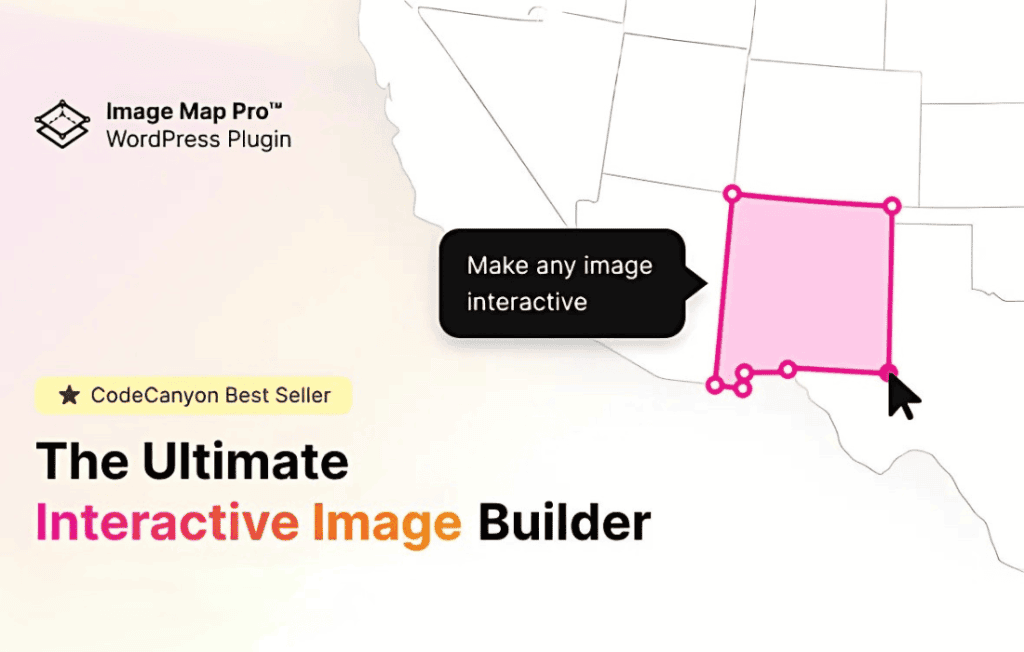
Image Map Pro for WordPress is the ultimate solution for transforming static images into interactive, engaging, and data-rich experiences. Whether you need to create complex floor plans, detailed product infographics, or interactive maps, this plugin provides a professional-grade editor that lets you draw custom shapes, add tooltips, and trigger actions directly on your images. It is the perfect tool for website owners, designers, and e-commerce managers who want to guide their visitors through visual content and boost user interaction without writing a single line of code.
Key Features
- Advanced Image Map Builder: Access a powerful, built-in editor that allows you to draw polygons, rectangles, and ellipses directly over your images with precision.
- Fully Responsive Design: Ensure your interactive maps look and function perfectly on any device, from desktop monitors to smartphones, with built-in responsive scaling.
- Customizable Tooltips: Create highly detailed tooltips that appear when users hover over or click on specific areas. You can include text, images, videos, and custom HTML content.
- Interactive Actions: Configure specific actions for each area, such as opening a new URL, triggering a JavaScript event, or showing/hiding other elements on the map.
- Extensive Styling Options: Control every aspect of your map’s appearance, including fill colors, border styles, opacity, and hover effects to ensure it perfectly matches your brand identity.
- SVG Support: Import your own SVG files to use as base maps, allowing for highly complex and professional-looking vector graphics.
- Performance Optimized: Built with clean code to ensure your interactive maps load quickly and do not negatively impact your website’s overall performance.
Use Cases / Who It’s For
Image Map Pro is designed for anyone who needs to present information visually rather than through walls of text. E-commerce store owners use it to create “shoppable images,” where customers can hover over products within a lifestyle photo to see pricing and direct purchase links. Real estate agents and architects utilize the plugin to create interactive floor plans, allowing potential buyers to click on specific rooms to view photos or dimensions.
Educational websites and travel blogs also benefit significantly from this tool. You can create interactive maps of countries or regions, allowing users to click on specific locations to learn more about history, culture, or travel tips. If you have a complex diagram or a technical infographic, Image Map Pro turns that static image into a dynamic learning tool that encourages exploration and increases time-on-site.
Setup / How It Works
- Upload Your Image: Start by uploading the base image or SVG file you want to make interactive into the Image Map Pro builder.
- Draw and Define Areas: Use the intuitive drawing tools to outline the specific sections of the image you want to be interactive. You can create as many shapes as needed.
- Configure Content and Actions: For each shape you have drawn, add the desired tooltip content and define what happens when a user interacts with that area.
- Style Your Map: Use the customization panel to set colors, hover effects, and animations to ensure the map integrates seamlessly with your website’s design.
- Publish with Shortcodes: Once your map is complete, the plugin generates a simple shortcode. Copy and paste this shortcode into any page, post, or widget area on your WordPress site to display your interactive image.
Similar Plugins
While Image Map Pro is a comprehensive solution, other options exist in the WordPress ecosystem for creating interactive visual content. These include Draw Attention, which focuses on simple, click-to-reveal hotspots, and MapSVG, which is specifically tailored for advanced vector map manipulations and data visualization.