
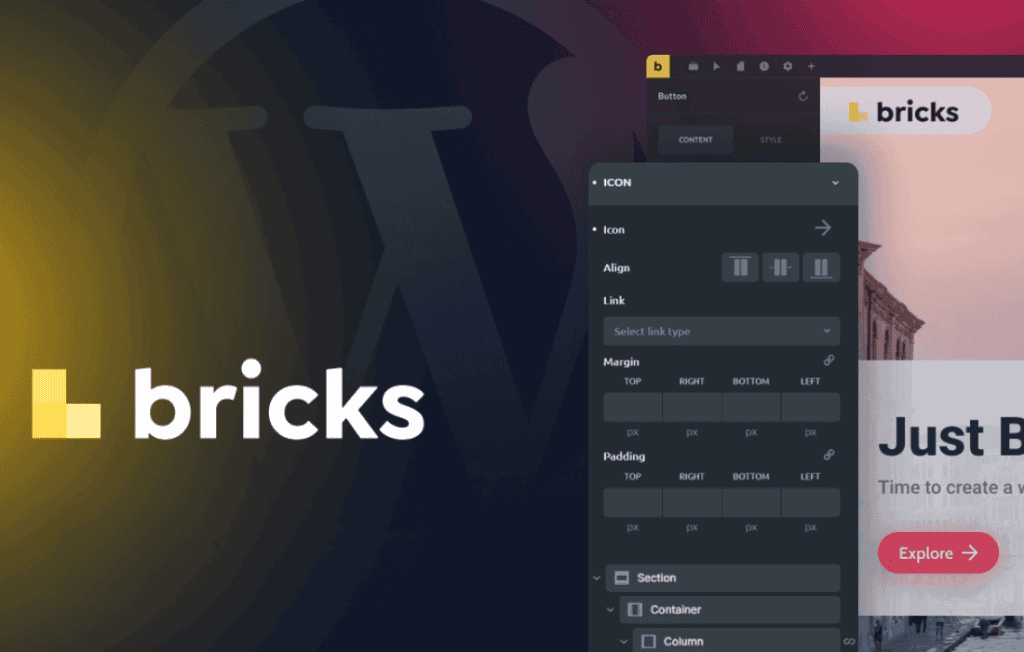
Bricks is a powerful, all-in-one WordPress theme that integrates a high-performance visual builder directly into the core, eliminating the need for third-party page builder plugins. Designed for designers, developers, and agency owners who demand both creative freedom and lightning-fast site performance, Bricks allows you to build complete, pixel-perfect websites entirely within the WordPress dashboard. By combining the theme and the builder into a single, cohesive ecosystem, it provides a streamlined workflow that helps you create professional-grade sites without the bloat typically associated with heavy page-building tools.
Key Features
- Full Site Editing: Take complete control of your website’s design, including headers, footers, single post templates, archive pages, and 404 pages, all using a unified visual interface.
- Unmatched Performance: Built with a focus on speed, Bricks generates clean, minimal code that ensures your site loads quickly and scores high on Core Web Vitals, providing a better experience for your visitors and improved SEO rankings.
- Dynamic Data Integration: Easily pull data from custom fields (such as ACF, Meta Box, or Pods) to create complex, data-driven layouts like real estate listings, directory sites, or portfolio grids without writing custom code.
- Visual Query Builder: Create custom loops and complex queries visually, allowing you to display specific posts, products, or custom post types exactly where and how you want them on your page.
- Global Styles and Classes: Maintain design consistency across your entire site by defining global colors, fonts, and typography settings, and utilize a class-based system to manage styles efficiently across multiple elements.
- Extensive Element Library: Access a comprehensive suite of built-in elements—from basic text and images to advanced components like sliders, tabs, accordions, and interactive forms—to build complex layouts quickly.
- Developer-Friendly Architecture: For those who prefer to code, Bricks offers robust hooks, filters, and a clean API, making it easy to extend functionality or integrate custom scripts without compromising the builder’s integrity.
Use Cases / Who It’s For
Bricks is engineered for professionals who need a reliable, scalable solution for building WordPress websites. It is an ideal choice for freelance web designers who want to deliver high-quality, custom-branded sites to clients without being restricted by rigid pre-made themes. Because Bricks produces clean, lightweight code, it is highly favored by SEO specialists and performance-focused developers who need to ensure their projects rank well and handle high traffic volumes.
Agency owners will find Bricks particularly valuable for standardizing their development workflow. By mastering one tool that handles both the layout and the theme structure, teams can reduce development time, minimize plugin dependencies, and simplify the maintenance of client sites. Whether you are building a simple landing page, a complex e-commerce store, or a multifaceted membership site, Bricks provides the flexibility to execute your vision without the common frustrations of plugin conflicts.
Setup / How It Works
- Installation: Install and activate the Bricks theme through the standard WordPress Appearance > Themes menu. Once activated, the built-in builder is immediately available for use.
- Global Settings: Navigate to the Bricks settings to define your global color palette, typography scales, and container widths. This ensures that every page you build follows your brand guidelines automatically.
- Template Creation: Use the Template builder to define your site structure. Create a header and footer template once, and assign them to appear across your entire site, or create specific templates for different post types.
- Visual Editing: Open any page or post and click the “Edit with Bricks” button. Use the drag-and-drop interface to add elements, adjust spacing, apply styles, and configure dynamic data sources in real-time.
- Publish and Optimize: Once your design is complete, save your changes. Because Bricks handles the rendering, there is no need for extra optimization plugins to clean up builder-generated bloat, allowing you to go live with a fast, responsive site immediately.
Similar Plugins
If you are exploring alternatives in the WordPress ecosystem that offer visual site-building capabilities, you may also consider tools such as Elementor, Beaver Builder, or the native WordPress Block Editor (Gutenberg) when paired with a theme framework like GeneratePress or Kadence. Each of these solutions offers a different approach to site building, with varying levels of focus on performance, ease of use, and developer customization.