
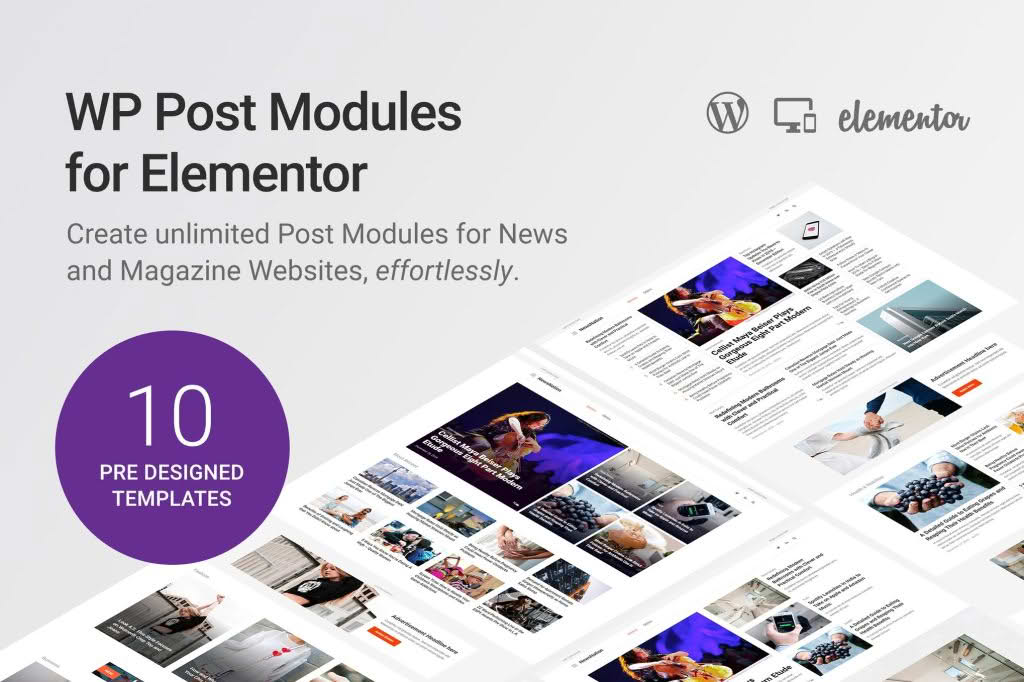
Transform the way your content is displayed on your website with WP Post Modules for Elementor, the ultimate toolkit for designers and content creators who want to showcase posts, pages, and custom post types with stunning visual layouts. Whether you are building a news portal, a portfolio, or a dynamic blog, this plugin bridges the gap between raw WordPress content and the intuitive Elementor page builder, allowing you to create professional-grade grids, carousels, and lists without writing a single line of code.
Key Features
- Versatile Layout Options: Choose from a variety of pre-designed skins including classic grids, masonry layouts, carousels, and list views to ensure your content always looks perfectly structured.
- Advanced Query Controls: Take full control over what content is displayed by filtering posts based on categories, tags, authors, or specific date ranges, and easily exclude sticky or specific posts.
- Custom Post Type Support: Go beyond standard blog posts by seamlessly integrating and displaying content from your custom post types, such as testimonials, team members, or project portfolios.
- Deep Customization: Tailor every element of your post modules, including typography, spacing, image sizing, and overlay effects, directly within the Elementor interface.
- Performance Optimized: Built with clean code to ensure that your site remains fast and responsive, even when loading complex post grids or dynamic content feeds.
- Dynamic Content Integration: Leverage Elementor’s dynamic tags to pull in custom fields and metadata, allowing you to display unique information like star ratings, prices, or custom status labels alongside your post titles.
Use Cases and Who It’s For
WP Post Modules for Elementor is designed for anyone who relies on content-heavy websites to drive engagement and conversions. If you are a web designer managing client sites, this plugin provides the flexibility to create unique, branded content sections that elevate the user experience. For bloggers and content marketers, it offers an effortless way to highlight featured articles, organize archives, or create “related posts” sections that keep visitors on your site longer.
It is also an indispensable tool for site owners running niche websites. Whether you are managing a real estate site that needs to showcase property listings, a movie review site that requires structured data presentation, or a corporate site that needs to display company news in a sleek, modern format, this plugin provides the structure and aesthetic control required to make your data shine.
Setup and How It Works
Getting started with WP Post Modules for Elementor is designed to be a frictionless experience for any Elementor user:
- Installation: Simply install and activate the plugin through your WordPress dashboard just like any other standard plugin.
- Access Widgets: Once activated, open any page or template in the Elementor editor. You will find the new post module widgets located in the left-hand panel under a dedicated section.
- Drag and Drop: Drag your chosen post module widget onto your page canvas.
- Configure Queries: Use the Content tab to define your source—select your post type, set the number of posts to display, and apply filters to curate the exact content you want to show.
- Style and Refine: Switch to the Style tab to adjust colors, fonts, borders, and hover animations to match your brand identity perfectly.
Similar Plugins
If you are exploring your options, there are other tools in the WordPress ecosystem that offer similar functionality for content display. Popular alternatives include Essential Addons for Elementor, Premium Addons for Elementor, and JetEngine by Crocoblock. Each of these suites provides a collection of widgets for post grids and content listings, though WP Post Modules for Elementor is specifically optimized for users who want a lightweight, focused solution dedicated primarily to post management without the bloat of massive, all-in-one widget packs.