
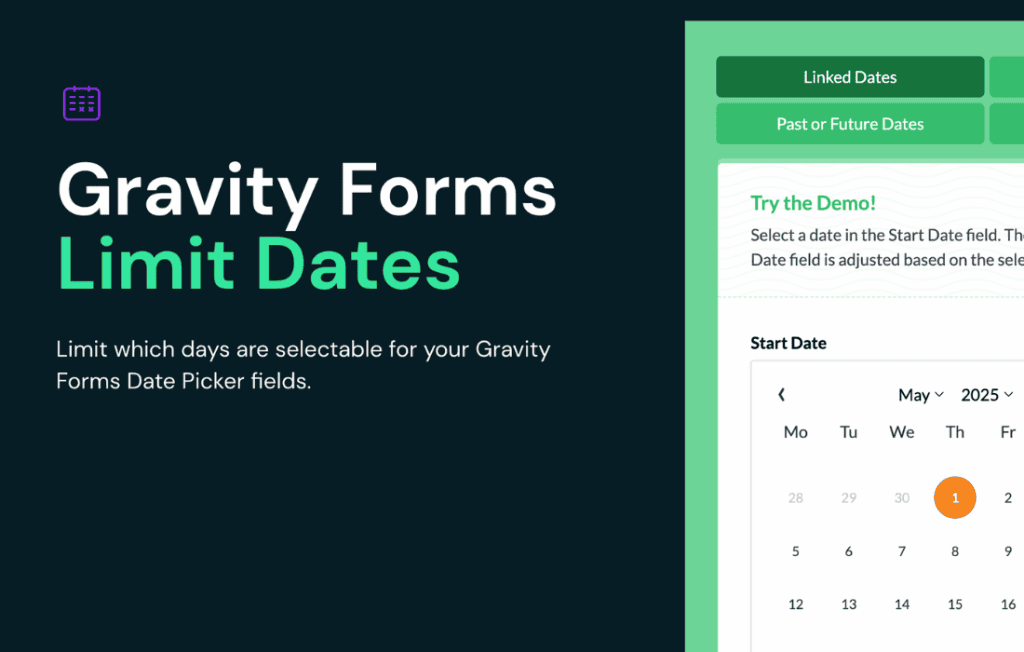
Take complete control over your Gravity Forms date picker fields with Gravity Perks Limit Dates. Whether you are managing appointment bookings, event registrations, or deadline-sensitive submissions, this plugin empowers you to restrict user selections based on your specific business rules. Stop worrying about users booking dates in the past, selecting weekends, or choosing days that are already fully booked. With this lightweight, powerful extension, you ensure that every date submitted through your forms is valid, intentional, and ready for your workflow.
Key Features
- Restrict Date Ranges: Easily define start and end dates to ensure users can only select from a valid window of time.
- Disable Specific Days: Automatically block weekends or specific days of the week to align with your business operating hours.
- Exclude Custom Dates: Effortlessly disable specific calendar dates, such as holidays, company closures, or days that are already at capacity.
- Dynamic Date Offsets: Configure minimum and maximum date offsets to enforce lead times (e.g., requiring bookings to be made at least 48 hours in advance).
- Global or Per-Field Configuration: Apply restrictions globally across your site or tailor settings individually for specific date fields on different forms.
- Seamless Integration: Designed specifically for Gravity Forms, providing a native-feeling experience that works perfectly with your existing form layouts and styles.
- User-Friendly Interface: Manage all your date restrictions directly within the familiar Gravity Forms field settings sidebar—no complex coding required.
Use Cases and Who It’s For
Gravity Perks Limit Dates is an essential tool for any WordPress site owner who relies on date input for operational efficiency. If you run a service-based business, you know how frustrating it is to receive bookings for days you are closed or to have clients book appointments with insufficient notice. This plugin eliminates those administrative headaches by enforcing your availability rules at the point of entry.
It is perfect for restaurants or catering services that need to block out specific holidays or dates when they are fully booked. Event planners can use it to set strict registration windows, ensuring no one signs up before or after the designated period. Medical offices, salons, and consultants can utilize the lead-time offsets to ensure they have enough time to prepare for every appointment. By automating these constraints, you reduce the need for manual follow-up emails, rescheduling requests, and administrative cleanup, allowing you to focus on delivering excellent service to your clients.
Setup and How It Works
Getting started with Gravity Perks Limit Dates is designed to be straightforward, allowing you to implement complex scheduling rules in just a few minutes.
- Install and Activate: Ensure you have the Gravity Perks core plugin installed and activated, then install the Limit Dates perk.
- Access Field Settings: Navigate to your form editor and click on the Date field you wish to restrict.
- Configure Restrictions: Open the “Limit Dates” tab within the field settings sidebar.
- Define Rules: Use the intuitive interface to enable your desired restrictions, such as disabling weekends, setting a minimum lead time, or excluding specific calendar dates.
- Save and Test: Save your form settings and preview the form on your website to verify that the date picker correctly reflects your new business rules.
Once configured, the plugin automatically handles the logic on the front end. When a user interacts with the date picker, the restricted dates will be visually disabled and unselectable, providing immediate feedback and preventing invalid submissions before they even happen.