
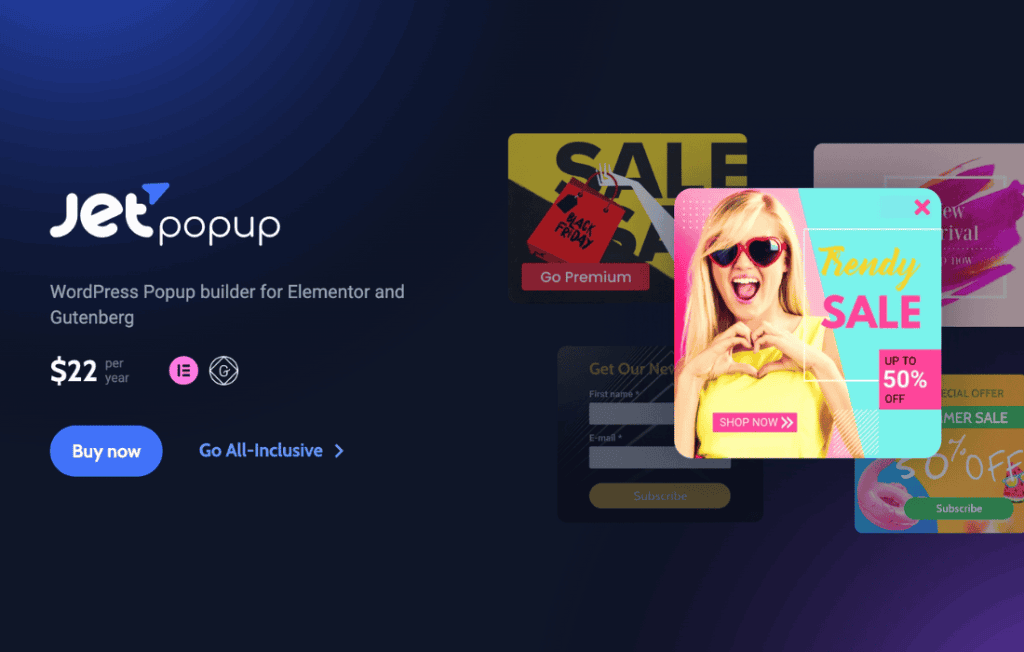
JetPopup for Elementor is a powerful, versatile plugin designed to help website owners create high-converting popups without writing a single line of code. By seamlessly integrating with the Elementor page builder, it empowers you to design visually stunning, interactive overlays that capture visitor attention, grow your email list, and boost sales. Whether you are looking to display promotional offers, collect newsletter signups, or provide critical announcements, JetPopup gives you the creative freedom and technical precision to ensure your messages reach the right audience at the perfect moment.
Key Features
- Full Elementor Integration: Build your popups using the familiar Elementor interface. You can drag and drop widgets, adjust layouts, and style every element exactly as you would on a regular page.
- Extensive Popup Library: Get a head start with a vast collection of pre-designed, professional-looking popup templates suitable for various niches and purposes.
- Advanced Trigger Conditions: Control exactly when and how your popups appear. Choose from triggers like page load, exit intent, scrolling depth, time spent on site, or clicks on specific elements.
- Precise Display Rules: Target your audience effectively by setting display conditions based on specific pages, post types, user roles, or device types.
- Interactive Popup Types: Create diverse popup experiences including classic modals, slide-ins, notification bars, full-screen overlays, and floating buttons.
- Dynamic Content Support: Easily incorporate dynamic data into your popups, allowing for personalized messaging that resonates more deeply with your visitors.
- Customization and Animation: Fine-tune the look and feel with extensive styling options and choose from a variety of entrance and exit animations to make your popups engaging rather than intrusive.
Use Cases / Who It’s For
JetPopup is an essential tool for digital marketers, e-commerce store owners, and web designers who want to maximize the effectiveness of their WordPress sites. If you are an online retailer, you can use JetPopup to showcase limited-time discounts, recover abandoned carts with exit-intent offers, or highlight new product arrivals. For bloggers and content creators, it serves as a highly effective mechanism for growing an email subscriber base by offering lead magnets or exclusive content updates.
Because the plugin is built specifically for Elementor, it is the ideal choice for agencies and freelancers who need to deliver high-converting, custom solutions for their clients quickly. It removes the need for clunky, third-party popup services that often slow down your site or offer limited design flexibility, keeping your entire workflow within the WordPress dashboard.
Setup / How It Works
- Installation: After installing and activating the plugin, navigate to the JetPopup dashboard within your WordPress admin area.
- Create a Popup: Click to create a new popup, which will open the Elementor editor. Design your popup using the standard Elementor widgets and styling controls.
- Configure Settings: Use the JetPopup settings panel to define your trigger conditions (e.g., exit intent) and display rules (e.g., show only on the homepage).
- Attach to Elements: If you want a popup to appear upon clicking a specific button or link, use the JetPopup settings within that element’s configuration in Elementor to link it to your created popup.
- Publish: Once your design and conditions are set, save your changes, and the popup will automatically begin functioning according to your defined rules.
Similar Plugins
If you are exploring alternatives, other popular popup solutions that integrate with the WordPress ecosystem include Elementor Pro’s built-in Popup Builder, Popup Maker, and Bloom by Elegant Themes. Each offers varying levels of integration and feature sets, though JetPopup is specifically optimized for those who prioritize a deep, native-feeling workflow within the Elementor environment.