
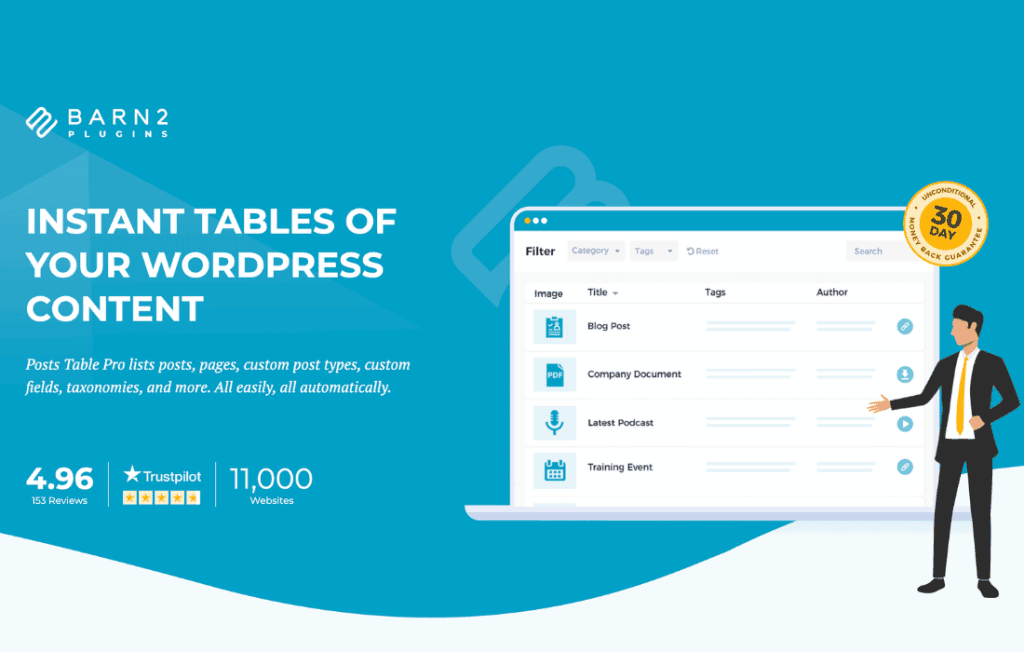
Posts Table Pro transforms your WordPress content into dynamic, searchable, and sortable tables, making it easier than ever for your visitors to find exactly what they need. Whether you manage a massive library of documents, a complex product catalog, or a large archive of blog posts, this plugin turns static lists into interactive, user-friendly experiences that significantly improve site navigation and user engagement.
Key Features
- Instant Search and Filtering: Empower your users to find content in seconds. The plugin includes a live search box and customizable filter dropdowns, allowing visitors to narrow down results by category, tag, author, or custom taxonomy.
- Full Customization Control: You decide exactly what information is displayed. Choose which columns to show, rename column headers, and control the order of your data with a simple, intuitive interface.
- Support for Custom Fields and Taxonomies: Go beyond standard post titles. Display data from custom fields, custom taxonomies, and even featured images to provide a rich, informative view of your content.
- Responsive Design: Your tables will look great on any device. The plugin automatically handles mobile responsiveness, ensuring that your data remains readable and functional on smartphones, tablets, and desktops alike.
- Lazy Load and Pagination: Handle massive datasets without compromising performance. With built-in lazy loading and pagination options, your pages will remain fast and lightweight, even if you are displaying thousands of rows.
- Multimedia Integration: Easily embed audio and video players directly within the table, making it an ideal solution for resource libraries, podcast archives, or portfolio showcases.
Use Cases and Who It’s For
Posts Table Pro is designed for website owners, developers, and content managers who need to organize large amounts of information in a clean, professional format. It is the perfect solution for creating document libraries where users need to sort by date or category, or for building comprehensive resource centers where accessibility is key.
E-commerce store owners often use the plugin to create quick-order forms or wholesale catalogs, allowing customers to view multiple products at once and add them to their cart without navigating to individual product pages. It is also a favorite among membership site owners who need to provide members with easy access to downloadable files, course materials, or private archives. By presenting information in a structured table format, you remove the friction from the user experience, helping your visitors spend less time searching and more time consuming your content.
Setup and How It Works
Getting started with Posts Table Pro is designed to be straightforward, requiring no advanced coding knowledge. You can implement the tables across your site using a simple shortcode or by utilizing the block editor integration.
- Install and Activate: Upload the plugin to your WordPress site and activate it through the plugins dashboard.
- Configure Settings: Navigate to the plugin settings page to define your default table behavior, such as which columns to display, search functionality, and pagination preferences.
- Insert Your Table: Use the provided shortcode—[posts_table]—on any page, post, or widget area where you want the table to appear. You can further customize individual tables by adding parameters to the shortcode to override global settings.
- Review and Publish: Preview your table on the front end to ensure the data is displayed exactly as you intended. The plugin automatically pulls your existing posts, pages, or custom post types, so your table is populated instantly.
Similar Plugins
While Posts Table Pro offers a robust, dedicated solution for table-based content management, other options exist in the WordPress ecosystem depending on your specific needs. Plugins such as TablePress are widely used for creating manual, static tables, while DataTables-based solutions or specialized WooCommerce product table plugins offer alternative ways to handle structured data. Posts Table Pro distinguishes itself by focusing specifically on the dynamic display of WordPress post types, ensuring seamless integration with your existing content database.