
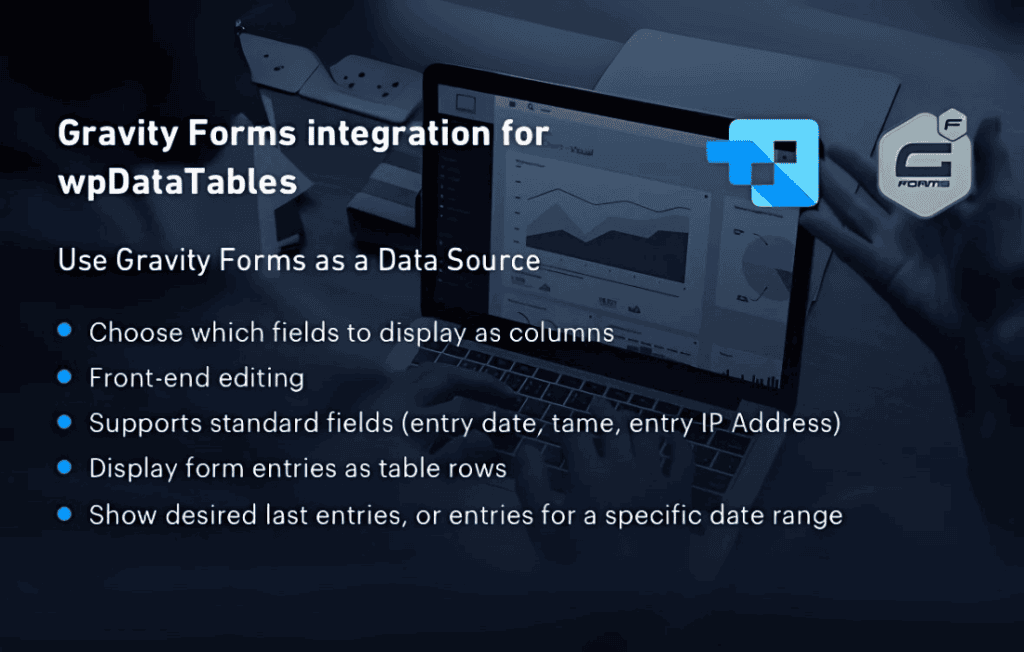
Transform your raw form submission data into powerful, interactive, and visually stunning reports with the Gravity Forms integration for wpDataTables. If you rely on Gravity Forms to collect customer feedback, lead information, or operational data, this integration bridges the gap between simple data entry and actionable business intelligence. By automatically syncing your form entries directly into wpDataTables, you can instantly display, filter, and analyze your information on the front end of your WordPress site without writing a single line of code.
Key Features
- Automated Data Synchronization: Eliminate manual data entry by automatically populating your tables with every new Gravity Forms submission.
- Real-Time Updates: Ensure your reports are always current; as soon as a user hits submit, the data reflects in your tables immediately.
- Advanced Filtering and Sorting: Empower your site visitors to find exactly what they need by enabling powerful front-end filtering, searching, and column sorting on your Gravity Forms data.
- Dynamic Visualization: Leverage the full power of the wpDataTables charting engine to turn your form submissions into professional-grade charts and graphs that update automatically.
- Customizable Data Display: Choose exactly which form fields to include in your tables, allowing you to hide sensitive information while highlighting the data that matters most to your audience.
- Seamless Integration: Designed to work natively within the WordPress dashboard, ensuring a familiar interface and smooth performance without bloating your site.
Use Cases and Who It’s For
This integration is an essential tool for any WordPress site owner who needs to turn form-based input into a structured, readable format. It is particularly valuable for business owners, project managers, and administrators who need to track information over time.
For example, if you run a service-based business, you can use this plugin to create a public or private dashboard that tracks project status updates submitted by your team through a form. Event organizers can use it to display real-time registration lists or attendee counts. Educational institutions can utilize it to aggregate survey results or student feedback into clean, sortable tables that make identifying trends effortless. Whether you are managing inventory, tracking volunteer hours, or simply displaying user-generated content, this plugin saves you hours of administrative work by automating the transition from “form submission” to “data insight.”
Setup and How It Works
Getting started is designed to be straightforward, allowing you to move from setup to data presentation in minutes:
- Install and Activate: Ensure both the Gravity Forms plugin and the wpDataTables plugin are active on your WordPress site, then install the integration add-on.
- Create a New Data Source: Within the wpDataTables interface, select the option to create a new table and choose Gravity Forms as your data source.
- Select Your Form: Choose the specific Gravity Form you wish to pull data from using the intuitive dropdown menu.
- Configure Columns: Map your form fields to table columns. You can rename headers, decide which fields to display, and set data types for better sorting.
- Publish: Once configured, the plugin generates a unique shortcode. Simply paste this shortcode onto any page or post to display your live, interactive table to your users.
Similar Plugins
While the Gravity Forms integration for wpDataTables offers a specialized, high-performance solution for data visualization, other methods exist for handling form data. Users often explore plugins like GravityView, which focuses on displaying form entries in various layouts, or Formidable Forms, which includes built-in views and reporting features that serve as an all-in-one alternative for those not already committed to the wpDataTables ecosystem.