
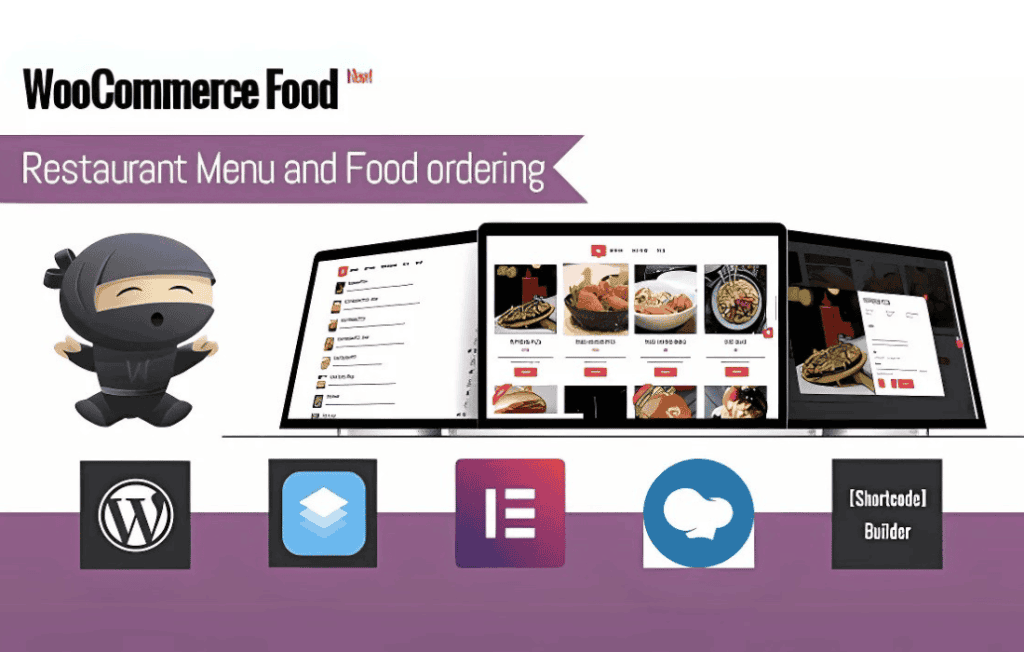
Transform your WordPress site into a high-performing digital storefront for your restaurant, café, or bakery with WooCommerce Food. Designed specifically for food-based businesses, this plugin bridges the gap between standard e-commerce functionality and the unique requirements of the food industry. By streamlining the ordering process, managing complex menu options, and providing a seamless customer experience, it helps you focus on what you do best: preparing delicious food.
Key Features
- Advanced Menu Management: Easily organize your dishes into categories, set up dietary labels (such as vegan, gluten-free, or spicy), and display mouth-watering images to entice your customers.
- Customizable Food Add-ons: Increase your average order value by allowing customers to personalize their meals. Easily add options for extra toppings, side dishes, or special preparation instructions directly on the product page.
- Flexible Ordering Options: Whether you offer local delivery, curbside pickup, or dine-in ordering, the plugin adapts to your workflow. You can define specific delivery zones and set minimum order amounts for delivery.
- Order Scheduling: Empower your customers to plan ahead by allowing them to select their preferred pickup or delivery date and time, helping you manage your kitchen workflow more effectively during peak hours.
- Intuitive Checkout Experience: Reduce cart abandonment with a streamlined, mobile-friendly checkout process designed to get customers from “hungry” to “ordered” in just a few clicks.
- Kitchen Display Integration: Keep your staff informed and organized with clear order summaries that can be easily printed or viewed on a digital kitchen display, ensuring that every order is prepared accurately and on time.
- Responsive Design: Ensure your menu looks stunning and functions perfectly on all devices, from desktop computers to smartphones, so your customers can order from anywhere.
Use Cases: Who It’s For
WooCommerce Food is the ideal solution for any business that manages food and beverage inventory and requires a robust online ordering system. It is perfect for independent restaurants looking to bypass high-commission third-party delivery apps and take control of their own customer data. Caf√©s and coffee shops can use the plugin to facilitate “order ahead” services for busy commuters, while bakeries and catering services can leverage the scheduling features to manage large, pre-planned orders for events. If you are a business owner who wants to provide a professional, branded ordering experience while keeping your operations efficient and organized, this plugin provides the essential tools to grow your digital presence.
Setup and How It Works
- Installation: Install and activate the plugin through your WordPress dashboard just as you would with any standard WooCommerce extension.
- Menu Configuration: Use the familiar WooCommerce product interface to create your menu items. You can assign specific attributes, prices, and images to each dish.
- Define Ordering Rules: Navigate to the plugin settings to configure your operational hours, delivery zones, and pickup availability. This ensures that customers can only place orders when you are ready to fulfill them.
- Customize Add-ons: Create global or product-specific add-on groups to allow customers to customize their meals, such as choosing drink sizes or adding extra protein.
- Go Live: Once your menu is published, your customers can browse your offerings, customize their selections, schedule their delivery or pickup, and complete their purchase securely through your website.
Similar Plugins
If you are exploring your options, other solutions in the WordPress ecosystem that provide food ordering functionality include RestroPress, which is built specifically for food ordering, and various WooCommerce-compatible extensions such as WooCommerce Product Add-Ons or specialized restaurant booking and ordering plugins available through the WordPress repository.