
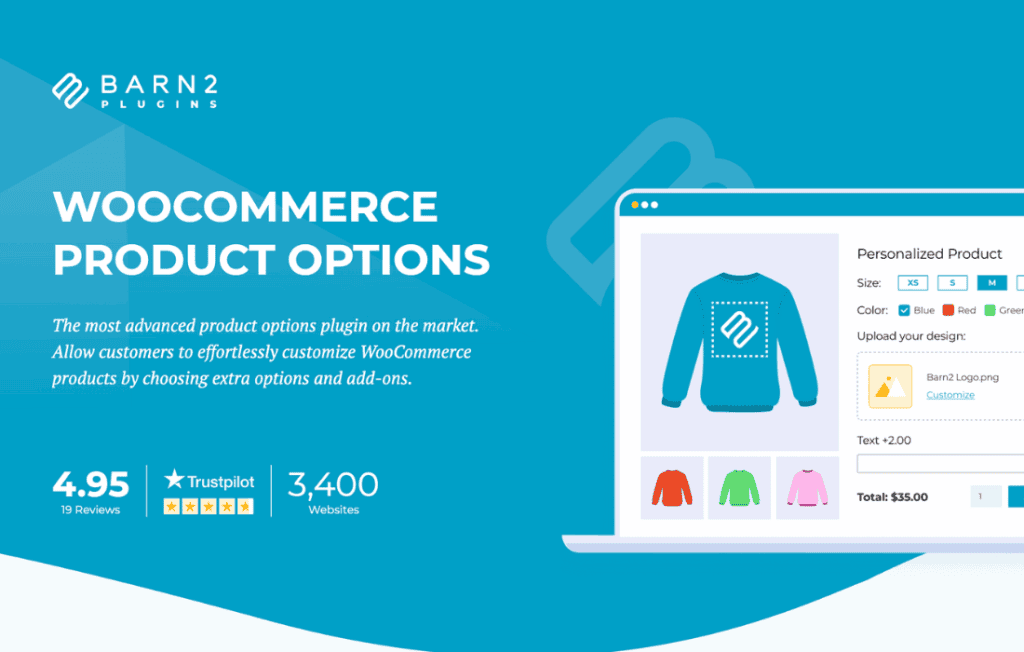
Unlock the full potential of your online store by offering your customers the customization they crave. The WooCommerce Product Options plugin empowers store owners to move beyond standard product attributes, allowing you to add unlimited custom fields to your product pages. Whether you need to collect personalized text, offer gift wrapping upgrades, or provide complex product configurations, this tool gives you the flexibility to create a tailored shopping experience that drives conversions and increases average order value.
Key Features
- Unlimited Custom Field Types: Go beyond simple dropdowns. Add text inputs, checkboxes, radio buttons, file uploads, date pickers, color swatches, and multi-select fields to any product.
- Conditional Logic: Display or hide specific options based on the customer’s previous selections. This keeps the user interface clean and prevents overwhelming shoppers with irrelevant choices.
- Dynamic Pricing: Attach extra costs to specific options. You can set fixed fees, percentage-based increases, or per-character pricing to ensure your profit margins remain protected when offering customization.
- Global and Product-Level Settings: Save time by creating option sets that can be applied to entire categories or specific products, or create unique, one-off options for individual items.
- File Upload Support: Allow customers to upload custom artwork, logos, or documents directly on the product page, making it perfect for print-on-demand or personalized services.
- Seamless WooCommerce Integration: Custom options are fully integrated into the WooCommerce cart, checkout, and order management system, ensuring that your backend workflow remains smooth and organized.
Use Cases: Who It’s For
This plugin is an essential tool for any WooCommerce store owner looking to provide a more interactive and personalized shopping experience. It is particularly valuable for businesses that rely on product customization to stand out in a competitive market.
If you run a print-on-demand business, you can use the file upload feature to let customers submit their own designs. For jewelry or gift shops, the text input fields are perfect for engraving requests or personalized gift messages. Furniture retailers can use conditional logic to let customers select materials, colors, and dimensions, ensuring the final product meets their exact specifications before they ever hit the checkout button.
Setup: How It Works
Getting started with WooCommerce Product Options is designed to be intuitive, allowing you to enhance your product pages without needing to write a single line of code.
- Create Option Groups: Navigate to the plugin settings to create a new group of options. Give it a descriptive name for easy management.
- Add Your Fields: Choose the type of field you need—such as a text box or dropdown—and configure the labels, placeholder text, and any associated costs.
- Apply to Products: Assign your option groups to specific products, categories, or tags. You can also choose to apply them globally to every product in your store.
- Configure Logic: If needed, set up rules to determine when specific fields should appear based on the customer’s interaction with the product page.
- Save and Preview: Once saved, your new options will immediately appear on the front end of your store, ready for customers to interact with.
Similar Plugins
While this plugin provides a robust solution for product customization, other options exist in the ecosystem depending on your specific needs. Alternatives such as Product Add-Ons for WooCommerce by WooCommerce, YITH WooCommerce Product Add-Ons, and WooCommerce Product Add-Ons Ultimate also offer comprehensive suites for adding custom fields, dynamic pricing, and conditional logic to your product pages.