
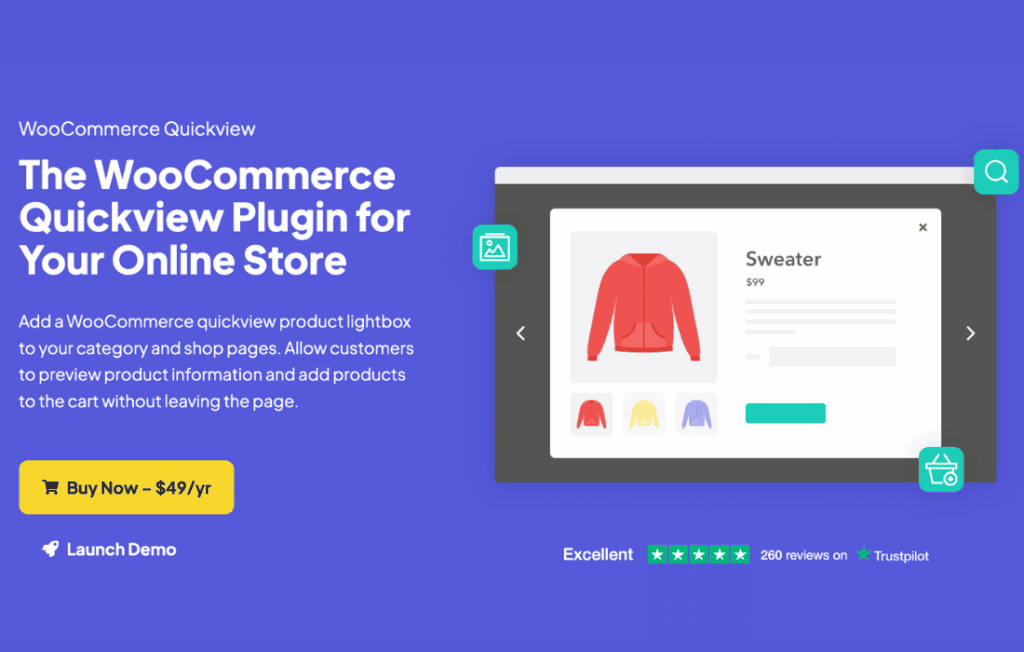
In the fast-paced world of e-commerce, every second counts. WooCommerce Quickview transforms your online store by allowing customers to preview product details, view images, and add items to their cart without ever leaving the current page. By eliminating the need to navigate back and forth between product pages and category archives, you reduce friction, keep shoppers engaged, and significantly streamline the path to purchase.
Key Features
- Seamless User Experience: Display product information in a clean, responsive modal window that keeps users on the current page, maintaining their browsing context.
- Customizable Display: Choose exactly what information appears in the quick view modal, such as product descriptions, price, stock status, and product meta, to match your brand’s aesthetic.
- Integrated Add to Cart: Enable customers to select variations and add items directly to their cart from the preview window, accelerating the checkout process.
- Image Gallery Support: Allow shoppers to cycle through product images and zoom in on details without opening a new page, helping them make more informed buying decisions.
- Mobile-Optimized Design: Ensure your store looks professional and functions flawlessly on smartphones and tablets, providing a consistent experience across all devices.
- Performance Focused: Built with clean, efficient code to ensure that loading product previews is fast and does not negatively impact your site’s overall speed or SEO rankings.
Use Cases and Who It’s For
WooCommerce Quickview is an essential tool for any store owner looking to boost conversion rates by simplifying the shopping journey. It is particularly effective for high-volume stores that carry a large inventory. If you operate a fashion boutique, a home decor shop, or any retail site where customers prefer to compare multiple items quickly, this plugin is designed for you.
By reducing the number of clicks required to view product details, you cater to the modern shopper’s desire for speed and efficiency. This plugin is ideal for store owners who have noticed high bounce rates on category pages or want to minimize the load on their servers by preventing unnecessary page reloads. Whether you are a small business owner or managing a large-scale e-commerce operation, Quickview helps you create a more intuitive and professional shopping environment.
Setup and How It Works
Getting started with WooCommerce Quickview is designed to be straightforward, allowing you to enhance your store in minutes without requiring advanced technical knowledge.
- Installation: Upload the plugin zip file via your WordPress dashboard or install it directly through the plugin repository and activate it.
- Configuration: Navigate to the plugin settings page within your WooCommerce dashboard to customize the appearance of the Quickview button and the modal window.
- Customization: Select which elements—such as the title, price, description, or rating—you wish to display within the popup to suit your specific product layout.
- Deployment: Once saved, the Quickview button will automatically appear on your shop and archive pages, ready for your customers to use immediately.
Similar Plugins
While WooCommerce Quickview is a powerful solution, there are other options available in the WordPress ecosystem that offer similar functionality, such as YITH WooCommerce Quick View, TI WooCommerce Quick View, and various quick view features included within premium WooCommerce themes or page builder addons. When choosing the right plugin, consider your specific theme compatibility and the level of customization required for your store’s unique design.