
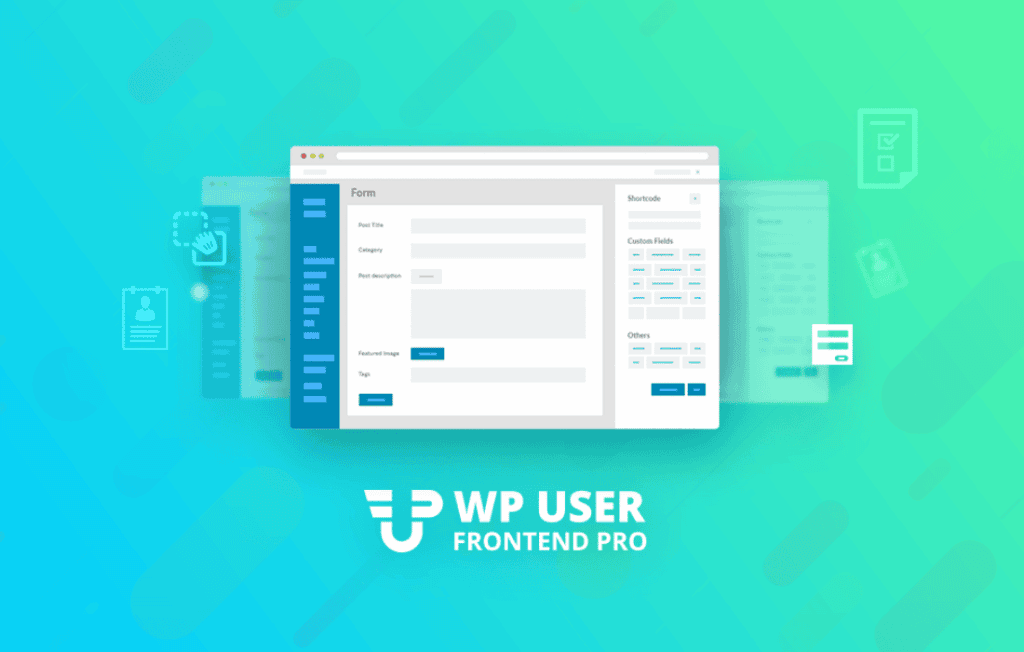
WP User Frontend Pro – Business transforms your WordPress site into a dynamic, user-driven platform by allowing your visitors to submit content, manage profiles, and interact with your site without ever needing to access the WordPress dashboard. Designed for site owners who want to scale their operations, build community-driven content, or offer subscription-based services, this powerful plugin removes the technical barrier between your users and your content management system.
Key Features
- Frontend Post Submission: Empower your users to create, edit, and manage their own posts, pages, or custom post types directly from the frontend of your website.
- Advanced Custom Fields: Take full control over the data you collect by adding custom fields to your forms, including text, dropdowns, radio buttons, checkboxes, file uploads, and more.
- Registration and Profile Builder: Create custom registration and profile forms, allowing users to update their information and manage their accounts without visiting the backend.
- Subscription and Payment Integration: Monetize your platform by requiring users to pay for posting content or accessing specific areas of your site, with support for popular payment gateways.
- Content Restriction: Easily restrict content based on user roles or subscription levels, ensuring that premium material remains exclusive to authorized members.
- Frontend Dashboard: Provide a personalized dashboard for every user, where they can view their submitted posts, manage their profile settings, and check their subscription status.
- Drag-and-Drop Form Builder: Build complex forms in minutes using an intuitive, visual interface that requires zero coding knowledge.
- Email Notifications: Keep your users and admins informed with automated email alerts triggered by form submissions, profile updates, or subscription changes.
Use Cases / Who It’s For
WP User Frontend Pro – Business is the ideal solution for a wide range of website owners looking to streamline user interaction. If you are running a directory site, this plugin allows businesses to list themselves and manage their own entries, saving you countless hours of manual data entry. For those building guest blogging platforms or community news sites, it provides a secure way for contributors to submit articles while keeping your backend restricted.
The plugin is also a powerhouse for membership site owners. By leveraging the subscription and content restriction features, you can easily create paywalls for high-value content or exclusive member forums. It is equally effective for agencies building client sites where the end-user needs to manage their own content but shouldn’t have access to the complexities of the WordPress admin panel.
Setup / How It Works
- Install and Activate: Upload the plugin to your WordPress site and activate it through the plugins menu.
- Create Your First Form: Use the drag-and-drop form builder to select the fields you need, such as post title, content area, featured image, and custom fields.
- Configure Post Settings: Define where the submitted content should go, set the post status (e.g., draft or published), and choose the category for the submissions.
- Publish the Form: Copy the generated shortcode and paste it onto any page or post where you want your users to interact with the form.
- Manage Submissions: Once live, you can review, edit, or approve user-submitted content directly from the plugin’s management interface in your dashboard.
Similar Plugins
If you are exploring alternatives in the WordPress ecosystem, other plugins that offer frontend submission and management capabilities include Gravity Forms with the Post Updates add-on, and User Frontend-style functionality found within plugins like Ultimate Member or Cred by Toolset.