
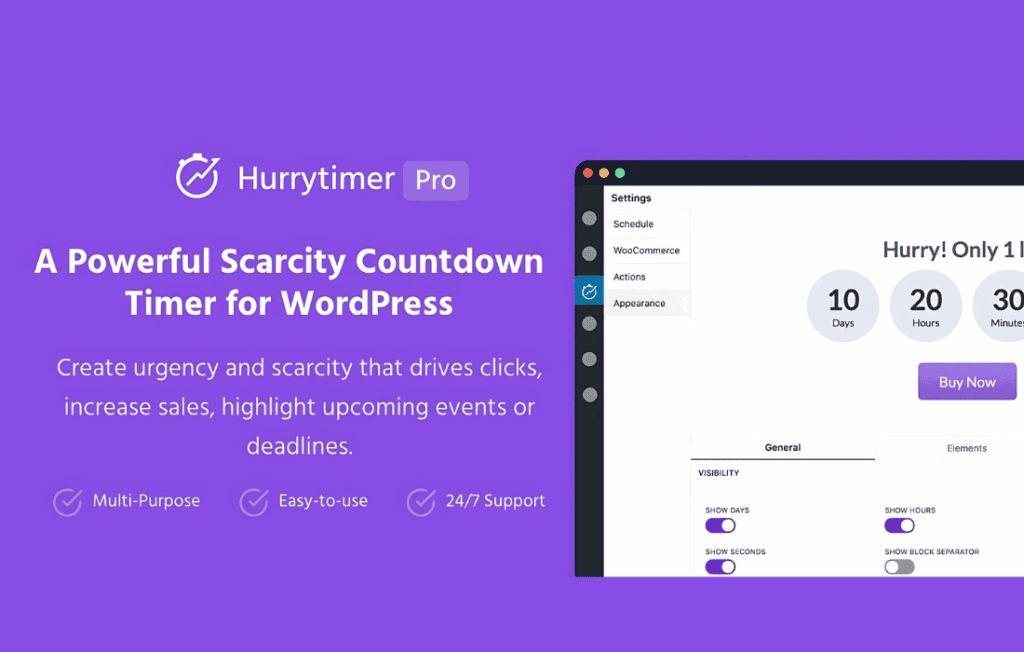
HurryTimer Pro is a powerful countdown timer plugin designed to help WordPress site owners leverage the psychological power of urgency and scarcity to drive conversions. By displaying dynamic, time-sensitive offers directly on your product pages, landing pages, or checkout flows, you can effectively reduce cart abandonment and encourage visitors to take immediate action. Whether you are running a flash sale, promoting a limited-time webinar, or creating urgency for an evergreen product, HurryTimer Pro provides the tools to turn passive browsers into paying customers.
Key Features
- Evergreen and Fixed Timers: Choose between fixed-date timers for specific events, or evergreen timers that start counting down individually for each visitor, ensuring a personalized sense of urgency.
- Advanced Cookie and IP Tracking: Ensure consistency for your visitors. When an evergreen timer expires for a user, the plugin remembers their status, preventing them from simply refreshing the page to reset the clock.
- Flexible Placement Options: Easily embed your timers anywhere on your site using shortcodes, or utilize the dedicated WooCommerce integration to display timers automatically on product pages, cart pages, or checkout pages.
- Customizable Design: Match your brand aesthetic with a variety of styling options. Adjust colors, labels, sizes, and layouts to ensure your countdown timer looks like a native part of your website design.
- Action-Oriented Expiry Settings: Define exactly what happens when the clock hits zero. You can choose to hide the timer, display a custom message, redirect the user to another page, or even automatically disable the “Add to Cart” button.
- Recurring Timers: Set up timers that repeat automatically on a schedule, perfect for recurring sales events or weekly promotions without requiring manual intervention.
- Mobile Responsive: Ensure your timers look great and function perfectly on any device, providing a seamless experience for your mobile shoppers.
Use Cases and Who It’s For
HurryTimer Pro is an essential tool for anyone looking to increase revenue through conversion rate optimization. E-commerce store owners using WooCommerce will find it particularly valuable for reducing cart abandonment by adding a “limited time” incentive during the checkout process. Digital marketers and course creators can use it to drive sign-ups for webinars or to create scarcity for limited-enrollment programs. Even bloggers and affiliate marketers can benefit by using the plugin to highlight time-sensitive deals, ensuring that readers feel compelled to click through before an offer disappears.
Setup and How It Works
Getting started with HurryTimer Pro is designed to be intuitive, allowing you to launch your first campaign in minutes:
- Create Your Timer: Within the WordPress dashboard, navigate to the HurryTimer interface and select whether you want to create a fixed-date timer or an evergreen timer.
- Configure Expiry Actions: Determine the behavior of the timer once it expires. You can set it to hide, show a message, or redirect the user to a different URL.
- Style Your Timer: Use the built-in design settings to customize the appearance, including labels, digit colors, and background styles, to ensure it aligns with your site’s branding.
- Deploy the Timer: Copy the generated shortcode and paste it into any post, page, or widget area. If you are using WooCommerce, simply enable the automatic placement settings to have the timer appear on your product pages without touching a single line of code.
Similar Plugins
If you are exploring options in the countdown timer space, other notable solutions include Countdown Timer Ultimate, which offers a robust set of free features, and SeedProd, which provides a comprehensive page builder environment that includes countdown timer blocks as part of its broader landing page functionality.