
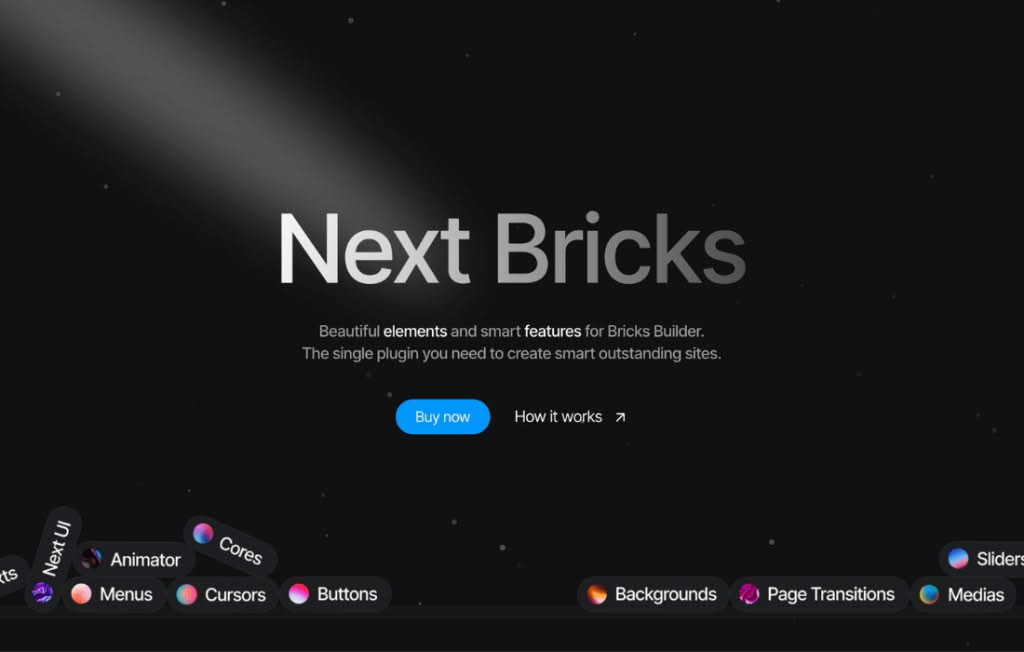
Next Bricks (formerly known as Brickscore) is a powerful utility plugin designed specifically for users of the Bricks Builder theme. It bridges the gap between standard design capabilities and advanced functionality, allowing you to create more dynamic, interactive, and high-performing websites without needing to write custom code. Whether you are looking to enhance your site’s performance, add complex interactive elements, or streamline your workflow, Next Bricks provides the essential tools to take your Bricks-built projects to the next level.
Key Features
- Performance Optimization: Improve your site’s Core Web Vitals with built-in tools designed to optimize how Bricks loads assets, ensuring your pages remain fast and responsive even with complex designs.
- Advanced Interactive Elements: Access a suite of extended elements and controls that go beyond the default Bricks builder, enabling you to build sophisticated user interfaces and engaging components.
- Dynamic Data Enhancements: Unlock deeper potential with your dynamic data, allowing for more flexible layouts and conditional logic that adapts based on the content being displayed.
- Workflow Efficiency: Reduce development time with features that simplify repetitive tasks, allowing you to focus on the creative aspects of your design rather than technical configuration.
- Compatibility Focused: Built to integrate seamlessly with the Bricks ecosystem, ensuring that updates to the core builder do not break your custom implementations or site functionality.
- Customizable Controls: Gain finer control over various elements, providing the precision needed to match complex design requirements without relying on external CSS hacks.
Use Cases / Who It’s For
Next Bricks is built for WordPress professionals, agency owners, and freelance web designers who rely on Bricks Builder as their primary development tool. If you find yourself hitting the limitations of the default builder when trying to implement custom functionality or complex design patterns, this plugin is designed for you.
It is particularly beneficial for developers building high-traffic business websites, e-commerce stores, or membership platforms where performance and unique user experiences are critical. By providing the tools to handle advanced logic and optimized asset delivery, Next Bricks allows you to deliver premium, high-converting websites for your clients while maintaining a clean, manageable codebase.
Setup / How It Works
- Installation: Install and activate the Next Bricks plugin through your WordPress dashboard just like any other plugin.
- Activation: Once active, navigate to the plugin settings area within your WordPress admin menu to configure the specific features you wish to enable.
- Integration: Open the Bricks Builder editor. You will notice new options, elements, or control panels integrated directly into the builder interface, depending on the features you have enabled.
- Implementation: Drag and drop the new elements or utilize the enhanced controls within existing Bricks elements to apply advanced functionality to your pages, templates, or headers and footers.
- Optimization: Use the performance settings to fine-tune how your site handles scripts and styles, ensuring your final build is optimized for speed and user experience.
Similar Plugins
While Next Bricks offers a unique set of tools specifically for the Bricks ecosystem, other plugins in the broader WordPress page builder utility space include:
- BricksUltimate: Another popular add-on suite that provides a wide range of custom elements and features specifically for Bricks Builder.
- Automatic.css: While primarily a framework, it is frequently used alongside utility plugins to manage design systems and spacing within Bricks.
- Frames for Bricks: A library-based approach that provides pre-built components and design systems to speed up the development process within the Bricks environment.