
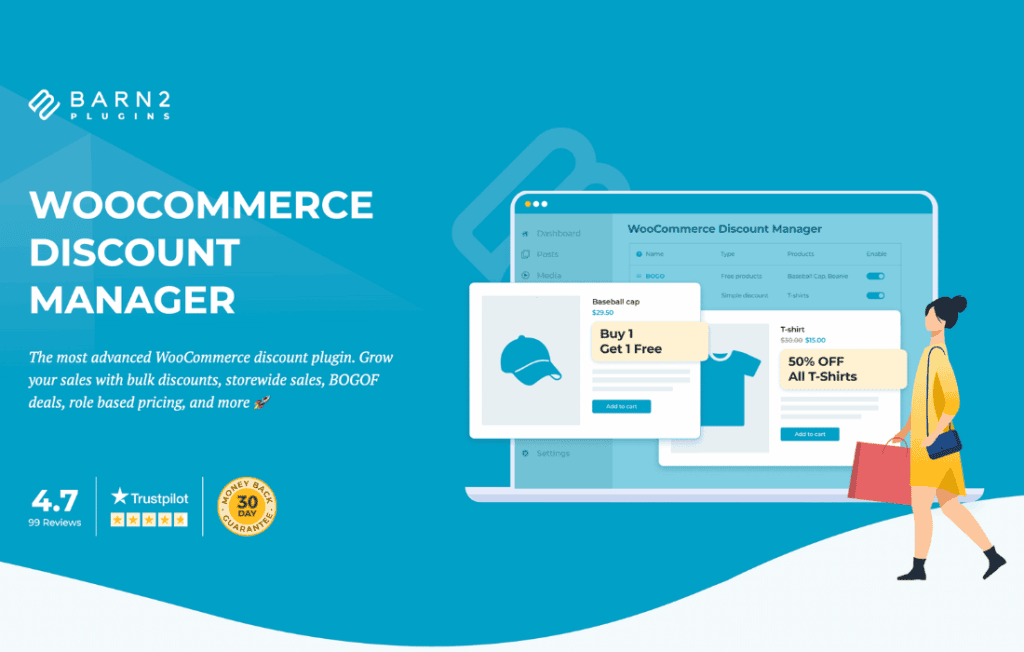
Take full control of your store’s profitability and customer engagement with the WooCommerce Discount Manager. This powerful plugin transforms how you handle promotional pricing, moving beyond basic coupon codes to offer sophisticated, automated discount strategies. Whether you are looking to clear inventory, reward loyal customers, or increase your average order value, this tool provides the flexibility needed to execute complex sales campaigns without requiring custom development or technical expertise.
Key Features
- Advanced Rule-Based Discounts: Create highly specific discount rules based on product categories, individual items, user roles, or cart totals.
- Dynamic Pricing Engine: Automatically apply percentage-based or fixed-amount discounts that trigger instantly when specific conditions are met in the shopping cart.
- Scheduled Promotions: Plan your marketing calendar in advance by setting start and end dates for your sales, ensuring your promotions go live and expire exactly when you intend.
- Tiered Pricing Support: Encourage bulk purchases by offering escalating discounts as customers add more units of a product to their cart.
- User Role Targeting: Provide exclusive pricing for different customer segments, such as wholesale buyers, VIP members, or new subscribers, directly within the checkout flow.
- Stacking Controls: Define whether your automated discounts can be combined with other coupons or if they should stand alone to protect your profit margins.
- Intuitive Dashboard: Manage all your active, scheduled, and expired discount rules from a single, organized interface within your WordPress admin panel.
Use Cases and Who It’s For
The WooCommerce Discount Manager is designed for store owners who need more precision than standard WooCommerce functionality provides. If you find yourself manually adjusting product prices for seasonal sales or struggling to implement complex “Buy One, Get One” (BOGO) style offers, this plugin is your solution.
Retailers who utilize a tiered pricing model—such as offering a 10% discount for five items and 20% for ten—will find the automated rules indispensable for driving higher volume. Similarly, store owners focusing on membership models can use the role-based features to automatically apply member-only discounts the moment a logged-in user views a product page, creating a personalized shopping experience that fosters loyalty.
This plugin is also ideal for marketing teams that run time-sensitive campaigns. By scheduling your discounts, you can ensure that your Black Friday, Cyber Monday, or flash sales launch precisely at midnight without requiring manual intervention, allowing you to focus on driving traffic rather than managing settings.
Setup and How It Works
Getting started with the WooCommerce Discount Manager is designed to be a straightforward process that integrates seamlessly into your existing workflow:
- Install and Activate: Once the plugin is installed, navigate to the dedicated settings menu in your WordPress dashboard.
- Define Your Rule: Click to add a new discount rule and select the criteria, such as specific products, categories, or user roles that should qualify for the discount.
- Configure the Discount: Choose the type of discount—whether it is a percentage off, a fixed price reduction, or a specific price override—and set the value.
- Set Conditions and Timing: Determine if the discount requires a minimum cart total, set the start and end dates, and choose if the discount should be applied automatically or only when a specific condition is triggered.
- Save and Monitor: Once saved, the plugin handles the logic in the background. You can return to your dashboard at any time to view performance, edit active rules, or deactivate promotions that are no longer needed.
Similar Plugins
If you are exploring your options, other popular solutions in the WooCommerce ecosystem that offer similar functionality include WooCommerce Dynamic Pricing & Discounts and YITH WooCommerce Dynamic Pricing and Discounts. These plugins also focus on rule-based pricing and promotional management, allowing you to compare features to find the best fit for your specific store architecture.