
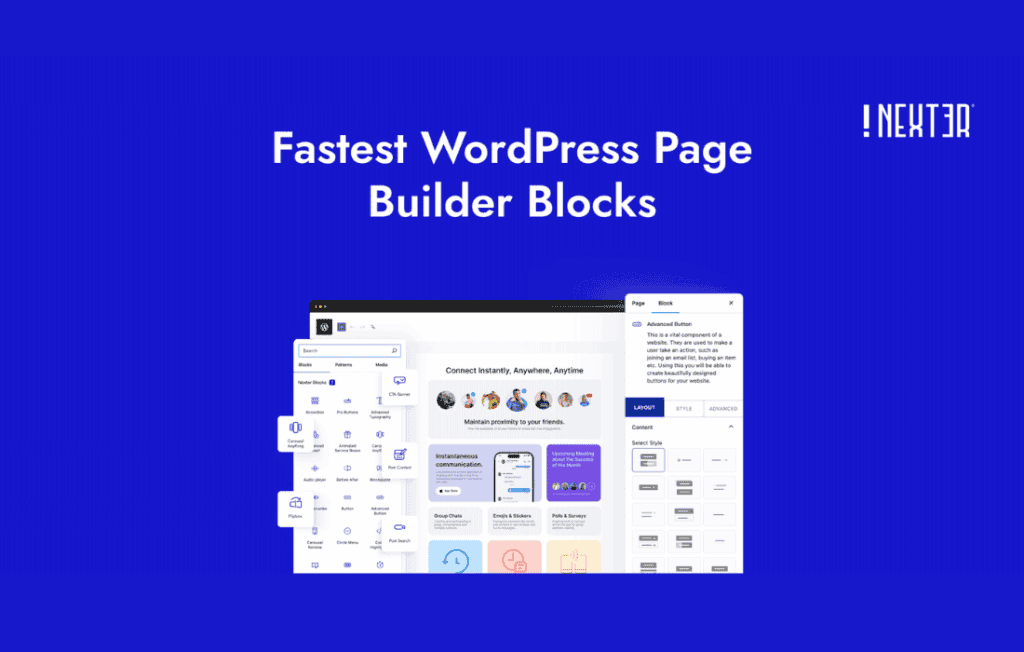
Nexter Blocks Pro (formerly known as The Plus Addons for Block Editor) is a comprehensive suite of advanced blocks designed to supercharge the native WordPress Gutenberg editor. It bridges the gap between basic block functionality and high-end page builder capabilities, empowering website owners, designers, and developers to create sophisticated, professional-grade layouts without writing a single line of code. By extending the core editor with highly customizable, performance-focused blocks, Nexter Blocks Pro ensures your site remains fast while achieving a unique, modern aesthetic.
Key Features
- Extensive Block Library: Access a massive collection of premium blocks, including advanced sliders, carousels, pricing tables, team sections, testimonials, and interactive content modules that go far beyond standard WordPress defaults.
- Advanced Design Controls: Take full control over your layout with granular settings for spacing, typography, background effects, borders, and responsive adjustments, ensuring your site looks perfect on every device.
- Performance Optimized: Built with clean, lightweight code, the plugin ensures that your site remains fast. You can selectively enable or disable blocks to prevent unnecessary scripts from loading, keeping your page load times minimal.
- Dynamic Content Integration: Seamlessly display dynamic data from custom fields, allowing you to build complex templates for custom post types, portfolios, and listings with ease.
- Interactive Elements: Engage your visitors with eye-catching features like parallax effects, hover animations, scroll-based triggers, and advanced popup builders that help increase conversions.
- Global Styling Options: Maintain design consistency across your entire website by setting global colors, fonts, and button styles, reducing the time spent on repetitive design tasks.
- WooCommerce Ready: Enhance your online store with specialized blocks for product grids, product carousels, and custom checkout layouts, providing a tailored shopping experience for your customers.
Use Cases / Who It’s For
Nexter Blocks Pro is designed for anyone who wants to push the boundaries of the WordPress Block Editor. It is an ideal solution for freelance web designers who need to deliver high-quality, custom-branded websites to clients quickly without relying on heavy page builders that can slow down a site. Small business owners will find it invaluable for creating professional landing pages, service showcases, and portfolio galleries that build trust and convert visitors into customers.
Furthermore, developers will appreciate the flexibility and clean output of the blocks, which integrate smoothly into existing themes. Whether you are building a corporate website, a high-traffic blog, or a full-scale e-commerce store, Nexter Blocks Pro provides the necessary tools to implement complex design requirements while maintaining the native workflow of the Gutenberg editor.
Setup / How It Works
- Installation: Install and activate the plugin through your WordPress dashboard just like any other plugin.
- Configuration: Navigate to the Nexter settings panel to enable only the specific blocks you intend to use. This modular approach ensures your site remains lightweight and fast.
- Design: Open any page or post in the WordPress editor. You will see a new category of blocks available in the block inserter.
- Customization: Drag and drop your chosen Nexter blocks onto the canvas. Use the right-hand sidebar to customize the appearance, behavior, and content of each block using the intuitive design controls.
- Publish: Once your layout is configured to your satisfaction, save or publish your page to see your professional-grade design live.
Similar Plugins
If you are exploring the ecosystem of WordPress block enhancements, other popular options that offer similar functionality include Kadence Blocks, GenerateBlocks, and Stackable. Each of these plugins offers a unique take on extending the Gutenberg editor, and the best choice often depends on your specific design requirements, theme compatibility, and preference for the user interface.