
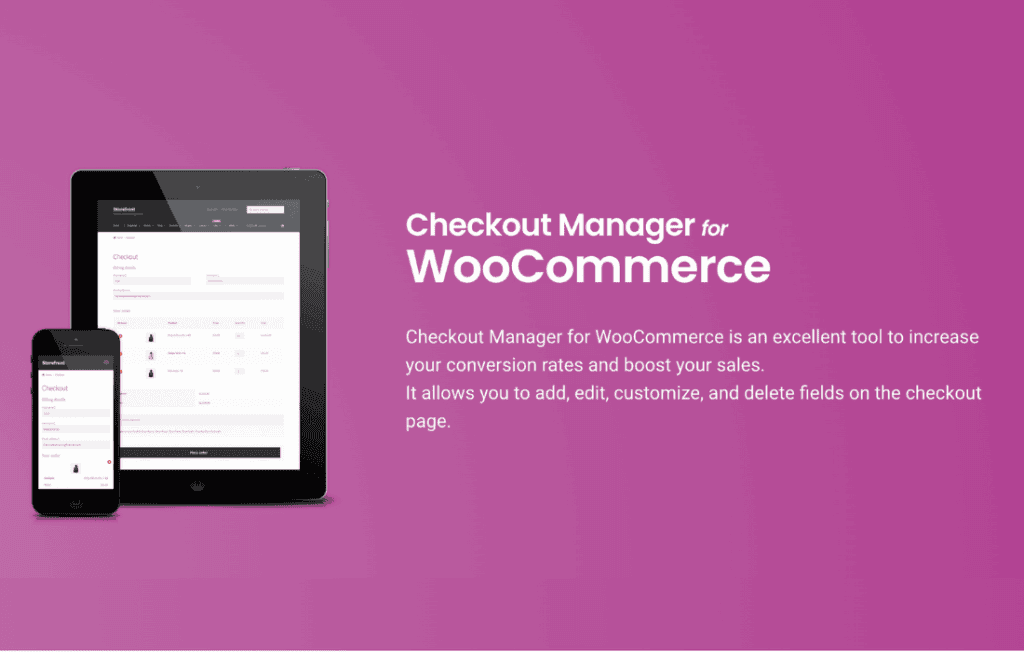
Transform your WooCommerce checkout experience from a generic form into a powerful, data-gathering asset for your business. WooCommerce Checkout Manager PRO empowers store owners to take full control of the checkout page, allowing you to add, edit, hide, or reorder fields without touching a single line of code. Whether you need to collect specific customer details, add delivery instructions, or implement conditional logic to keep your forms clean, this plugin provides the flexibility required to optimize conversions and streamline your order fulfillment process.
Key Features
- Custom Field Management: Effortlessly add new fields to your checkout page, including text inputs, checkboxes, radio buttons, date pickers, and file upload fields.
- Conditional Logic: Display or hide specific fields based on the user’s previous selections, ensuring customers only see relevant questions and reducing form abandonment.
- Field Customization: Rename, reorder, or completely remove default WooCommerce checkout fields to simplify the process and remove unnecessary friction.
- Validation Rules: Set mandatory fields or apply specific input validation to ensure you capture accurate data every time an order is placed.
- Section Positioning: Choose exactly where your custom fields appear—whether in the billing section, shipping section, or after the order notes—to maintain a logical flow.
- Data Handling: All custom field data is saved directly to the order, making it easily accessible in the WooCommerce order dashboard for your team to review during processing.
- User Role Restrictions: Show or hide specific fields based on the customer’s user role, perfect for B2B stores that need different information from wholesale versus retail customers.
Use Cases and Who It’s For
WooCommerce Checkout Manager PRO is an essential tool for any online merchant looking to improve the quality of their customer data and the efficiency of their operations. It is particularly valuable for businesses that require more than just a standard shipping address and payment method.
If you sell personalized products, you can use the plugin to add text fields for engraving instructions or file upload fields for custom artwork. Service-based businesses can utilize date pickers to allow customers to select preferred appointment times or delivery slots directly at checkout. For B2B wholesalers, the ability to show specific fields only to logged-in business accounts helps keep the checkout experience clean for retail shoppers while gathering necessary tax IDs or purchase order numbers from corporate clients.
By tailoring the checkout form to your specific business model, you reduce the need for back-and-forth emails after an order is placed, saving your support team time and ensuring a more professional experience for your customers.
Setup and How It Works
Getting started with WooCommerce Checkout Manager PRO is designed to be intuitive for store owners of all technical skill levels.
- Installation: Once installed and activated, navigate to the plugin settings page within your WordPress dashboard.
- Field Configuration: Use the drag-and-drop interface to reorder existing fields or click to add a new custom field.
- Customization: For each field, define the label, placeholder text, and field type. You can also toggle settings to make the field required or optional.
- Logic Application: If needed, configure conditional logic rules to determine under which circumstances a field should appear to the customer.
- Save and Preview: Save your changes and visit your checkout page to see your new, optimized form in action.
Similar Plugins
While WooCommerce Checkout Manager PRO offers a robust set of tools, other solutions in the ecosystem include Checkout Field Editor by WooCommerce, YITH WooCommerce Checkout Manager, and Flexible Checkout Fields for WooCommerce. Each of these plugins offers varying approaches to field management, and store owners should evaluate their specific needs regarding conditional logic, user role support, and interface preferences before choosing the best fit for their workflow.