
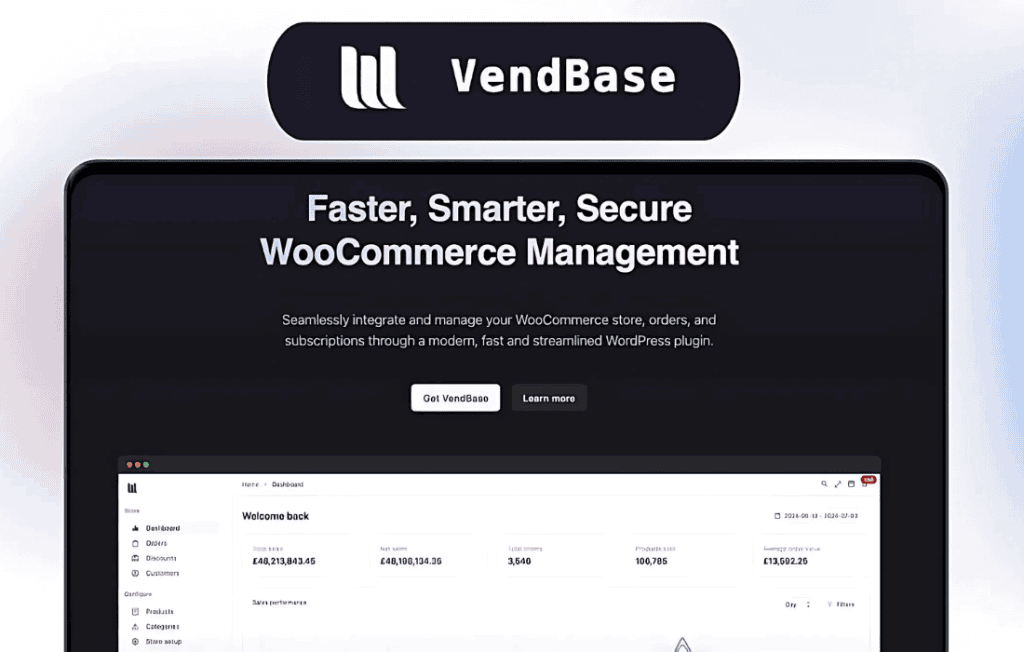
VendBase (formerly known as WooBase) is a powerful data management and synchronization solution designed specifically for WooCommerce store owners who need to bridge the gap between their online storefront and external business systems. By streamlining how product data, inventory levels, and order information are handled, VendBase eliminates the manual drudgery of data entry, reduces the risk of human error, and ensures your online catalog remains perfectly aligned with your actual business operations.
Key Features
- Seamless Synchronization: Automatically sync your product catalog, stock levels, and pricing data between WooCommerce and your external systems, ensuring your customers always see accurate information.
- Real-Time Inventory Updates: Prevent overselling and customer disappointment by keeping your stock counts updated in real-time across all your sales channels.
- Centralized Data Management: Manage your product descriptions, attributes, and metadata from a single source of truth, pushing updates to your store with just a few clicks.
- Automated Order Processing: Streamline your fulfillment workflow by automatically passing order details from WooCommerce to your backend systems, reducing the time between a sale and shipment.
- Bulk Data Handling: Efficiently manage large product catalogs with robust import and export capabilities, allowing you to update thousands of items simultaneously without slowing down your site.
- Custom Mapping Options: Tailor the data exchange process to fit your specific business logic, ensuring that custom fields and unique product attributes are mapped correctly during synchronization.
Use Cases / Who It’s For
VendBase is built for growing e-commerce businesses that have outgrown manual spreadsheet management. If you are a store owner juggling multiple sales channels, a warehouse manager struggling to keep physical stock aligned with digital inventory, or an operations lead looking to automate repetitive data entry tasks, this plugin is designed for you.
It is particularly beneficial for businesses using external ERPs, PIM systems, or specialized inventory management software. By automating the data flow, VendBase allows your team to focus on scaling your business and improving customer service rather than troubleshooting mismatched inventory numbers or outdated product descriptions. Whether you are running a boutique shop or a high-volume retail operation, VendBase provides the technical infrastructure needed to maintain a professional and reliable online presence.
Setup / How It Works
Getting started with VendBase is designed to be straightforward, allowing you to integrate your systems without requiring extensive custom development.
- Installation: Install and activate the VendBase plugin directly through your WordPress dashboard, just as you would with any other standard WooCommerce extension.
- Configuration: Access the VendBase settings panel to input your API credentials and establish a secure connection between your WooCommerce store and your external business system.
- Mapping: Define how your data fields correspond between the two systems. This ensures that your product titles, SKUs, prices, and stock quantities are correctly identified during the sync process.
- Sync Activation: Choose your synchronization frequency—whether you prefer real-time updates or scheduled batch processing—and enable the automated tasks.
- Monitoring: Use the built-in logs and dashboard notifications to track synchronization status and quickly identify or resolve any data conflicts.
Similar Plugins
If you are exploring options for WooCommerce synchronization, other solutions in the ecosystem include WP All Import, which focuses heavily on bulk data migration, and various dedicated connectors like SkyVerge’s integration tools or Jilt for specific email and automation workflows. For complex ERP integrations, plugins like WooCommerce Product Sync or custom middleware solutions are also commonly utilized depending on the specific external platform being integrated.