
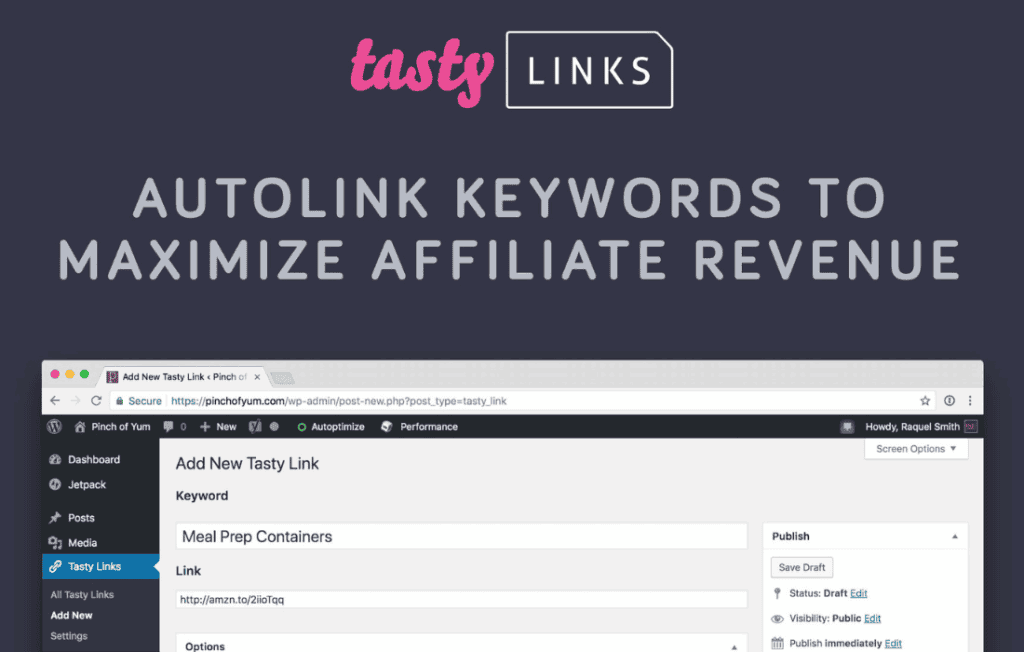
Tasty Links is a powerful affiliate marketing and link management tool designed specifically for WordPress creators, bloggers, and site owners who want to monetize their content more effectively. Instead of manually managing thousands of individual links across your site, Tasty Links allows you to create a centralized database of your affiliate URLs and keywords. When you define a keyword, the plugin automatically turns every instance of that word across your entire website into a tracked, professional-looking link, saving you hours of tedious editing while significantly increasing your monetization potential.
Key Features
- Automated Keyword Linking: Define specific keywords or phrases once, and Tasty Links will automatically link them throughout your existing blog posts and pages. You no longer need to manually insert links every time you write about a product.
- Centralized Link Management: Manage all your affiliate links from a single, intuitive dashboard. If an affiliate program changes a URL or a product is discontinued, you can update the link in one place, and it will automatically update across your entire site.
- Customizable Link Attributes: Easily control how your links behave. You can set links to open in a new tab, add “nofollow” or “sponsored” attributes for SEO compliance, and track clicks without needing complex external software.
- Performance Reporting: Gain insights into which links are performing best. Track total clicks directly within your WordPress dashboard to understand what your audience is actually clicking on, allowing you to refine your content strategy.
- Smart Link Placement: Prevent link clutter by setting limits on how often a keyword is linked within a single post. This ensures your content remains readable and user-friendly while still maximizing your affiliate opportunities.
- Lightweight and Optimized: Built with performance in mind, Tasty Links is designed to have a minimal impact on your site’s loading speed, ensuring that your SEO and user experience remain top-tier.
Use Cases and Who It’s For
Tasty Links is an essential tool for any WordPress user engaged in affiliate marketing or content monetization. It is particularly valuable for food bloggers, tech reviewers, and lifestyle influencers who frequently mention specific products, kitchen tools, or software services in their content.
If you have a large archive of posts, updating them manually to add new affiliate programs is a daunting task. Tasty Links turns this into a set-it-and-forget-it process. By automating the linking of keywords, you can focus on writing high-quality content rather than formatting URLs. It is also perfect for site owners who want to maintain professional link structures (using clean, branded URLs instead of long, messy affiliate strings) while ensuring all their outbound links are properly tagged for search engines.
Setup and How It Works
Getting started with Tasty Links is designed to be a streamlined process that integrates directly into your existing WordPress workflow:
- Install and Activate: Upload the plugin to your WordPress site and activate it through your dashboard.
- Add Your Links: Navigate to the Tasty Links menu and add your first link. You will provide the destination URL and the keyword(s) that should trigger the link.
- Configure Settings: Choose your global preferences, such as whether links should open in a new tab or if they should be marked as “sponsored” for SEO purposes.
- Automated Scanning: Once saved, the plugin scans your posts and pages. Any time your chosen keyword appears in your content, the plugin automatically wraps it in your affiliate link.
- Monitor Success: Use the built-in click tracking to see which products are resonating with your audience and adjust your keyword strategy accordingly.
Similar Plugins
If you are exploring alternatives in the WordPress ecosystem, other popular link management and cloaking solutions include Pretty Links, ThirstyAffiliates, and Lasso. While these plugins share the goal of managing affiliate links, Tasty Links distinguishes itself through its focus on automated keyword-based linking and its lightweight integration with the WordPress editor.