
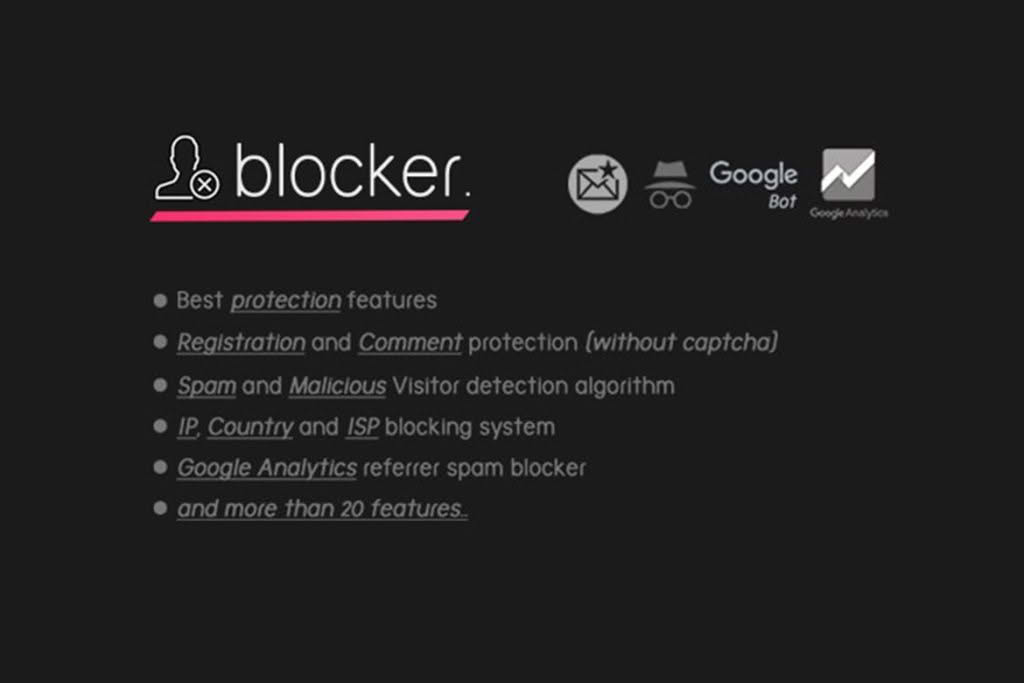
Protecting your WordPress website from malicious traffic and unwanted visitors is essential for maintaining site performance and security. Blocker Firewall РWordPress Security serves as a robust shield, helping you filter out harmful bots, spam, and suspicious actors before they can impact your site’s resources or compromise your data. Whether you are running a small blog or a growing business site, this plugin provides the tools you need to take control of your traffic and ensure only legitimate users reach your content.
Key Features
- Advanced Bot Blocking: Automatically detect and block malicious bots, scrapers, and automated tools that consume bandwidth and slow down your website.
- Spam Prevention: Stop spam comments and malicious email registrations at the source, reducing the need for additional anti-spam tools.
- Real-Time Traffic Filtering: Monitor incoming requests and block suspicious IP addresses that exhibit harmful behavior or attempt unauthorized access.
- User Agent Detection: Identify and block unknown or suspicious user agents to ensure that only real, legitimate visitors are interacting with your site.
- Referrer Spam Protection: Keep your analytics data clean by blocking unwanted referral traffic from known spam sources.
- Customizable Blocking Rules: Easily configure settings to suit your specific security needs, giving you granular control over who can access your site and its various areas.
Use Cases / Who It’s For
Blocker Firewall – WordPress Security is designed for any WordPress site owner who wants to reduce the noise of unwanted traffic and harden their site against common automated threats. It is particularly valuable for:
- E-commerce Store Owners: Protect your checkout process and user registration forms from fake accounts and bot-driven fraudulent activity.
- Bloggers and Content Creators: Prevent comment spam and stop malicious bots from scraping your content or slowing down your page load times.
- Business Website Administrators: Secure your backend and frontend from unauthorized access attempts, ensuring your site remains fast and reliable for your genuine customers.
- Site Managers: Reduce server load caused by excessive bot traffic, helping to keep hosting costs down and performance high.
Setup / How It Works
Getting started with Blocker Firewall – WordPress Security is designed to be straightforward, allowing you to enhance your site’s security without requiring advanced technical knowledge. Generally, the setup involves the following steps:
- Installation: Install and activate the plugin through your WordPress dashboard.
- Configuration: Access the plugin settings page to review the available security options.
- Enable Protection: Toggle the desired blocking features, such as bot protection, spam filtering, and IP restrictions, based on your specific requirements.
- Monitoring: Once active, the plugin works in the background to inspect incoming traffic and apply your chosen rules, keeping your site protected automatically.
Similar Plugins
If you are exploring different security solutions for your WordPress site, there are several well-known alternatives available in the WordPress ecosystem, including Wordfence, All-In-One WP Security & Firewall, and Sucuri Security. These plugins offer various combinations of firewall protection, malware scanning, and login security features to help you build a comprehensive defense strategy for your website.