
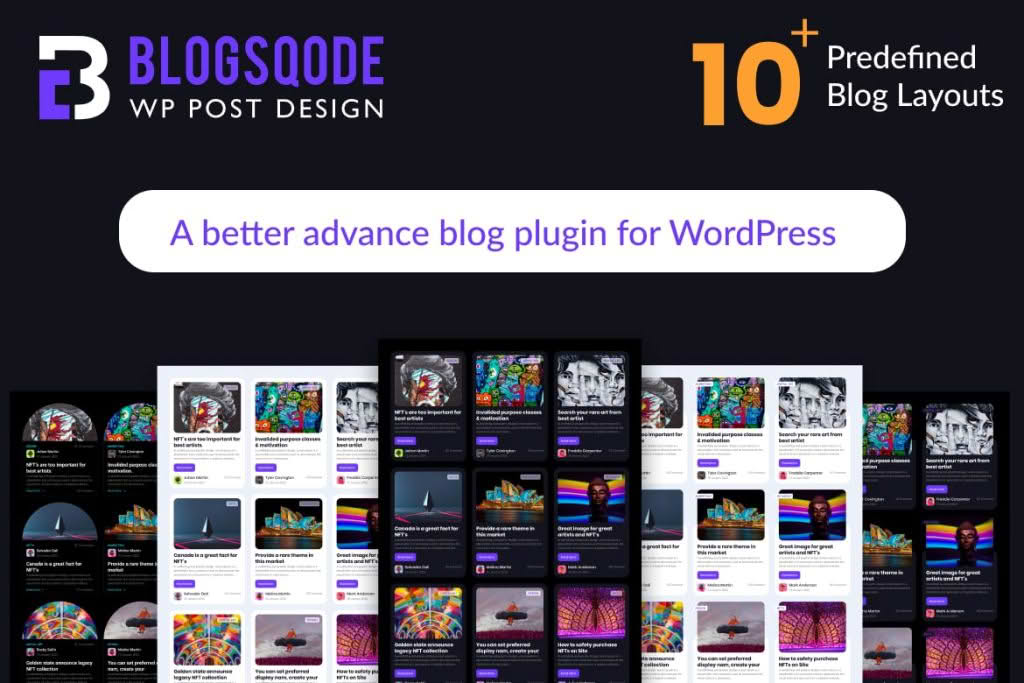
Transform your standard WordPress blog into a visually stunning, high-converting content hub with Blogsqode. Designed specifically for bloggers, content creators, and digital marketers, this plugin removes the technical barriers to professional web design. Whether you are struggling with a rigid theme layout or simply want to elevate your reader engagement, Blogsqode provides the intuitive tools necessary to create custom blog archives, single post layouts, and interactive content modules without writing a single line of code.
Key Features
- Custom Layout Builder: Design unique, eye-catching blog archive pages and single post templates using an intuitive interface. Break free from the limitations of your current theme.
- Advanced Post Grids: Showcase your content in beautiful, responsive grids. Choose from multiple layout styles, including masonry, list, and carousel views to keep your readers scrolling.
- Dynamic Content Filtering: Empower your visitors to find exactly what they are looking for with AJAX-powered filtering, allowing them to sort posts by category, tag, or date without page reloads.
- Customizable Post Elements: Take full control over how post metadata is displayed. Easily toggle the visibility of author boxes, reading time, categories, comment counts, and featured images to match your brand identity.
- Performance Optimized: Built with speed in mind, the plugin ensures that your beautiful designs do not compromise your site’s loading times, helping you maintain excellent Core Web Vitals.
- Mobile-First Design: Every layout created with Blogsqode is fully responsive, ensuring your blog looks professional and remains readable on smartphones, tablets, and desktops alike.
- Seamless Integration: Designed to work harmoniously with popular page builders and standard WordPress themes, making it easy to incorporate into your existing workflow.
Use Cases / Who It’s For
Blogsqode is the ideal solution for anyone who relies on content to grow their online presence. If you are a professional blogger, you understand that readability and aesthetic appeal are directly linked to time-on-page metrics and audience retention. Blogsqode allows you to craft a unique visual identity that distinguishes your blog from the thousands of generic sites online.
For digital marketing agencies and freelancers, this plugin is a powerful asset for client projects. It allows you to deliver high-end, custom-designed blog experiences for clients who need more than what standard theme settings offer, all while significantly reducing development time. Small business owners who manage their own content will also find the plugin invaluable, as it provides a professional, “agency-level” look for their company news or industry insights section without the need for hiring a dedicated developer.
Setup / How It Works
- Installation: Upload the plugin file to your WordPress dashboard, activate it, and follow the simple setup wizard to get started.
- Template Creation: Navigate to the Blogsqode panel to create a new template. You can choose to design a master template for all your blog posts or create specific layouts for individual categories.
- Drag-and-Drop Customization: Use the interface to add, remove, and rearrange content blocks. Adjust typography, spacing, colors, and border styles to align with your website’s branding.
- Configure Display Rules: Use the display conditions settings to determine exactly where your custom templates should appear, giving you granular control over your site’s structure.
- Publish and Preview: Once you are satisfied with your design, save your changes and publish. Your blog will instantly update to reflect your new, professional layout.
Similar Plugins
If you are exploring options for enhancing your WordPress blog design, you may also want to look at plugins such as Elementor Pro (specifically its Theme Builder features), PostX, and Content Views. Each of these tools offers varying levels of control over archive and single-post layouts, allowing you to compare which interface and feature set best aligns with your specific design requirements.