
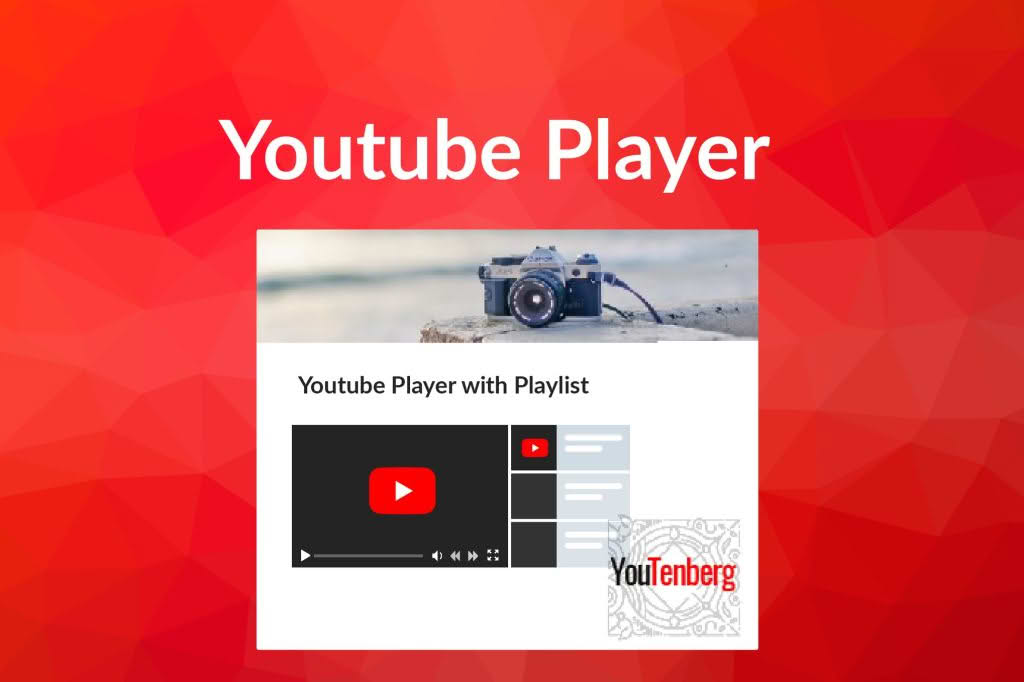
Elevate your website’s engagement and keep visitors on your pages longer with Youtenberg, the ultimate YouTube integration tool for the WordPress Gutenberg editor. Designed for content creators, marketers, and business owners, this plugin transforms standard video embeds into professional, feature-rich media experiences. By allowing you to seamlessly display YouTube playlists directly within your posts and pages, Youtenberg helps you showcase your video library, boost your channel views, and provide a polished, distraction-free viewing experience that keeps your audience focused on your content.
Key Features
- Native Gutenberg Integration: Built specifically for the WordPress block editor, Youtenberg functions as a native block, ensuring a smooth, intuitive workflow without the need for complex shortcodes.
- Dynamic Playlist Support: Easily embed entire YouTube playlists to create a continuous viewing experience, perfect for tutorials, product demonstrations, or video series.
- Customizable Player Controls: Take control of the user experience by toggling playback features, including player branding, video annotations, and related video suggestions to keep viewers focused on your specific content.
- Responsive Design: Your videos will look perfect on any device, from desktop monitors to smartphones, thanks to a fully responsive player architecture that adapts to your site’s layout.
- Performance Focused: Designed with site speed in mind, the plugin ensures that your media-heavy pages remain fast and performant, protecting your SEO rankings and user retention.
- Auto-Play and Loop Options: Configure your video behavior to suit your specific needs, whether you want a video to start automatically upon page load or loop indefinitely for background visuals.
Use Cases / Who It’s For
Youtenberg is an essential tool for anyone looking to bridge the gap between their YouTube channel and their WordPress website. If you are a vlogger or content creator, this plugin allows you to organize your archives into curated playlists, making it easier for your audience to binge-watch your content directly on your site. For e-commerce store owners, it is the perfect way to embed product review playlists or “how-to” guides, helping to reduce customer support inquiries and increase conversion rates by providing visual proof of your products in action.
Educational websites and online course creators can leverage Youtenberg to present structured learning modules or lecture series without the clutter of the YouTube interface. Furthermore, digital agencies and marketing professionals can use the plugin to create professional landing pages that feature client testimonials or promotional video campaigns, ensuring a branded, high-quality presentation that reflects the professionalism of the business.
Setup / How It Works
- Install and Activate: Upload the plugin to your WordPress site and activate it through the Plugins menu.
- Add the Block: Open any post or page in the Gutenberg editor, click the block inserter icon, and search for “Youtenberg” to add the player block to your content area.
- Configure Settings: Paste the URL of your YouTube playlist or individual video into the block settings panel.
- Customize Appearance: Use the sidebar settings to adjust player dimensions, toggle playback controls, enable or disable auto-play, and hide or show related videos.
- Publish: Once configured to your liking, simply save or publish your post to display the fully functional, interactive video player to your visitors.
Similar Plugins
If you are exploring options for YouTube integration, other solutions exist in the WordPress ecosystem that offer varying levels of functionality. Plugins such as EmbedPress and YouTube Showcase also provide tools for embedding YouTube content into WordPress. While these alternatives offer broader support for various media types or different display styles, Youtenberg remains a specialized choice for users who prioritize a lightweight, Gutenberg-native experience specifically tailored for YouTube playlist management.