
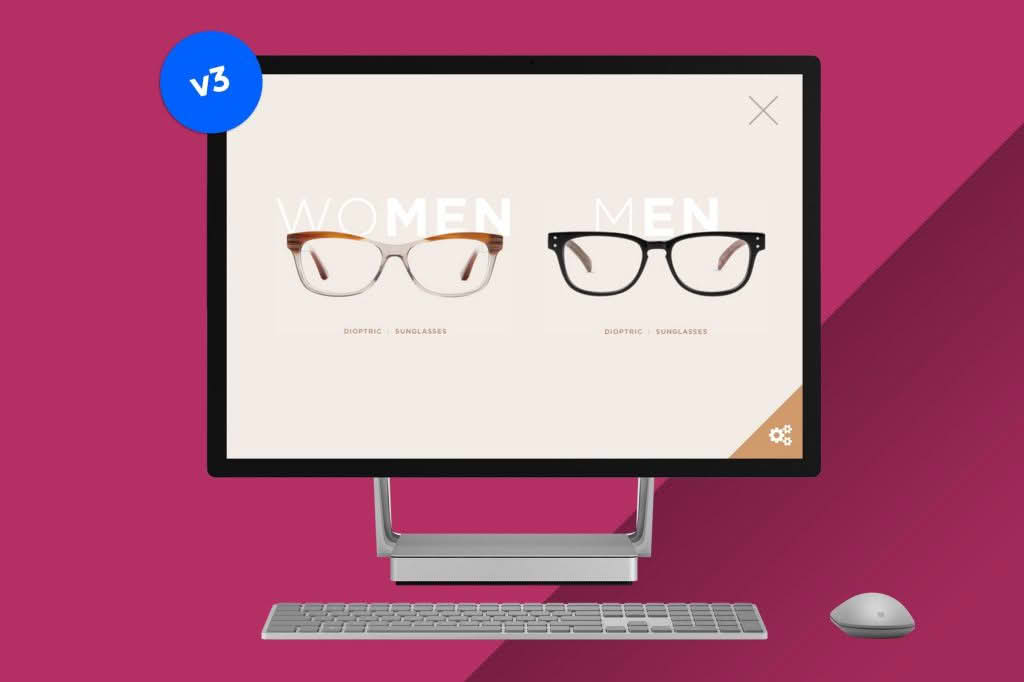
Transform the way your visitors interact with your website by turning any content into an immersive, fullscreen experience. Canvas allows you to break free from the constraints of standard page layouts, enabling you to showcase products, galleries, information, or calls-to-action in a distraction-free, high-impact fullscreen slide. Whether you want to create a stunning landing page, a focused product reveal, or an interactive presentation, this plugin gives you the creative freedom to capture attention instantly.
Key Features
- Fullscreen Content Flexibility: Effortlessly convert any WordPress page, post, or custom post type into a fullscreen slide that covers the entire browser viewport.
- Seamless Integration: Works harmoniously with the standard WordPress editor and popular page builders, allowing you to design your content using the tools you already know and love.
- Customizable Navigation: Provide your users with intuitive ways to move through your slides, including keyboard support, touch gestures for mobile devices, and optional on-screen navigation arrows or dots.
- Responsive Design: Ensure your fullscreen content looks pixel-perfect on every device, from desktop monitors to tablets and smartphones, with automatic scaling and adjustment.
- Performance Optimized: Built with clean, lightweight code to ensure that your fullscreen slides load quickly without compromising your site’s overall speed or SEO performance.
- Transition Effects: Choose from a variety of smooth, professional transition animations to move between slides, creating a polished and engaging user journey.
- Background Customization: Set unique backgrounds for each slide, including solid colors, images, or video, to create the perfect atmosphere for your content.
Use Cases / Who It’s For
Canvas is designed for anyone looking to elevate their website’s visual storytelling. It is an ideal solution for creative professionals, such as photographers and designers, who need a sophisticated way to display portfolios without the clutter of sidebars or headers. E-commerce store owners can utilize Canvas to create high-conversion product showcases, allowing customers to focus entirely on the item and its features.
Marketing teams will find this plugin invaluable for building high-impact landing pages for campaigns, lead generation forms, or event announcements where you want to minimize distractions and guide the user toward a specific action. Additionally, educators and content creators can use Canvas to build interactive presentations or step-by-step tutorials directly within their WordPress site, providing a more engaging learning experience than traditional blog posts.
Setup / How It Works
- Install and Activate: Upload the plugin to your WordPress site via the dashboard and activate it to begin.
- Create Your Content: Use the standard WordPress editor or your preferred page builder to create the content you wish to display in your fullscreen slide.
- Enable Canvas: Within the page or post settings, toggle the option to enable the Canvas fullscreen view.
- Configure Settings: Access the plugin settings panel to choose your preferred transition effects, navigation styles, and background preferences.
- Publish and Preview: Once configured, publish your page and view it on the front end to experience your content in a fully immersive, fullscreen format.
Similar Plugins
If you are exploring different ways to implement fullscreen or slide-based content, you may also want to investigate plugins like Fullpage.js for WordPress, which provides robust options for creating full-screen scrolling websites, or various slider plugins like Smart Slider 3, which offer extensive tools for managing image and content carousels.