
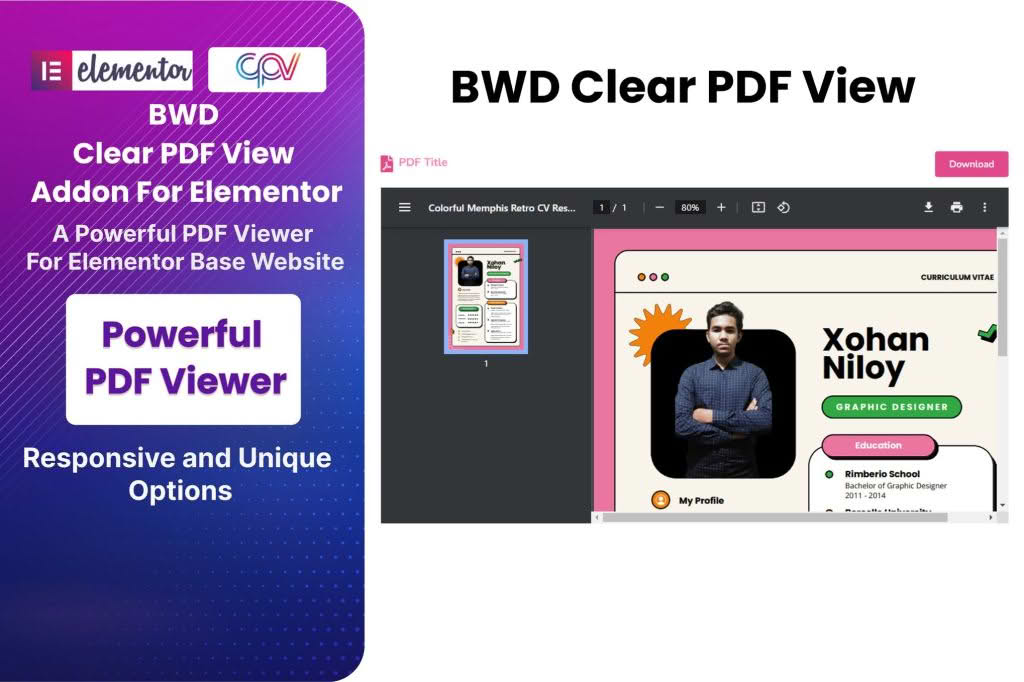
Clear PDF View is a specialized WordPress solution designed to help you seamlessly embed and display PDF documents directly within your website pages. By eliminating the need for visitors to download files before viewing them, this plugin keeps your audience engaged on your site, providing a smooth, professional, and distraction-free reading experience that works perfectly across all devices.
Key Features
- Seamless Elementor Integration: Built specifically to work with the Elementor page builder, allowing you to drag and drop PDFs into your layouts with ease.
- Advanced Customization: Tailor the appearance of your PDF viewer to match your brand, including options for typography, text colors, padding, and border radius.
- Flexible File Sources: Easily display PDFs by uploading them directly to your WordPress media library or by using a direct URL.
- User-Friendly Controls: Enhance the reader’s experience with configurable settings for zoom levels, page navigation, and display dimensions.
- Interactive Elements: Add custom icons, tooltips, and background styles to your PDF title bars to create a cohesive design.
- Responsive Design: Ensure your documents look crisp and are easy to read on desktops, tablets, and smartphones.
- Performance Focused: Designed for speed and efficiency, ensuring your PDFs load quickly to keep your website running smoothly.
Use Cases / Who It’s For
Clear PDF View is an essential tool for any website owner who needs to share documents without forcing users to leave their browser or download large files. It is ideal for:
- Businesses: Showcase annual reports, brochures, and product manuals directly on your site to maintain a professional image.
- Restaurants: Display your latest menus in a clean, easy-to-read format that customers can browse instantly.
- Educators and Institutions: Share course syllabi, research papers, and educational materials with students in a centralized location.
- Creatives and Professionals: Present portfolios, resumes, or CVs in a polished viewer that highlights your work without unnecessary friction.
- Publishers: Offer previews of magazines, books, or newsletters to entice readers.
Setup / How It Works
Getting started with Clear PDF View is straightforward, especially if you are already using the Elementor page builder. Follow these simple steps to display your documents:
- Install and activate the plugin within your WordPress dashboard.
- Open the page or post where you want to display your PDF using the Elementor editor.
- Locate the Clear PDF View widget in the Elementor panel and drag it into your desired section.
- In the widget settings, select your file source—either by uploading a file from your computer or pasting a direct PDF URL.
- Configure your display preferences, such as the starting page number, viewer dimensions, and alignment.
- Use the style tab to customize colors, fonts, and borders to perfectly match your website’s aesthetic.
- Publish or update your page to make the PDF live for your visitors.