
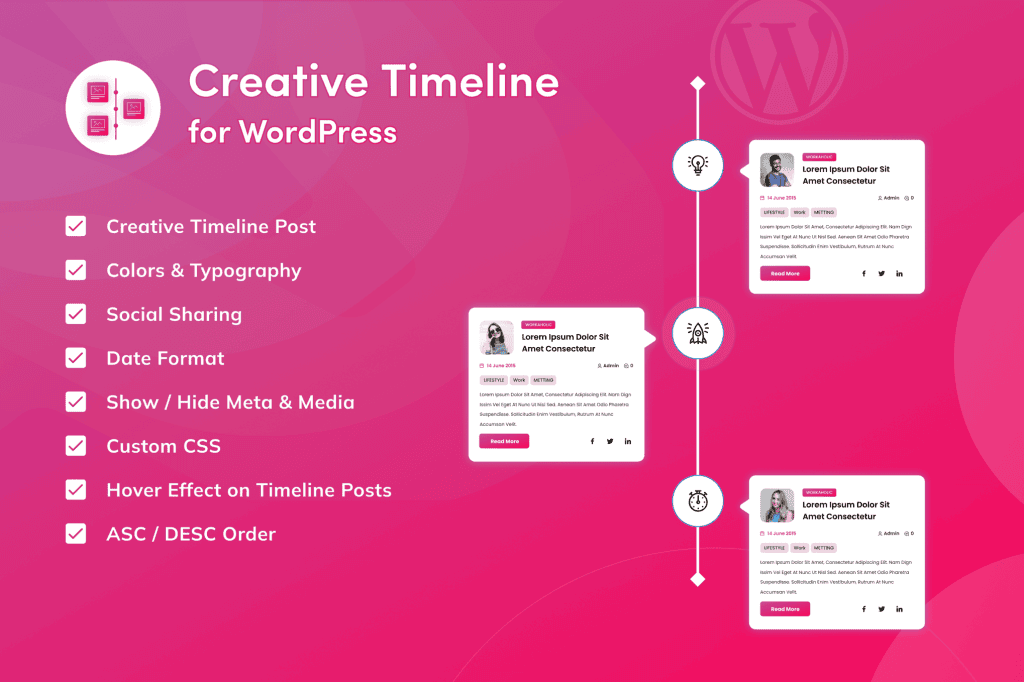
Transform your website’s history, project milestones, or company journey into a visually captivating narrative with Creative Timeline for WordPress. This powerful plugin allows you to move beyond static, boring lists and present your content in an engaging, interactive format that keeps visitors scrolling. Whether you are showcasing a brand’s evolution, detailing a project roadmap, or highlighting personal achievements, Creative Timeline provides the design flexibility and ease of use to make your story stand out.
Key Features
- Fully Responsive Design: Your timeline will look flawless and adapt perfectly to any screen size, from desktop monitors to mobile devices, ensuring a consistent user experience for all visitors.
- Intuitive Drag-and-Drop Builder: Create and rearrange your timeline events effortlessly without writing a single line of code. The user-friendly interface makes managing complex timelines simple.
- Extensive Customization Options: Take full control over the look and feel of your timeline. Customize colors, fonts, icons, and layout styles to perfectly match your website’s existing branding and aesthetic.
- Rich Media Support: Enhance your timeline entries by embedding images, videos, and custom content, allowing you to tell a more dynamic and immersive story.
- Flexible Layouts: Choose from various layout orientations, including vertical and horizontal styles, to best fit the content area and design language of your pages.
- Performance Optimized: Built with clean, efficient code to ensure that your timelines load quickly without negatively impacting your website’s overall performance or SEO.
- Animation Effects: Add subtle, professional entrance animations to your timeline events as users scroll down the page to draw attention and increase engagement.
Use Cases / Who It’s For
Creative Timeline for WordPress is an essential tool for a wide range of website owners, professionals, and businesses who need to present chronological information in a professional manner. It is ideal for corporate websites looking to display a “Company History” page, showcasing key milestones, mergers, and growth over the years. Marketing agencies and freelancers can use it to create impressive project portfolios, showing clients the progression of a campaign from concept to final delivery.
Educational institutions and researchers find the plugin invaluable for creating historical timelines for academic projects or biographical showcases. Additionally, individuals building personal portfolio sites can use the plugin to highlight their professional career path, education, and notable life achievements in a clean, organized, and highly readable format.
Setup / How It Works
- Installation: Upload and activate the plugin through your WordPress dashboard just like any other standard plugin.
- Create a Timeline: Navigate to the plugin menu in your sidebar and select the option to create a new timeline. Give it a title to keep your projects organized.
- Add Events: Use the intuitive interface to add individual timeline items. For each event, you can input a date, a title, a description, and attach media such as images or videos.
- Style Your Timeline: Access the settings panel to choose your preferred layout, select color schemes, and adjust spacing to ensure the timeline complements your site design.
- Publish: Once your timeline is configured, the plugin generates a unique shortcode. Simply copy and paste this shortcode into any post, page, or widget area where you want the timeline to appear.
Similar Plugins
If you are exploring options for timeline functionality, you may also encounter other solutions in the WordPress ecosystem, such as Cool Timeline, Timeline Express, and Everest Timeline. Each of these plugins offers varying approaches to timeline creation, ranging from simple, lightweight implementations to more complex, feature-rich builders. We recommend evaluating these alongside Creative Timeline to determine which tool best aligns with your specific design requirements and technical preferences.