
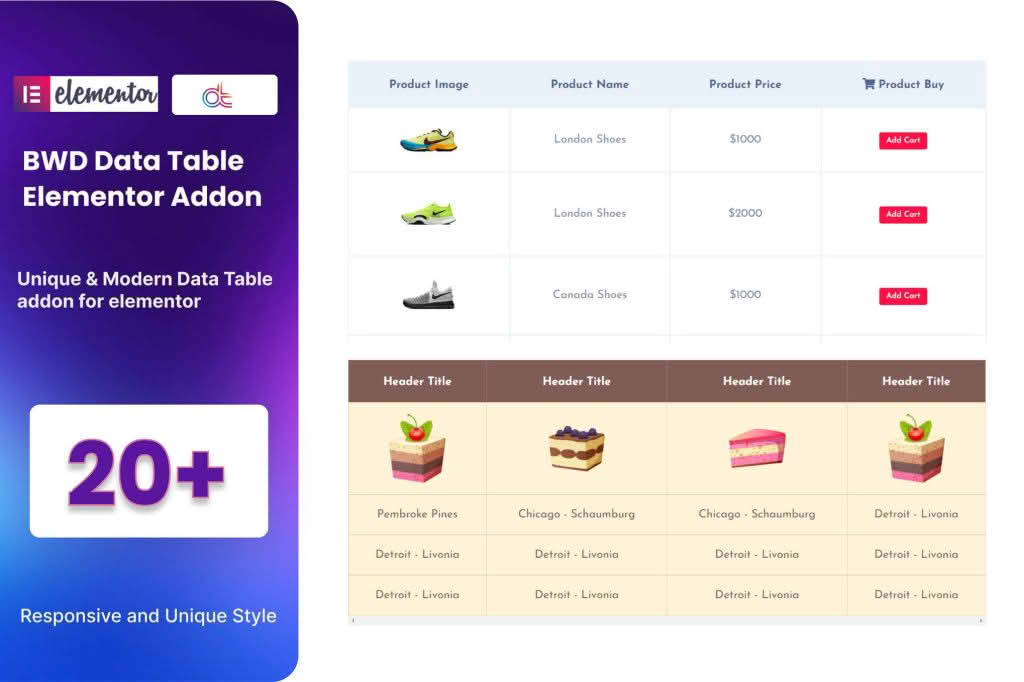
Transform complex data into clear, professional, and interactive tables directly within your Elementor page builder. The Data Table Addon for Elementor empowers website owners, developers, and marketers to present information—from pricing plans and product specifications to financial reports and event schedules—in a visually appealing format that enhances user experience and boosts readability. By bridging the gap between raw data and beautiful design, this plugin ensures your visitors can quickly digest important information without ever leaving your site.
Key Features
- Drag-and-Drop Interface: Seamlessly integrate tables into your Elementor workflow. Simply drag the widget onto your canvas and start building without touching a single line of code.
- Fully Responsive Design: Ensure your data looks perfect on every device. The plugin automatically adjusts table layouts for mobile, tablet, and desktop screens, preventing horizontal scrolling issues.
- Advanced Customization Options: Take full control over your table’s appearance. Easily adjust typography, cell padding, borders, background colors, and hover effects to match your brand identity perfectly.
- Search and Filter Functionality: Improve user navigation by enabling built-in search bars and category filters, allowing visitors to find the specific data they need in seconds.
- Sorting Capabilities: Empower your users to organize data by clicking on column headers, making it easier to compare values or sort by date, name, or price.
- Import/Export Support: Save time by importing existing data directly from CSV or Excel files. You can also export your tables for backup or external use.
- Pagination Support: Keep your pages clean and fast-loading by splitting long datasets into manageable pages, ensuring a smooth browsing experience even with large amounts of information.
Use Cases and Who It’s For
This plugin is an essential tool for anyone who needs to display structured information on their WordPress site. E-commerce store owners use it to create comprehensive product comparison charts that help customers make informed purchasing decisions. Financial advisors and analysts utilize it to present clear, accessible reports and performance metrics. Educational institutions and training centers rely on it to display course schedules, grading rubrics, and faculty directories.
Whether you are a freelance web designer building client sites, a business owner managing a corporate portal, or a blogger sharing technical specifications, this addon eliminates the frustration of trying to format data using standard text editors. It is designed for those who want professional-grade tables that are easy to manage, visually stunning, and highly functional.
Setup and How It Works
Getting started with the Data Table Addon for Elementor is designed to be intuitive, allowing you to go from raw data to a published table in minutes:
- Install and Activate: Once you have installed the plugin, it will automatically register as a new widget within your Elementor editor.
- Add the Widget: Open any page or template with Elementor, search for the Data Table widget, and drag it into your desired section.
- Input Your Data: Use the content panel to manually enter your rows and columns, or utilize the import feature to upload your data from a CSV file.
- Style Your Table: Switch to the Style tab to customize the look and feel. Adjust fonts, colors, border styles, and spacing to ensure the table aligns with your website’s design language.
- Configure Settings: Enable features like live search, sorting, and pagination within the settings panel to enhance interactivity.
- Publish: Once you are satisfied with the layout and functionality, update or publish your page to display the table to your visitors.
Similar Plugins
If you are exploring your options, other popular tools for creating tables in the WordPress ecosystem include TablePress, Ninja Tables, and wpDataTables. Each of these offers varying levels of integration with page builders and specific feature sets for handling complex database queries or advanced visual customization.