
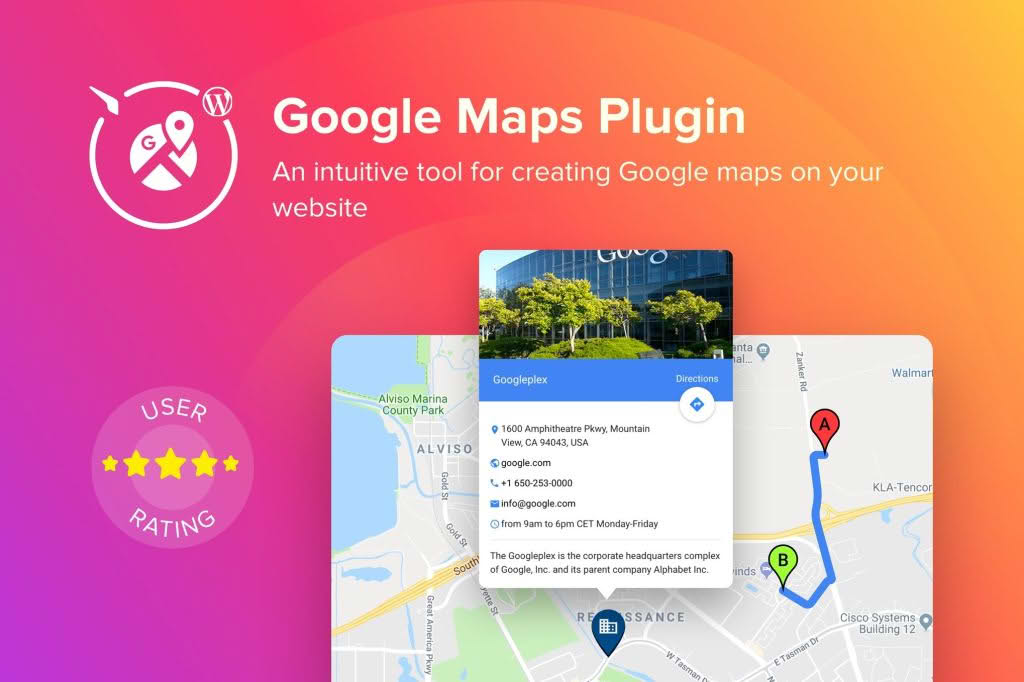
Transform your website into a powerful location-based hub with the WordPress Google Maps Plugin. Whether you are running a local business, managing a travel blog, or organizing a multi-location enterprise, this tool allows you to seamlessly integrate interactive, fully customizable Google Maps directly into your posts, pages, or sidebar widgets. By providing clear visual directions and location context, you can improve user experience, increase foot traffic to your physical storefronts, and build greater trust with your audience.
Key Features
- Interactive Map Customization: Tailor your maps to match your brand identity by adjusting zoom levels, map types (roadmap, satellite, hybrid, or terrain), and UI controls.
- Unlimited Markers and Locations: Add as many locations as your business requires. Each marker can be customized with unique icons and informative pop-up bubbles.
- Advanced Info Windows: Enhance your location markers with rich content, including descriptions, images, links, and contact information to keep your visitors engaged.
- Responsive Design: Ensure your maps look perfect on every device. The plugin is built to be fully mobile-responsive, providing a smooth navigation experience for smartphone and tablet users.
- Store Locator Functionality: Help customers find their nearest branch quickly with built-in search and filtering capabilities based on user proximity.
- Easy Shortcode Integration: Embed your maps anywhere on your site effortlessly using simple shortcodes, making it compatible with all major page builders and the standard WordPress block editor.
- Custom Map Styles: Go beyond the default Google look by applying custom color schemes or themes to ensure your map integrates perfectly with your website’s overall design aesthetic.
Use Cases and Who It’s For
This plugin is an essential asset for any website owner who relies on physical location data to drive business results. If you manage a retail chain, the store locator feature is invaluable for guiding customers to the nearest point of sale, effectively bridging the gap between your online presence and offline revenue. Service-based businesses, such as real estate agencies, can use the plugin to showcase property listings on a map, giving potential buyers a better understanding of the neighborhood and surrounding amenities.
Event planners and tourism websites also benefit significantly by plotting event venues or points of interest for travelers. By providing a clear, interactive visual guide, you remove the friction from the user journey, helping visitors plan their trips or navigate to your events with confidence. Regardless of your industry, if your business has a physical footprint, this plugin provides the professional-grade mapping tools required to communicate your location effectively.
Setup and How It Works
Getting your first map live is a straightforward process designed to save you time and technical frustration:
- Install and Activate: Upload the plugin to your WordPress dashboard via the Plugins menu and activate it.
- Configure API Settings: Enter your Google Maps API key in the plugin settings panel to authorize the connection to Google’s mapping services.
- Create Your Map: Use the intuitive interface to define your map’s dimensions, default zoom level, and visual style.
- Add Markers: Input the addresses or coordinates for your locations. Upload custom icons if you wish to differentiate between types of locations.
- Publish: Copy the generated shortcode and paste it into any post, page, or widget area where you want the map to appear.
Similar Plugins
While the WordPress Google Maps Plugin offers a robust solution for location management, other options exist in the ecosystem depending on your specific needs. Alternatives such as WP Google Maps, Maps Marker Pro, and Store Locator Plus are also widely recognized for their ability to handle mapping requirements within the WordPress environment. Each of these tools offers varying degrees of complexity, so it is recommended to evaluate them based on your specific requirements for advanced filtering, routing, or database integration.