
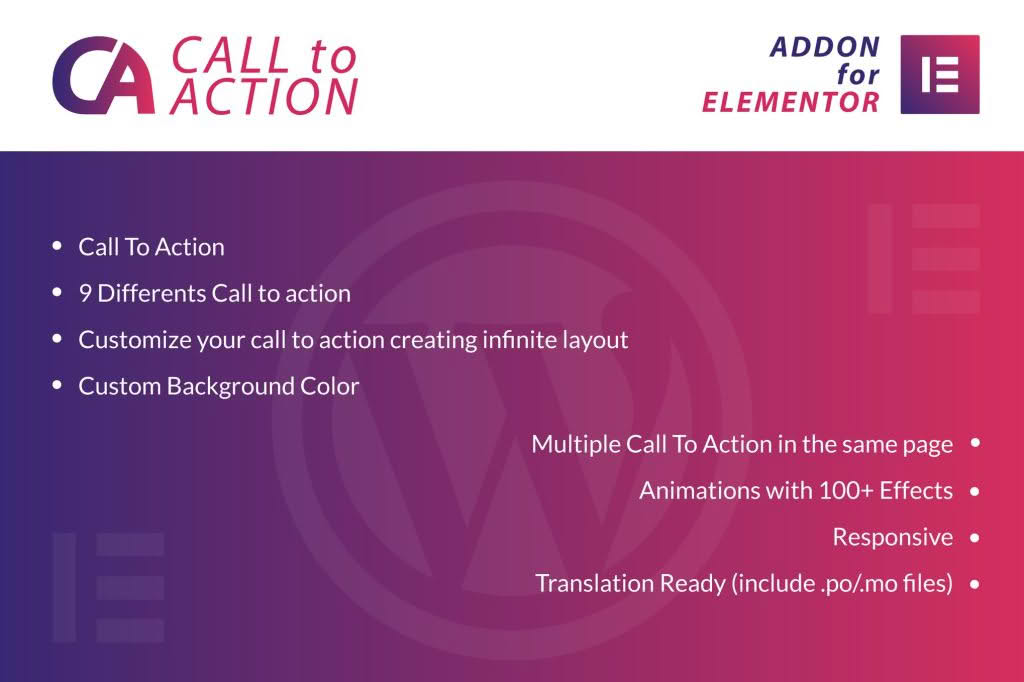
Turn your casual website visitors into loyal customers by strategically guiding them toward your most important goals. The Call To Action for Elementor WordPress plugin is designed specifically for site owners who want to boost conversions without writing a single line of code. By seamlessly integrating into the Elementor page builder, this tool allows you to create high-converting, eye-catching action blocks that demand attention and drive clicks exactly where you need them most.
Key Features
- Elementor Native Integration: Experience a frictionless workflow by dragging and dropping call-to-action elements directly into your existing Elementor designs, ensuring perfect compatibility and design consistency.
- Customizable Layouts: Choose from a variety of pre-designed templates or build your own from scratch, adjusting typography, colors, spacing, and borders to perfectly match your brand identity.
- Interactive Hover Effects: Engage users with subtle animations and hover transitions that make your buttons and banners feel responsive and professional, encouraging more clicks.
- Flexible Content Options: Easily combine icons, images, headings, and text descriptions within a single call-to-action block to provide context and value before asking for the click.
- Responsive Design Controls: Ensure your call-to-action blocks look flawless on every device, with granular control over how elements stack and scale on mobile, tablet, and desktop screens.
- Link and Button Management: Configure your buttons with custom URLs, open-in-new-tab functionality, and clear label text to ensure your visitors know exactly what happens when they interact with your content.
Use Cases / Who It’s For
This plugin is an essential asset for anyone serious about optimizing their website for performance. If you are an e-commerce store owner, you can use it to highlight “Add to Cart” prompts or seasonal sales banners that stand out from your product grids. For service-based businesses, it provides the perfect mechanism to drive traffic to your “Contact Us” or “Book an Appointment” pages, ensuring that potential clients never have to hunt for the next step.
Content creators and bloggers will find this tool invaluable for building email lists. By placing compelling call-to-action blocks within blog posts, you can offer lead magnets or newsletter sign-ups at the precise moment a reader is most engaged. Whether you are a freelance web designer looking to speed up your development process for clients or a small business owner managing your own site, this plugin removes the technical barriers to effective conversion rate optimization.
Setup / How It Works
- Install and Activate: Upload the plugin zip file to your WordPress dashboard, activate it, and ensure your Elementor page builder is up and running.
- Open Elementor Editor: Navigate to the page or post where you want to add a call to action and open it with the Elementor editor.
- Drag and Drop: Locate the new Call To Action widget in your Elementor sidebar and drag it onto your canvas.
- Configure Settings: Use the Elementor content and style tabs to customize your text, choose your icons, set your button link, and adjust the visual appearance to fit your page layout.
- Publish: Once you are satisfied with the look and feel, update or publish your page to see your new high-converting element live on your site.
Similar Plugins
If you are exploring your options within the Elementor ecosystem, you may also encounter other tools that provide similar functionality. Many users also consider the Essential Addons for Elementor, PowerPack for Elementor, or Ultimate Addons for Elementor. These suites often include a dedicated call-to-action widget among a larger collection of design elements. While those plugins offer a broader range of tools, the Call To Action for Elementor plugin remains a lightweight, focused solution for those who want to improve their conversion strategy without adding unnecessary bloat to their website.