
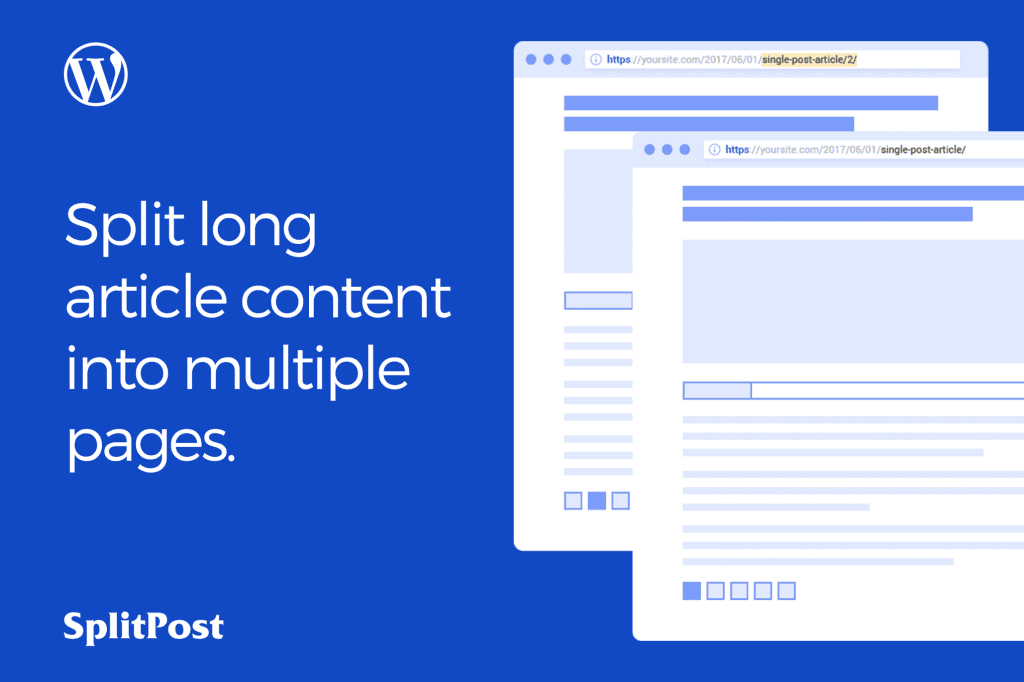
The Split Post – WordPress Post Ajax Pagination plugin is designed to transform long, content-heavy articles into manageable, engaging segments without forcing your readers to reload the entire page. By implementing seamless Ajax-powered pagination, this tool improves user experience, increases page view metrics, and keeps your audience focused on your content for longer periods. It is the ideal solution for bloggers, news sites, and content creators who want to present long-form material in a clean, professional, and high-performance format.
Key Features
- Ajax-Powered Pagination: Load subsequent pages of your content instantly via Ajax, eliminating the need for full page refreshes and providing a smooth, app-like reading experience.
- Improved User Engagement: By breaking up long posts, you naturally encourage readers to interact with your site more, which can significantly boost your total page views per session.
- SEO-Friendly Implementation: Designed with search engine optimization in mind, the plugin ensures that your paginated content remains crawlable and indexable by major search engines.
- Customizable Navigation Styles: Choose from various pagination styles‚Äîincluding numeric links, “Next/Previous” buttons, or custom labels‚Äîto match your website’s unique design and branding.
- Easy Content Splitting: Simply insert a specific tag or shortcode into your WordPress editor to define where your post should be split, giving you full control over the flow of your articles.
- Responsive Design: The pagination interface is fully responsive, ensuring that your readers have a seamless experience whether they are browsing on a desktop, tablet, or smartphone.
- Lightweight Performance: Built to be efficient, the plugin minimizes impact on your site’s loading speed, ensuring that your content remains fast and accessible for all users.
Use Cases / Who It’s For
This plugin is specifically engineered for website owners who deal with long-form content. If you run a news portal, a lifestyle blog, or an educational site, you likely have articles that span thousands of words. Without pagination, these posts can become overwhelming for readers, leading to higher bounce rates and shorter session durations.
Bloggers and digital publishers benefit significantly by using this plugin to increase their ad impressions. By splitting a long guide or a listicle into multiple pages, you create more opportunities for readers to view advertisements placed within the content. Additionally, it is an excellent tool for educational platforms that publish comprehensive tutorials, as it allows students to digest information in smaller, more focused chunks.
Setup / How It Works
Getting started with Split Post is designed to be intuitive for WordPress users of all skill levels. You do not need to be a developer to implement professional pagination on your site.
- Installation: Install and activate the plugin through your WordPress dashboard just like any other plugin.
- Configuration: Navigate to the plugin settings page to select your preferred pagination style, button labels, and any other display preferences.
- Splitting Content: Open the post or page you wish to paginate. Use the designated shortcode or the provided editor tool to insert a break point wherever you want a new page to begin.
- Preview and Publish: Save your post and view it on the front end. Your content will now automatically feature an Ajax-powered pagination bar, allowing readers to navigate through your article without refreshing the page.
Similar Plugins
If you are exploring options for managing long-form content, you may also encounter alternative solutions such as WP-PageNavi, which offers extensive pagination options for archives and posts, or the native WordPress NextPage tag functionality, which provides basic pagination without the added benefits of Ajax-driven transitions.