
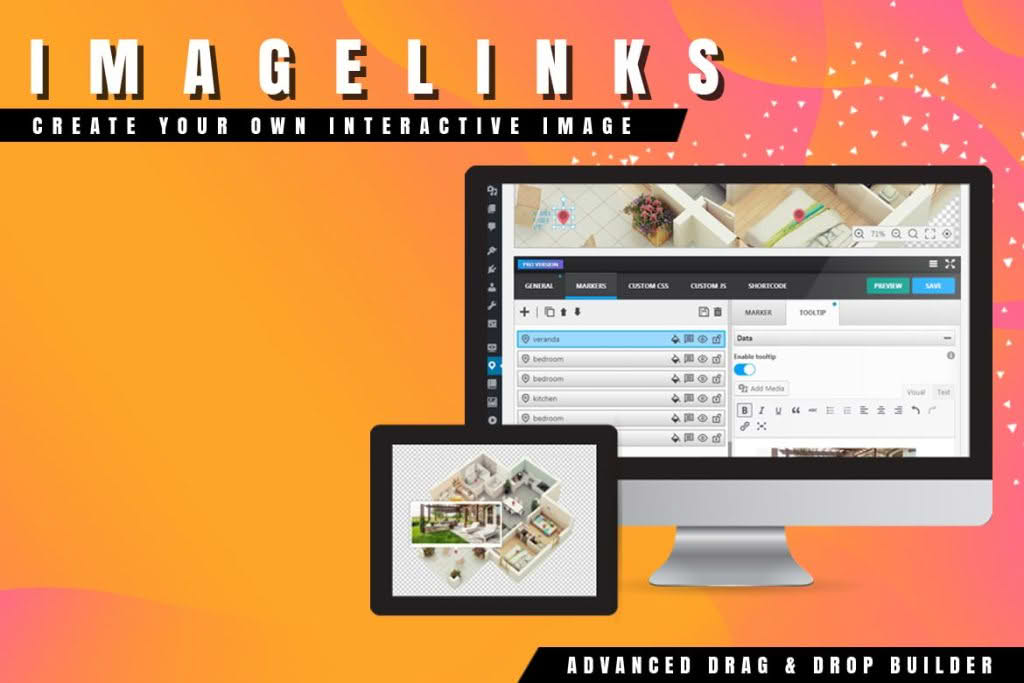
Transform your static images into powerful, engaging interactive experiences with ImageLinks for WordPress. Whether you are looking to guide your visitors through complex product features, create immersive storytelling visuals, or simply increase user engagement on your blog, this plugin allows you to add clickable hotspots, tooltips, and informational markers directly onto your images. By turning passive visuals into active navigation points, you can significantly improve user retention, reduce bounce rates, and provide a more intuitive browsing experience for your audience.
Key Features
- Interactive Hotspots: Effortlessly place customizable markers anywhere on your images to highlight specific details, products, or areas of interest.
- Rich Tooltips: Display informative content, including text, images, or links, when a user hovers over or clicks on a hotspot, keeping your main layout clean while providing deep-dive information.
- Responsive Design: Ensure your interactive images look and function perfectly across all devices, from desktop monitors to mobile phones, with built-in responsive scaling.
- Customizable Styling: Tailor the look of your markers and tooltips to match your brand identity, with options to adjust colors, icons, animations, and tooltip positioning.
- Intuitive Editor: Manage your interactive elements through a user-friendly interface that lets you drag, drop, and configure hotspots without needing to write a single line of code.
- Versatile Content Support: Enhance your tooltips with HTML content, allowing you to embed buttons, icons, or even shortcodes from other plugins directly within the interactive popups.
- Performance Optimized: Built with clean, efficient code to ensure that adding interactivity to your site does not compromise your page loading speeds or search engine performance.
Use Cases and Who It’s For
ImageLinks is an essential tool for any WordPress site owner looking to maximize the value of their visual content. E-commerce store owners can use it to create “shoppable” images, allowing customers to click on specific products within a lifestyle photo to view details or add items directly to their cart. This creates a seamless path to purchase that feels natural and helpful rather than intrusive.
Educational websites, bloggers, and technical writers find ImageLinks invaluable for creating annotated diagrams, infographics, or maps. Instead of cluttering an image with text labels that are hard to read on small screens, you can hide the details behind interactive markers. This is perfect for explaining complex machinery, architectural plans, or travel guides where users want to explore information at their own pace.
Marketing professionals and creative agencies also benefit by using the plugin to create interactive portfolios or landing pages that encourage deeper user interaction. By rewarding clicks with useful information, you build a more memorable brand experience that encourages visitors to spend more time exploring your content.
Setup and How It Works
Getting started with ImageLinks is designed to be a straightforward process that integrates smoothly into your existing WordPress workflow:
- Upload Your Image: Start by uploading the image you wish to make interactive into your WordPress media library or directly within the plugin interface.
- Add Hotspots: Use the interactive editor to click anywhere on the image where you want to place a marker. You can choose from a variety of icon styles to represent your hotspots.
- Configure Tooltips: For each hotspot, define the content that should appear. You can add titles, descriptive text, images, or links to other pages on your site.
- Style and Customize: Adjust the appearance of your markers and tooltips to ensure they align with your website’s color scheme and design language.
- Embed Anywhere: Once your interactive image is configured, the plugin provides a simple shortcode. You can paste this shortcode into any post, page, or widget area to display your interactive visual to your visitors.
Similar Plugins
If you are exploring options for interactive imagery, other plugins that offer similar hotspot or image annotation functionality include Draw Attention and Image Map Pro. While these plugins serve a similar purpose, ImageLinks focuses on providing a balance of ease-of-use and essential customization, making it an ideal choice for users who want to add interactivity without a steep learning curve.