
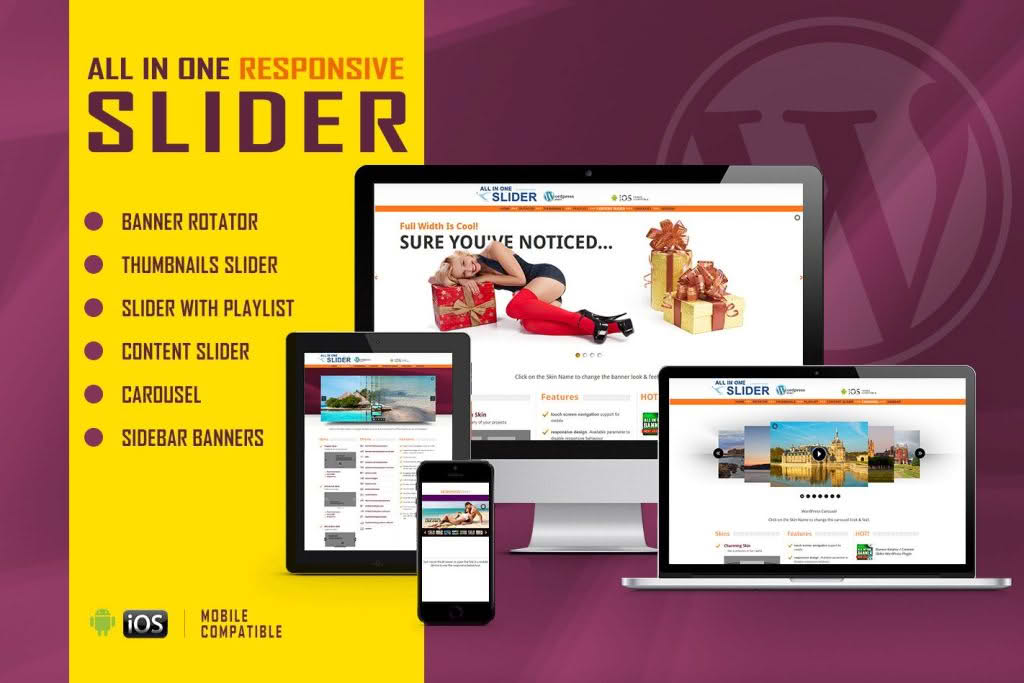
Elevate your website’s visual storytelling with the All In One Slider, a powerful and versatile WordPress plugin designed to help you create stunning, professional-grade sliders without writing a single line of code. Whether you are looking to showcase your latest products, highlight featured blog posts, or create an immersive hero section that captures visitor attention instantly, this plugin provides the tools you need to build responsive, touch-friendly, and highly customizable sliders that look perfect on any device.
Key Features
- Fully Responsive Design: Your sliders will automatically adapt to any screen size, ensuring a seamless experience for visitors on desktops, tablets, and smartphones.
- Drag-and-Drop Builder: Create complex slide layouts effortlessly using an intuitive interface that allows you to arrange images, text, and buttons exactly where you want them.
- Touch-Enabled Navigation: Enhance mobile usability with smooth swipe gestures, allowing users to browse your content naturally on touch-screen devices.
- Customizable Animations: Choose from a wide library of transition effects, including fades, slides, and zooms, to give your website a polished, dynamic feel.
- Content Flexibility: Go beyond simple images. Integrate YouTube or Vimeo videos, custom HTML content, and call-to-action buttons directly into your slides to drive engagement.
- SEO Friendly: Built with clean, optimized code to ensure your site remains fast and search-engine friendly, helping you maintain your rankings while adding rich visual content.
- Shortcode Integration: Easily embed your finished sliders anywhere on your site, including pages, posts, or widget areas, using simple, auto-generated shortcodes.
- Performance Optimized: Designed to load efficiently, the plugin ensures that your high-quality visuals do not compromise your website’s overall loading speed.
Use Cases / Who It’s For
The All In One Slider is the ideal solution for a diverse range of WordPress users who need to communicate their brand message effectively through imagery. For e-commerce store owners, it serves as a powerful tool to showcase best-selling products, seasonal promotions, or new arrivals right on the homepage, directly influencing purchasing decisions. Small business owners and service providers can use the plugin to build trust by displaying client testimonials, portfolio highlights, or core service offerings in a clean, professional format.
Content creators, bloggers, and photographers will find it indispensable for building immersive galleries that tell a story, while agencies can utilize the plugin to create high-impact hero sections for client websites that demand a premium aesthetic. Regardless of your technical skill level, this plugin removes the barrier to entry for high-end web design, allowing you to focus on your content rather than the complexities of web development.
Setup / How It Works
Getting started with the All In One Slider is designed to be a straightforward process that respects your time:
- Installation: Upload and activate the plugin through your WordPress dashboard just like any standard plugin.
- Create a Slider: Navigate to the plugin dashboard, click to create a new slider, and give it a descriptive name.
- Add Slides: Use the media library to upload your images or input video URLs. You can add multiple layers, including text overlays and buttons, to each slide.
- Configure Settings: Adjust your transition speed, autoplay settings, navigation arrows, and pagination styles to match your website’s branding.
- Publish: Copy the provided shortcode and paste it into any page, post, or text widget where you want the slider to appear.
Similar Plugins
If you are exploring the landscape of WordPress slider solutions, you may also encounter other popular options such as Slider Revolution, LayerSlider, and MetaSlider. Each of these plugins offers distinct approaches to slider creation, ranging from highly complex, animation-heavy builders to more lightweight, image-focused solutions. The All In One Slider stands out by balancing robust customization features with a user-friendly interface that prioritizes both performance and ease of use.