
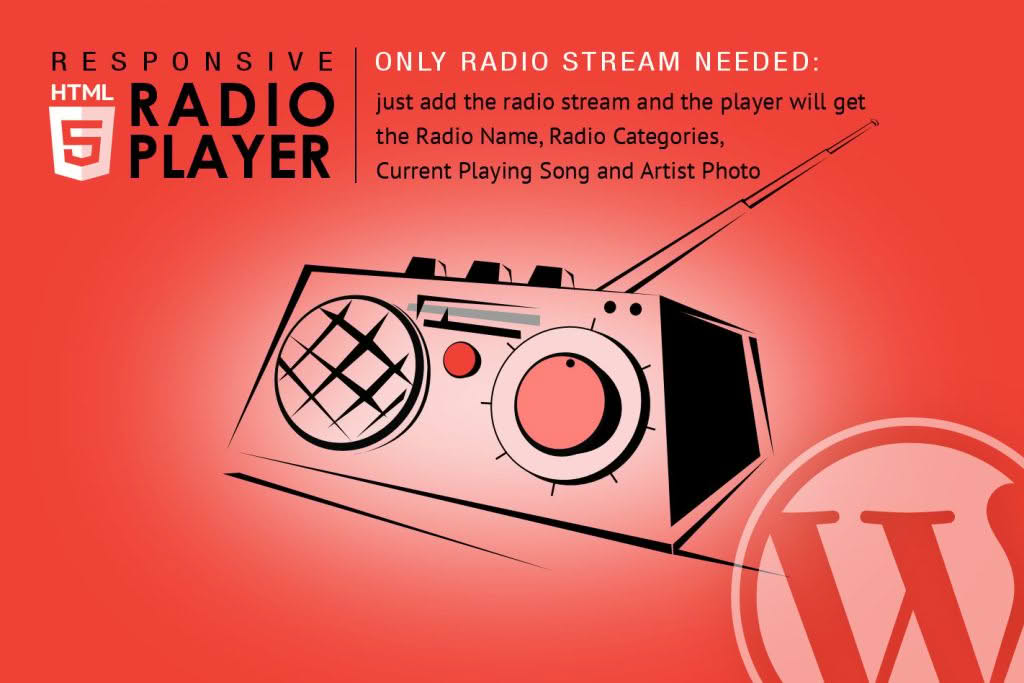
Transform your WordPress website into a professional broadcasting hub with the Radio Player Shoutcast & Icecast WordPress Plugin. Designed for webmasters, podcasters, and radio station owners, this powerful tool allows you to seamlessly integrate live audio streams directly into your site. Whether you are running a community station, a niche music channel, or a professional broadcast network, this plugin provides a sleek, reliable, and user-friendly interface that ensures your listeners never miss a beat.
Key Features
- Universal Stream Support: Easily connect to your existing Shoutcast or Icecast server using standard stream URLs. The plugin ensures high compatibility with most major streaming providers.
- Dynamic Metadata Display: Keep your audience informed by automatically displaying the current song title and artist name fetched directly from your stream metadata.
- Responsive Design: The player is fully mobile-responsive, ensuring that your radio station sounds and looks great on smartphones, tablets, and desktop computers alike.
- Customizable Interface: Tailor the look of the player to match your brand identity. You can adjust colors, player size, and button layouts to integrate perfectly with your website’s theme.
- Sticky Player Option: Keep the music playing while your visitors navigate through different pages of your site with an optional sticky player that stays anchored to the bottom or top of the browser window.
- Volume Control and Mute: Provide your listeners with intuitive playback controls, including easy-to-use volume adjustment and a quick-mute toggle.
- Easy Shortcode Integration: Embed the player anywhere on your site—including posts, pages, or sidebar widgets—using simple, lightweight shortcodes.
- Visual Play/Pause Indicators: Clear, professional iconography lets users know exactly when the stream is active or paused, providing a polished user experience.
Use Cases / Who It’s For
This plugin is the ideal solution for anyone looking to broadcast audio content live over the internet. It is perfectly suited for independent radio station owners who want to provide a professional web presence without needing complex custom development. It is also an excellent choice for music bloggers who want to host a 24/7 music stream alongside their written content, or for community organizations and churches looking to broadcast events and services to a global audience.
If you are a DJ or a content creator using Shoutcast or Icecast infrastructure, this plugin bridges the gap between your server and your WordPress audience. By keeping listeners on your website, you increase your site traffic, improve engagement, and build a stronger community around your audio content.
Setup / How It Works
- Install and Activate: Upload the plugin zip file to your WordPress dashboard via the Plugins menu and activate it.
- Configure Stream Settings: Navigate to the plugin settings page and enter your Shoutcast or Icecast server URL, port number, and mount point (if applicable).
- Customize Appearance: Use the built-in settings panel to select your preferred player colors, layout options, and behavior settings, such as enabling the sticky player.
- Embed the Player: Copy the provided shortcode and paste it into any post, page, or widget area where you want the player to appear.
- Go Live: Save your changes and visit your site to verify that the stream is playing correctly and that metadata is updating in real-time.
Similar Plugins
While there are several solutions for audio streaming in the WordPress ecosystem, alternative options include the Radio Player for WordPress, StreamCast, and LunaStream. Each of these plugins offers varying degrees of support for Shoutcast and Icecast, though feature sets and customization options differ. We recommend evaluating your specific requirements regarding metadata support and player design to determine which solution best fits your broadcasting workflow.