
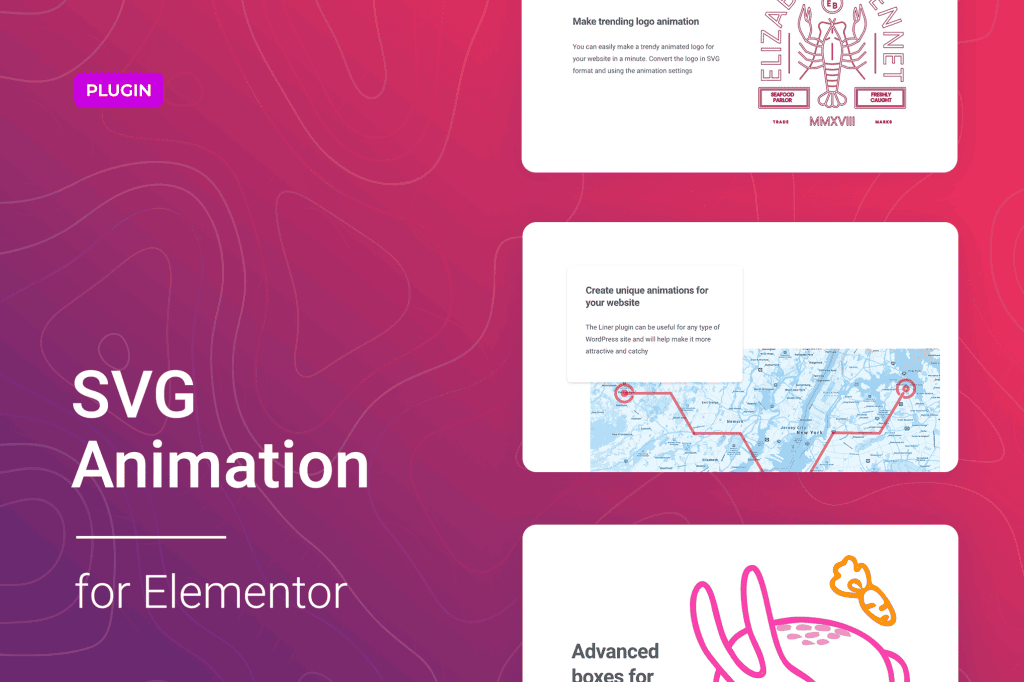
Bring your website to life and captivate your visitors with smooth, professional motion graphics using SVG Animation for Elementor. This powerful plugin seamlessly integrates with your favorite page builder, allowing you to transform static SVG icons, logos, and illustrations into engaging animations without writing a single line of code. Designed for designers, developers, and business owners who want to elevate their brand presence, this tool ensures your site feels modern, dynamic, and high-end.
Key Features
- Seamless Elementor Integration: Designed specifically for the Elementor ecosystem, adding animation controls directly into your widget settings for a familiar and intuitive workflow.
- Advanced Animation Triggers: Choose how your animations start. Options typically include triggering on page load, upon scrolling into view, or on hover, ensuring the motion happens exactly when you want it to.
- Customizable Animation Parameters: Take full control over the look and feel by adjusting animation duration, delay, easing functions, and iteration counts to match your brand’s personality.
- Lightweight Performance: Built with performance in mind, the plugin ensures that your animations remain smooth and responsive without significantly impacting your website’s load times.
- Support for Complex SVGs: Whether you are animating simple icons or intricate, multi-layered illustrations, the plugin handles complex SVG paths to ensure high-fidelity rendering.
- Responsive Controls: Fine-tune how your animations behave across different devices, ensuring a consistent and polished experience for mobile, tablet, and desktop users.
Use Cases / Who It’s For
SVG Animation for Elementor is the perfect solution for anyone looking to differentiate their website from the competition. If you are a web designer creating high-converting landing pages, you can use subtle animations to guide the user’s eye toward call-to-action buttons or important service highlights. For brand managers, this plugin is an essential tool for animating company logos, creating memorable brand touchpoints that stick in the minds of visitors.
Developers who want to add a premium feel to their client projects without the overhead of heavy video files or complex JavaScript libraries will find this plugin indispensable. It is equally beneficial for small business owners managing their own sites who want to add a professional, interactive flair to their homepage or portfolio without needing to hire a developer or learn complex animation software.
Setup / How It Works
- Install and Activate: Upload the plugin to your WordPress dashboard via the Plugins menu and activate it as you would any other standard plugin.
- Add Your SVG: Open your page or template in the Elementor editor and drag the SVG widget (or your preferred image widget) onto the canvas. Upload or select your SVG file from the media library.
- Configure Animation Settings: Navigate to the new animation tab or section added to the widget settings panel by the plugin.
- Define Motion: Select your desired animation type, set your triggers (such as “on scroll” or “on hover”), and adjust the timing and easing settings to achieve the desired effect.
- Preview and Publish: Use the Elementor preview mode to see your animation in action, make any final adjustments, and update your page to bring the motion to your live site.
Similar Plugins
While SVG Animation for Elementor provides a dedicated solution for the Elementor ecosystem, other options exist for adding motion to WordPress sites. Plugins like Essential Addons for Elementor and Premium Addons for Elementor often include SVG animation capabilities as part of larger suites of widgets. Additionally, general-purpose animation plugins such as Animate It! offer broad animation support for various elements, though they may not offer the same level of deep, native integration specifically for SVG paths within the Elementor builder interface.