
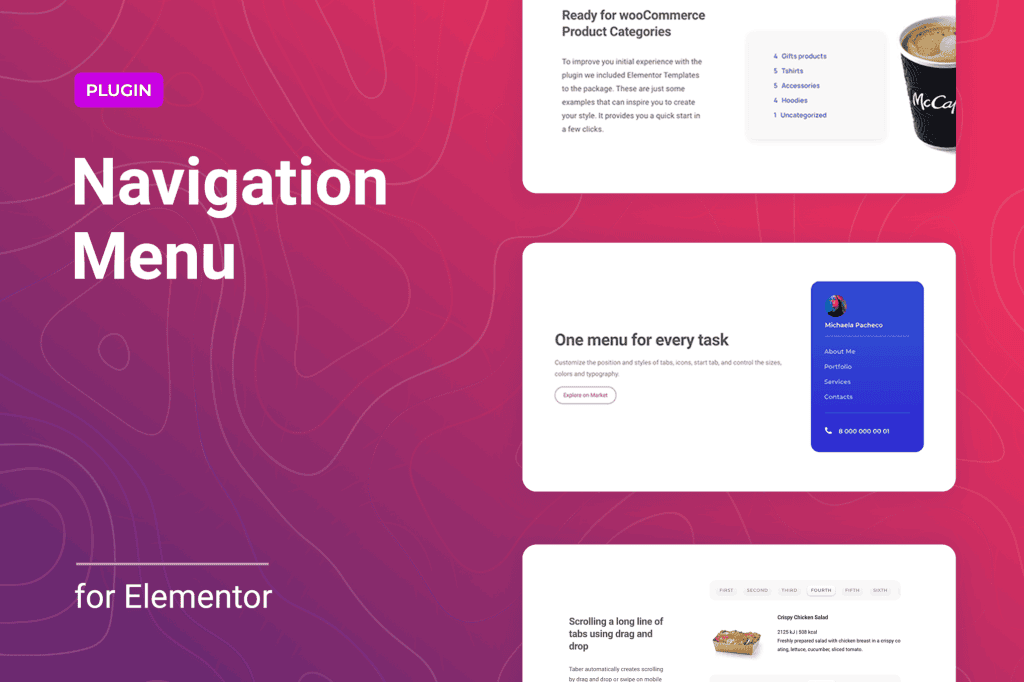
Take full control of your website’s navigation without being limited by your theme‚Äôs default menu settings. Navigation Menu for Elementor is a powerful extension designed to bridge the gap between standard WordPress menus and the flexible design environment of Elementor. Whether you are a professional web designer building high-end client sites or a business owner looking to create a unique, intuitive user experience, this plugin provides the tools to build custom, responsive, and visually stunning navigation systems directly within the Elementor editor.
Key Features
- Full Elementor Integration: Drag and drop your navigation elements directly onto your pages, headers, or footers using a dedicated Elementor widget.
- Advanced Styling Controls: Customize typography, colors, spacing, hover effects, and active states for every menu item, ensuring your navigation perfectly matches your brand identity.
- Responsive Design Capabilities: Build mobile-friendly menus with ease. Configure different layouts for desktop, tablet, and mobile devices to ensure a seamless experience on any screen size.
- Customizable Dropdown Menus: Create sophisticated multi-level dropdowns with control over animation, width, and alignment, making it easier for users to find content on complex websites.
- Icon Support: Enhance your menu items by adding custom icons, helping users visually identify navigation sections quickly.
- Sticky and Transparent Options: Easily implement sticky navigation bars that follow the user as they scroll, or create transparent menus that blend beautifully with hero images and video backgrounds.
- No Coding Required: Achieve professional-grade navigation designs through an intuitive interface, eliminating the need to write custom CSS or PHP code.
Use Cases and Who It’s For
Navigation Menu for Elementor is built for anyone who uses Elementor to construct their website and finds the native WordPress menu options too restrictive. If you are a web designer, this plugin is an essential addition to your toolkit, allowing you to deliver bespoke header designs that set your projects apart from generic, template-based websites. It is perfect for agencies that need to maintain consistent branding across large-scale sites with complex information architecture.
For business owners and content creators, this plugin simplifies the process of updating your site’s structure. You no longer need to rely on your theme’s specific menu limitations or hire a developer to make simple layout changes. Whether you are building a high-conversion landing page, a complex e-commerce store, or a professional portfolio, having the ability to design your own navigation ensures that your site is not only beautiful but also highly functional and user-friendly.
Setup and How It Works
Getting started with the plugin is designed to be a straightforward process that fits seamlessly into your existing Elementor workflow:
- Installation: Install and activate the plugin through your WordPress dashboard just like any other standard plugin.
- Create Your Menu: Ensure your menu structure is already defined within the standard WordPress Appearance > Menus section.
- Elementor Integration: Open any page or template (like your Header template) in the Elementor editor.
- Drag and Drop: Locate the Navigation Menu widget in the Elementor sidebar and drag it into your desired section.
- Configure and Style: Select your menu from the dropdown settings within the widget and use the Style and Advanced tabs to customize the appearance, responsiveness, and behavior to suit your design requirements.
Similar Plugins
If you are exploring options for enhancing your site’s navigation within the Elementor ecosystem, you may also encounter other solutions such as NavMenu Addon for Elementor, ElementsKit, or JetMenu. Each of these tools offers varying levels of complexity and feature sets, ranging from simple menu styling to advanced mega-menu builders, allowing you to choose the solution that best fits your specific project requirements.