
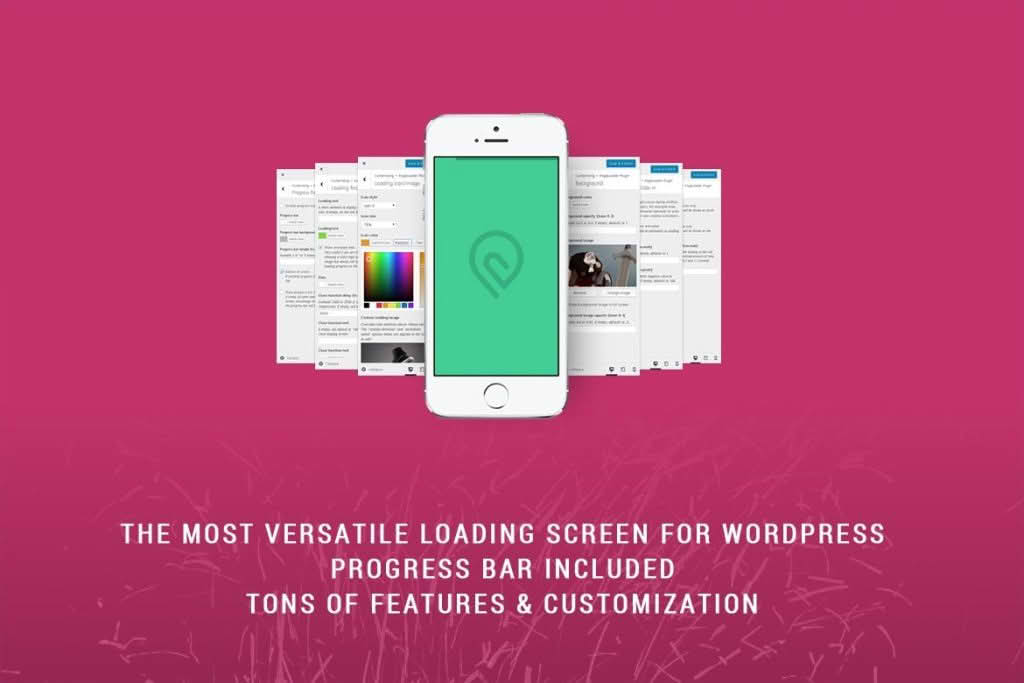
PageLoader: Loading Screen and Progress Bar is the essential tool for website owners who want to transform the waiting time during page transitions into an engaging, professional brand experience. In an era where user attention spans are shorter than ever, a blank white screen while your site assets load can lead to increased bounce rates. This plugin solves that problem by providing a smooth, visually appealing transition that keeps visitors informed and entertained, ensuring your site feels polished, fast, and high-quality from the very first click.
Key Features
- Customizable Loading Screens: Choose from a variety of pre-designed loading animations or upload your own custom image or GIF to perfectly align with your brand identity.
- Dynamic Progress Bar: Keep users informed about the loading status with a sleek, customizable progress bar that tracks the site’s loading progress in real-time.
- Advanced Display Control: Easily configure where the loading screen appears. You can choose to show it on every page load, only on the initial visit, or exclude specific pages to ensure a seamless browsing experience.
- Loading Time Optimization: The plugin is built to be lightweight, ensuring that the loader itself does not negatively impact your site’s overall performance or core web vitals.
- Mobile Responsiveness: Your loading screens are automatically optimized for mobile devices, ensuring that tablet and smartphone users enjoy the same smooth transition as desktop visitors.
- Color and Styling Options: Take full control over the look and feel of your loader with intuitive settings for background colors, animation speed, and progress bar thickness.
- Fade-Out Effects: Choose from various transition effects to ensure the loading screen disappears smoothly once the page content is fully ready, preventing jarring jumps.
Use Cases and Who It’s For
PageLoader is designed for anyone who cares about the first impression their website makes. If you are a creative agency or portfolio owner, a loading screen acts as a digital curtain, building anticipation for your work. For e-commerce store owners, it provides a professional buffer during heavy page loads, preventing the perception of a “broken” or slow site, which is critical for maintaining customer trust and reducing cart abandonment.
This plugin is also ideal for content-heavy blogs and news sites that utilize high-resolution imagery or complex layout elements. By masking the initial rendering phase, you provide a more cohesive experience for your readers. Whether you are a web designer looking to add that “premium” feel to client projects or a business owner wanting to reduce bounce rates, PageLoader bridges the gap between clicking a link and interacting with your content.
Setup and How It Works
Getting started with PageLoader is designed to be straightforward, requiring no coding knowledge or complex configuration.
- Installation: Simply install and activate the plugin through your WordPress dashboard just as you would with any standard plugin.
- Configuration: Navigate to the PageLoader settings page, where you will find a user-friendly interface to customize your loading screen.
- Customization: Select your preferred animation style, upload your branding assets, and adjust the colors and timing to match your website’s theme.
- Display Settings: Use the intuitive checkboxes to define which pages or post types should trigger the loading screen.
- Save and Preview: Once you save your settings, the plugin automatically handles the injection of the loading screen code, providing an instant upgrade to your site’s user experience.
Similar Plugins
While PageLoader provides a comprehensive set of features for managing site transitions, other options exist in the WordPress ecosystem for users with different requirements. Alternatives such as Preloader Plus, LoftLoader, and WP Smart Preloader also offer various degrees of animation control and loading screen functionality. We recommend exploring these options to ensure you select the tool that best fits your specific design workflow and technical requirements.