
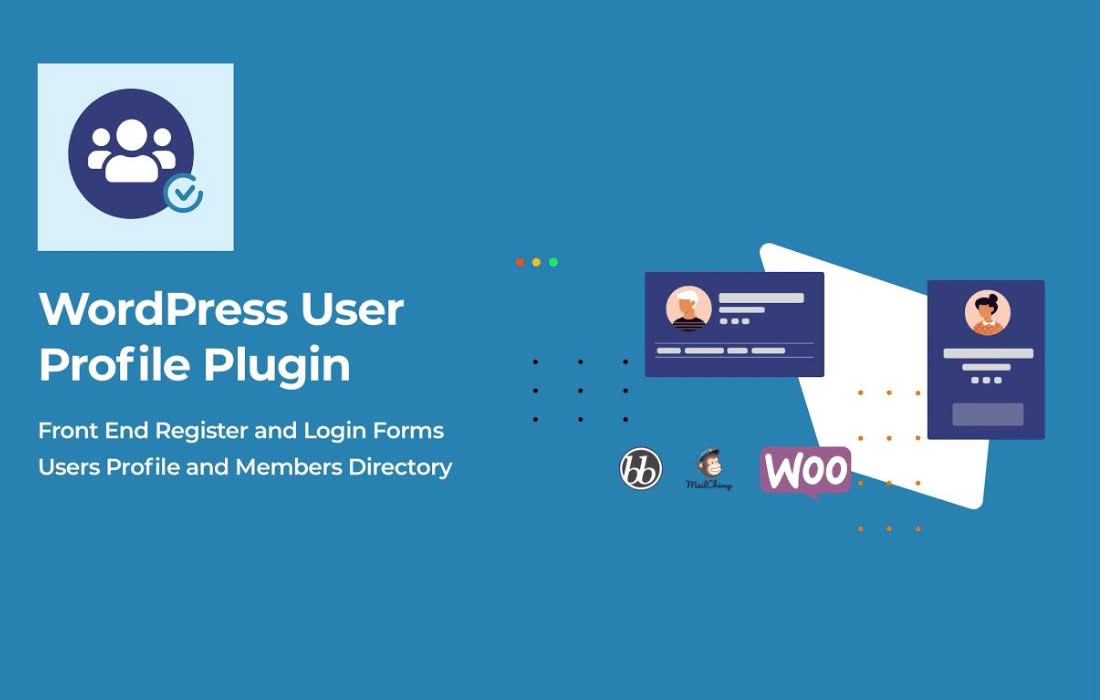
The UsersWP Dashboard plugin is an essential extension designed to transform the standard, often clunky WordPress user profile experience into a sleek, professional, and user-friendly interface. By providing your members with a dedicated, front-end dashboard, you eliminate the need for them to ever interact with the WordPress admin area. This plugin is perfect for site owners who want to offer a polished, branded experience that keeps users engaged, organized, and in control of their own data without compromising site security.
Key Features
- Dedicated Front-End Dashboard: Provide your users with a clean, intuitive interface where they can view and manage their account details, profile information, and activity without ever seeing the WordPress backend.
- Customizable Profile Management: Allow users to easily update their personal information, change passwords, and manage account settings directly from the front-end.
- Seamless Integration: Designed to work harmoniously with the core UsersWP plugin, ensuring that all user data, custom fields, and profile settings are synchronized perfectly.
- Enhanced User Experience: By removing the clutter of the WordPress admin sidebar, you create a professional “app-like” feel that increases user satisfaction and reduces support tickets related to navigating the site.
- Responsive Design: The dashboard is built to be fully responsive, ensuring that your users have a consistent and functional experience whether they are accessing their account from a desktop, tablet, or mobile device.
- Security-Focused: Keep your site secure by restricting user access to the WordPress admin dashboard, ensuring that members only have access to the specific profile management tools you authorize.
Use Cases and Who It’s For
UsersWP Dashboard is an ideal solution for any website that relies on user-generated content, membership tiers, or community engagement. If you are running a directory site, a social network, or a membership-based platform, this plugin is a vital tool for professionalizing your user journey.
For site owners, this plugin is a time-saver. Instead of dealing with users who are confused by the complexities of the default WordPress dashboard, you provide them with a simplified, branded portal. It is particularly effective for community managers who want to encourage frequent profile updates and engagement. By making it easy for users to manage their own information, you ensure your database remains accurate and up-to-date with minimal administrative effort on your part.
Setup and How It Works
Getting started with the UsersWP Dashboard is designed to be straightforward, allowing you to deploy a professional user portal in minutes:
- Installation: Install and activate the UsersWP Dashboard plugin alongside the core UsersWP plugin on your WordPress site.
- Configuration: Navigate to the plugin settings to choose which profile sections you want to display in the front-end dashboard.
- Shortcode Placement: Use the provided shortcode to place the dashboard on any page of your choosing. This allows you to integrate the dashboard seamlessly into your site’s existing theme and layout.
- User Access: Once configured, your users will automatically be directed to the front-end dashboard when they access their profile, providing them with a streamlined experience immediately.
Similar Plugins
If you are exploring options for front-end user management, other plugins that offer similar functionality for WordPress include Ultimate Member and Profile Builder. These plugins also focus on providing front-end profile management and user registration forms, allowing site owners to hide the WordPress backend from their members.