
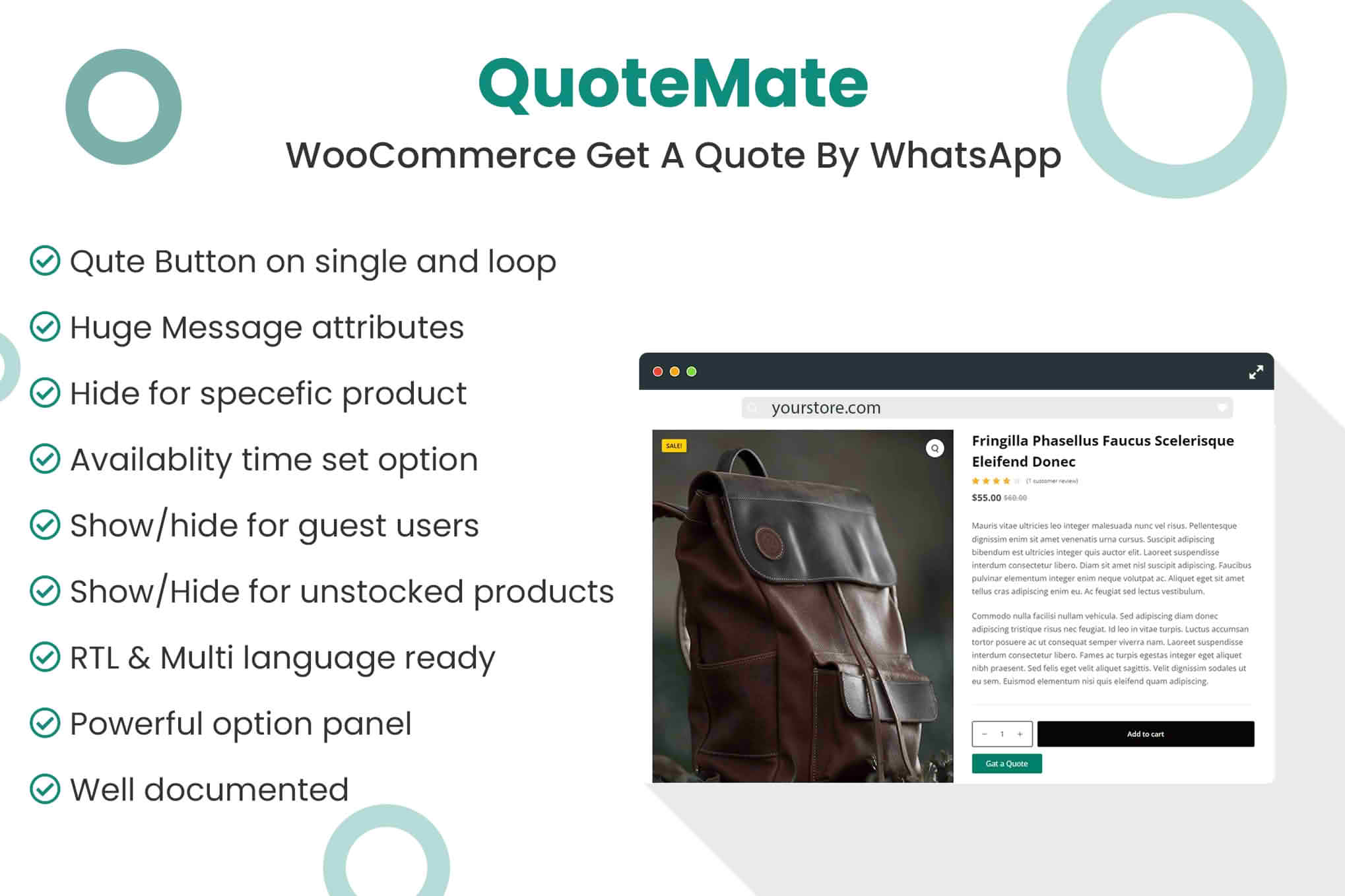
Transform your WooCommerce store into a conversational sales machine with QuoteMate. This powerful plugin bridges the gap between your online products and your customers’ preferred communication channel: WhatsApp. By replacing or supplementing the standard “Add to Cart” button with a direct “Get a Quote” option, you remove friction from the buying process, allowing high-intent customers to initiate personalized negotiations, ask specific product questions, or request bulk pricing directly from their mobile devices.
Key Features
- Customizable WhatsApp Buttons: Easily replace the default WooCommerce “Add to Cart” button or add a secondary “Get a Quote” button on specific product pages, shop pages, or category archives.
- Dynamic Pre-filled Messages: Configure automated message templates that include product details, such as the product name, SKU, and a direct link to the item, ensuring you know exactly what the customer is interested in the moment they message you.
- Flexible Display Rules: Control exactly where your quote buttons appear. You can enable them for all products, specific categories, or even individual items, giving you total control over your sales workflow.
- Mobile-First Design: Built with the modern shopper in mind, the plugin detects mobile devices to open the WhatsApp app directly, while offering a seamless web-based experience for desktop users.
- Support for Variable Products: Ensure accurate communication by allowing customers to send their specific variations—such as size, color, or material—directly within the WhatsApp message.
- Global Configuration: Set your default business phone number and customize the button appearance to match your store’s branding without needing to touch a single line of code.
Use Cases / Who It’s For
QuoteMate is an essential tool for store owners who deal with products that aren’t “one-size-fits-all.” If you sell items that require consultation, customization, or bulk negotiation, this plugin is designed for you.
B2B wholesalers and manufacturers often use QuoteMate to handle bulk inquiries, allowing them to provide custom pricing based on order volume rather than relying on a static price list. Similarly, boutique retailers selling bespoke, handmade, or high-ticket luxury items find that a direct WhatsApp conversation builds the trust necessary to close larger sales. By moving the conversation to WhatsApp, you are not just capturing a lead; you are starting a relationship, which is significantly more effective at converting hesitant shoppers than a standard checkout form.
Setup / How It Works
- Install and Activate: Upload the plugin zip file to your WordPress dashboard via the Plugins menu and activate it.
- Configure Business Details: Navigate to the QuoteMate settings page and enter your business WhatsApp phone number, including the country code.
- Customize Your Message: Use the provided template tags to construct the message that will be sent to your WhatsApp. You can include placeholders for product titles, prices, and URLs.
- Set Button Visibility: Choose which products or categories should display the “Get a Quote” button. You can also customize the button text and color to align with your theme.
- Save and Go Live: Once saved, your customers will immediately see the new option on your product pages, allowing them to reach out to you with a single click.
Similar Plugins
If you are exploring the landscape of WhatsApp integration for WooCommerce, you may also encounter alternatives such as “Joinchat” or “Click to Chat.” While these plugins also facilitate communication, QuoteMate is specifically optimized for the “Get a Quote” workflow, focusing on product-specific inquiries and sales conversion rather than general customer support.